







Question: In this assignment, you will create a Flutter app that displays a ball bouncing within a container. When the app starts, the ball should
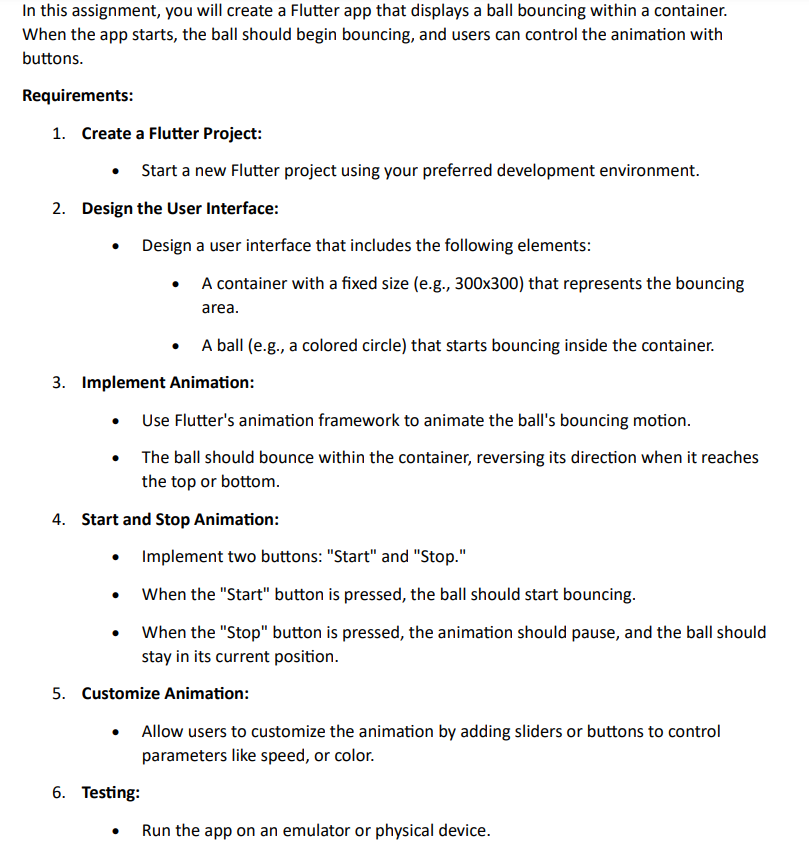
In this assignment, you will create a Flutter app that displays a ball bouncing within a container. When the app starts, the ball should begin bouncing, and users can control the animation with buttons. Requirements: 1. Create a Flutter Project: Start a new Flutter project using your preferred development environment. 2. Design the User Interface: Design a user interface that includes the following elements: A container with a fixed size (e.g., 300x300) that represents the bouncing area. 3. Implement Animation: A ball (e.g., a colored circle) that starts bouncing inside the container. Use Flutter's animation framework to animate the ball's bouncing motion. The ball should bounce within the container, reversing its direction when it reaches the top or bottom. 4. Start and Stop Animation: Implement two buttons: "Start" and "Stop." When the "Start" button is pressed, the ball should start bouncing. When the "Stop" button is pressed, the animation should pause, and the ball should stay in its current position. 5. Customize Animation: 6. Testing: Allow users to customize the animation by adding sliders or buttons to control parameters like speed, or color. Run the app on an emulator or physical device.
Step by Step Solution
3.42 Rating (152 Votes )
There are 3 Steps involved in it

Get step-by-step solutions from verified subject matter experts
 Study Help