







Question: In this assignment, you will create a Java program to create undergraduate and graduate students. 1. The program will keep asking the user if more
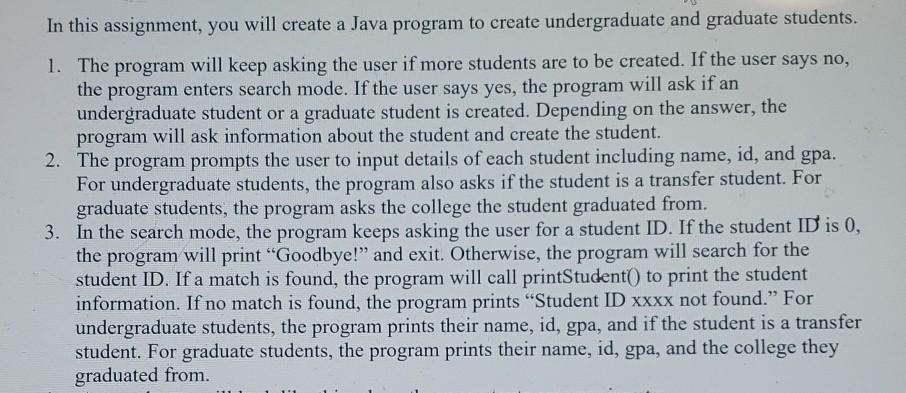
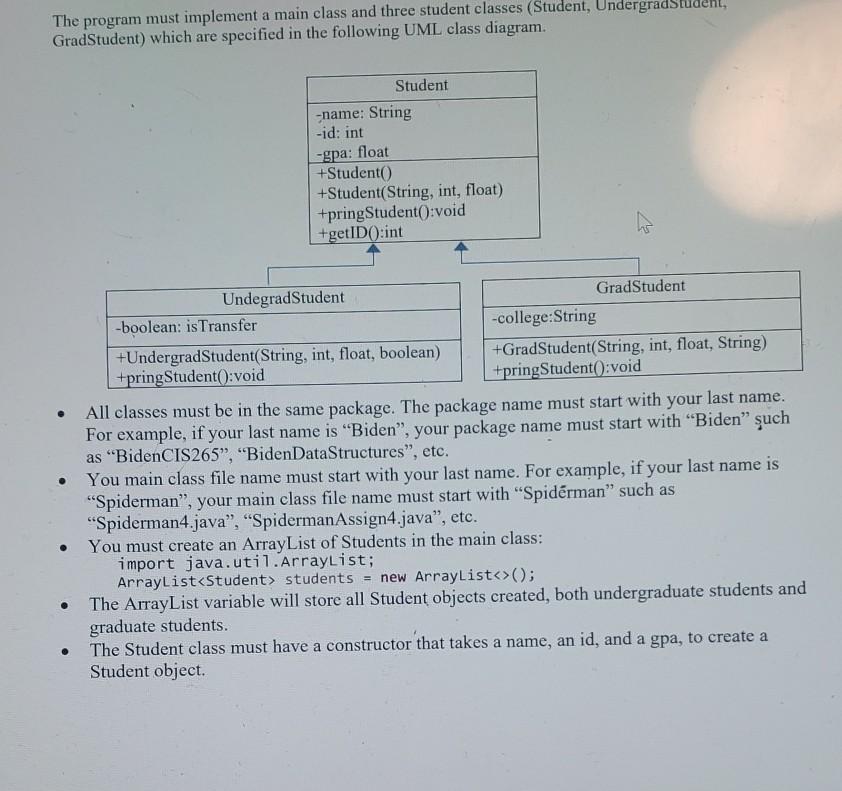
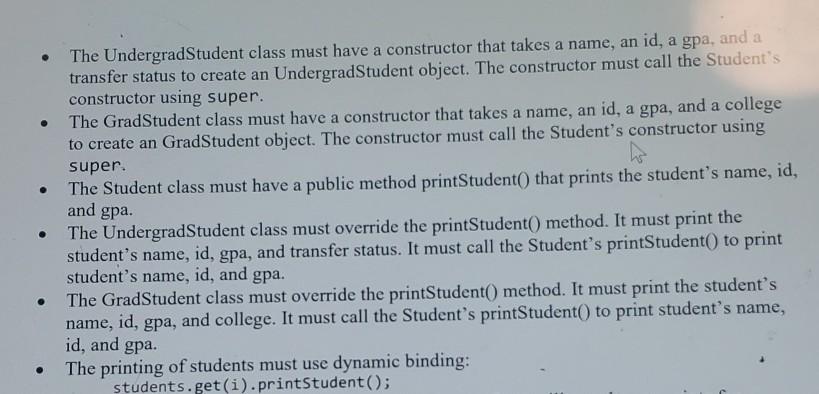
In this assignment, you will create a Java program to create undergraduate and graduate students. 1. The program will keep asking the user if more students are to be created. If the user says no, the program enters search mode. If the user says yes, the program will ask if an undergraduate student or a graduate student is created. Depending on the answer, the program will ask information about the student and create the student. 2. The program prompts the user to input details of each student including name, id, and gpa. For undergraduate students, the program also asks if the student is a transfer student. For graduate students, the program asks the college the student graduated from. 3. In the search mode, the program keeps asking the user for a student ID. If the student ID is 0, the program will print "Goodbye!" and exit. Otherwise, the program will search for the student ID. If a match is found, the program will call printStudent to print the student information. If no match is found, the program prints "Student ID xxxx not found." For undergraduate students, the program prints their name, id, gpa, and if the student is a transfer student. For graduate students, the program prints their name, id, gpa, and the college they graduated from The program must implement a main class and three student classes (Student, UndergradStudent, GradStudent) which are specified in the following UML class diagram. Student -name: String -id: int -gpa: float +Student +Student(String, int, float) +pring Student():void +getID():int ? W Undegrad Student GradStudent -boolean: is Transfer -college:String +UndergradStudent(String, int, float, boolean) +GradStudent(String, int, float, String) +pring Student():void +pring Student():void All classes must be in the same package. The package name must start with your last name. For example, if your last name is "Biden", your package name must start with Biden uch as "Biden CIS265", "BidenData Structures", etc. You main class file name must start with your last name. For example, if your last name is Spiderman", your main class file name must start with "Spiderman" such as "Spiderman4.java", "SpidermanAssign4.java", etc. You must create an ArrayList of Students in the main class: import java.util.ArrayList; ArrayList
Step by Step Solution
There are 3 Steps involved in it

Get step-by-step solutions from verified subject matter experts
 Study Help