







Question: In this assignment you will create a web page about your favorite sports to play or teams to watch. If you don't watch or play
elements, and a different family for all
elements d. Set a width of 200-300px for all
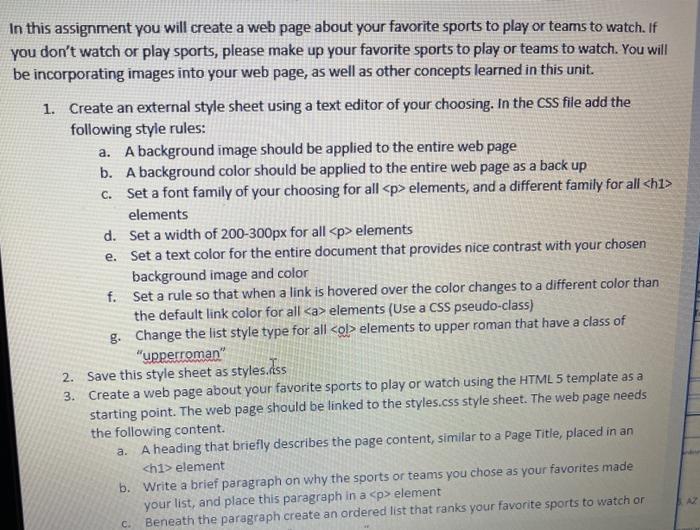
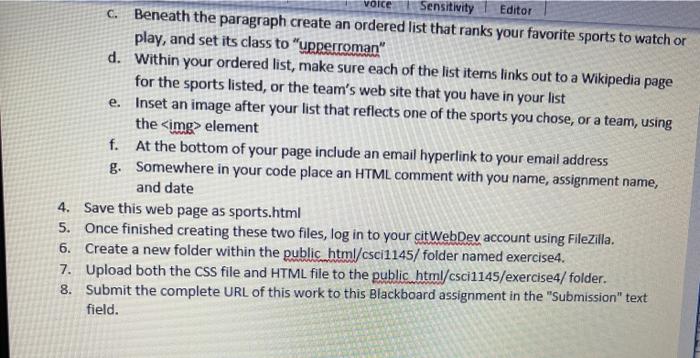
elements e. Set a text color for the entire document that provides nice contrast with your chosen background image and color f. Set a rule so that when a link is hovered over the color changes to a different color than the default link color for all elements (Use a CSS pseudo-class) g. Change the list style type for all element Beneath the paragraph create an ordered list that ranks your favorite sports to watch on 3. C. voice e. Sensitivity Editor c. Beneath the paragraph create an ordered list that ranks your favorite sports to watch or play, and set its class to "upperroman" d. Within your ordered list, make sure each of the list items links out to a Wikipedia page for the sports listed, or the team's web site that you have in your list Inset an image after your list that reflects one of the sports you chose, or a team, using the element f. At the bottom of your page include an email hyperlink to your email address g. Somewhere in your code place an HTML comment with you name, assignment name, and date 4. Save this web page as sports.html 5. Once finished creating these two files, log in to your citWebDev account using FileZilla. 6. Create a new folder within the public html/cscil145/folder named exercise4. 7. Upload both the css file and HTML file to the public html/csci1145/exercise4/ folder. 8. Submit the complete URL of this work to this Blackboard assignment in the "Submission" text field elements to upper roman that have a class of "upperroman" 2. Save this style sheet as styles.diss Create a web page about your favorite sports to play or watch using the HTML 5 template as a starting point. The web page should be linked to the styles.css style sheet. The web page needs the following content. a. A heading that briefly describes the page content, similar to a Page Title, placed in an
element b. Write a brief paragraph on why the sports or teams you chose as your favorites made your list, and place this paragraph in a
Step by Step Solution
There are 3 Steps involved in it

Get step-by-step solutions from verified subject matter experts
 Study Help