





Question: In this assignment, you will model business processes using the Bizagi modeling tool. You will use the Bizagi Modeler to model two business processes. To
In this assignment, you will model business
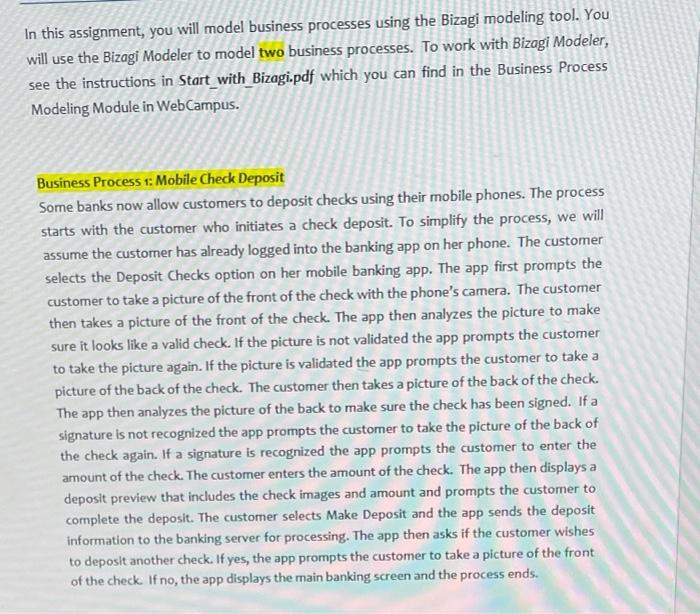
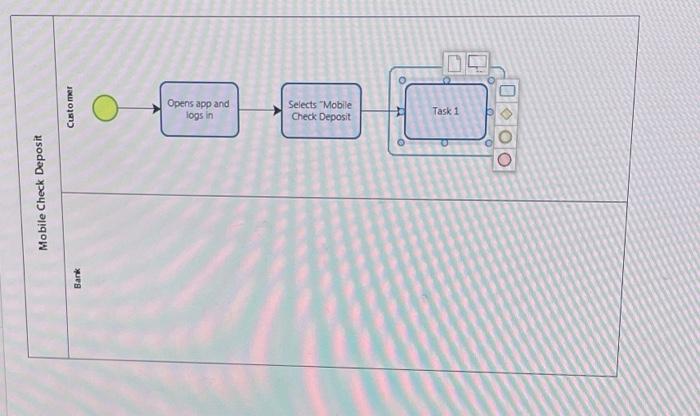
In this assignment, you will model business processes using the Bizagi modeling tool. You will use the Bizagi Modeler to model two business processes. To work with Bizagi Modeler, see the instructions in Start_with_Bizagi.pdf which you can find in the Business Process Modeling Module in WebCampus. Business Process 1: Mobile Check Deposit Some banks now allow customers to deposit checks using their mobile phones. The process starts with the customer who initiates a check deposit. To simplify the process, we will assume the customer has already logged into the banking app on her phone. The customer selects the Deposit Checks option on her mobile banking app. The app first prompts the customer to take a picture of the front of the check with the phone's camera. The customer then takes a picture of the front of the check. The app then analyzes the picture to make sure it looks like a valid check. If the picture is not validated the app prompts the customer to take the picture again. If the picture is validated the app prompts the customer to take a picture of the back of the check. The customer then takes a picture of the back of the check. The app then analyzes the picture of the back to make sure the check has been signed. If a signature is not recognized the app prompts the customer to take the picture of the back of the check again. If a signature is recognized the app prompts the customer to enter the amount of the check. The customer enters the amount of the check. The app then displays a deposit preview that includes the check images and amount and prompts the customer to complete the deposit. The customer selects Make Deposit and the app sends the deposit Information to the banking server for processing. The app then asks if the customer wishes to deposit another check. If yes, the app prompts the customer to take a picture of the front of the check. If no, the app displays the main banking screen and the process ends. Customer Opens app and logs in Selects "Mobile Check Deposit Task 1 Mobile Check Deposit Bank

Step by Step Solution

There are 3 Steps involved in it

1 Expert Approved Answer
Step: 1 Unlock blur-text-image

Question Has Been Solved by an Expert!

Get step-by-step solutions from verified subject matter experts

Step: 2 Unlock
Step: 3 Unlock

Students Have Also Explored These Related General Management Questions!