



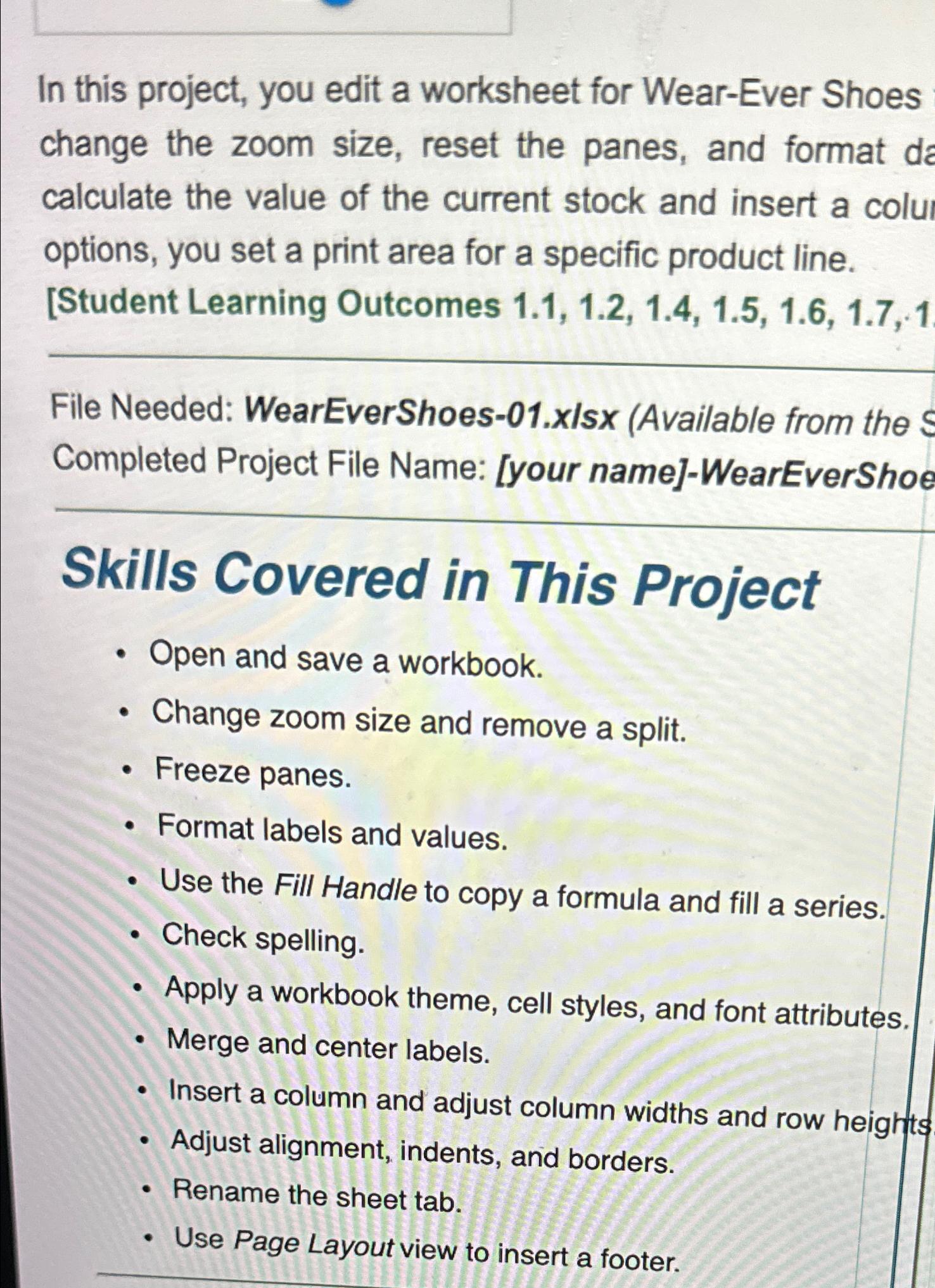
Question: In this project, you edit a worksheet for Wear - Ever Shoes change the zoom size, reset the panes, and format da calculate the value
In this project, you edit a worksheet for WearEver Shoes change the zoom size, reset the panes, and format da calculate the value of the current stock and insert a colu options, you set a print area for a specific product line. Student Learning Outcomes
File Needed: WearEverShoesxIsx Available from the Completed Project File Name: your nameWearEverShoe
Skills Covered in This Project
Open and save a workbook.
Change zoom size and remove a split.
Freeze panes.
Format labels and values.
Use the Fill Handle to copy a formula and fill a series.
Check spelling.
Apply a workbook theme, cell styles, and font attributes.
Merge and center labels.
Insert a column and adjust column widths and row heights
Adjust alignment, indents, and borders.
Rename the sheet tab.
Use Page Layout view to insert a footer.
Step by Step Solution
There are 3 Steps involved in it
1 Expert Approved Answer
Step: 1 Unlock

Question Has Been Solved by an Expert!
Get step-by-step solutions from verified subject matter experts
Step: 2 Unlock
Step: 3 Unlock