







Question: In this section, we will observe how the DNS protocol operates. We will do this by using the Mininet VM. Begin by opening Wireshark and

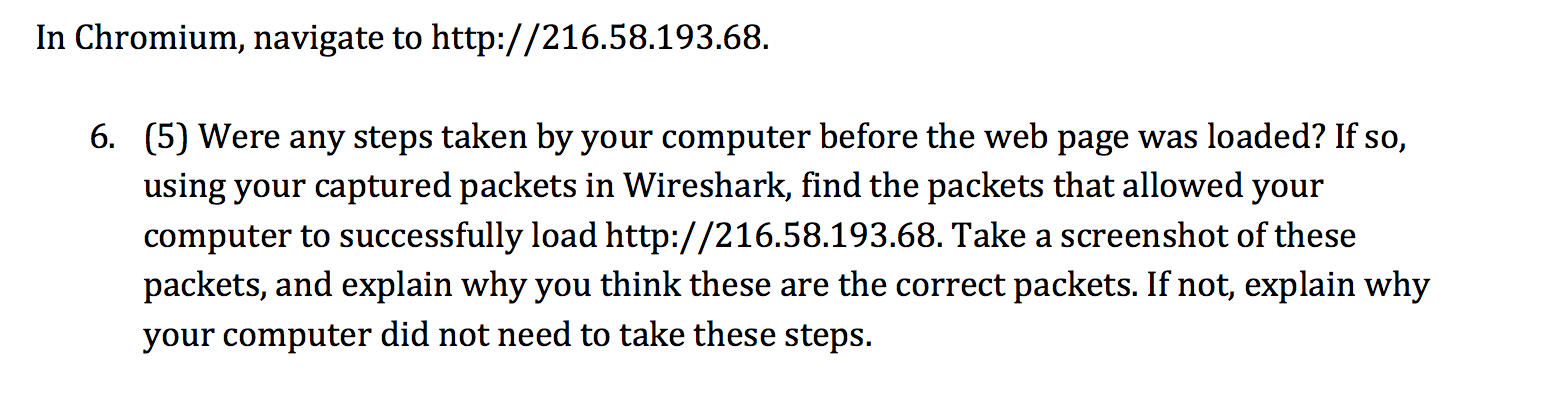
In this section, we will observe how the DNS protocol operates. We will do this by using the Mininet VM. Begin by opening Wireshark and listening on the 'any' interface. In Chromium, navigate to http://216.58.193.68. 6. (5) Were any steps taken by your computer before the web page was loaded? If so, using your captured packets in Wireshark, find the packets that allowed your computer to successfully load http://216.58.193.68. Take a screenshot of these packets, and explain why you think these are the correct packets. If not, explain why your computer did not need to take these steps
Step by Step Solution
There are 3 Steps involved in it
1 Expert Approved Answer
Step: 1 Unlock

Question Has Been Solved by an Expert!
Get step-by-step solutions from verified subject matter experts
Step: 2 Unlock
Step: 3 Unlock
 Study Help