



Question: In Unix/Linux, input and output are treated as files and referenced by the operating system using file descriptors. When you open a shell session, for
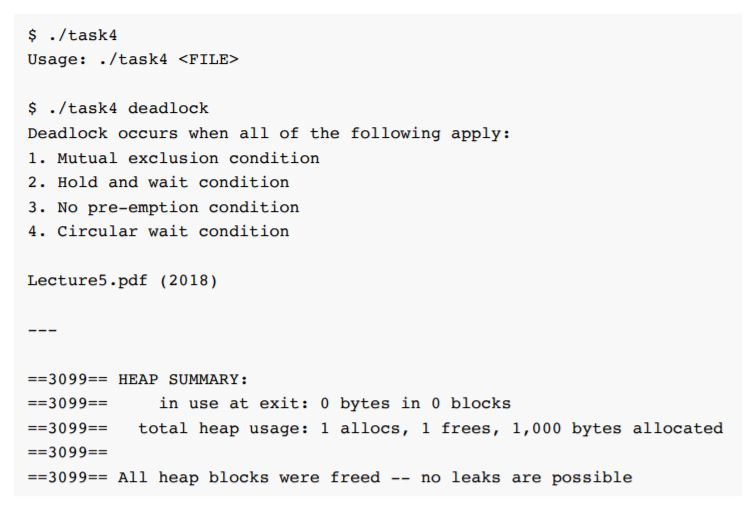
In Unix/Linux, input and output are treated as files and referenced by the operating system using file descriptors. When you open a shell session, for example, three file descriptors are in use 0. standard input (stdin) 1. standard output (stdout) 2. standard error (stderr) By default, the command interpreter (shell) reads keyboard input from file descriptor 0 (stdin) and writes output to file descriptor 1 (stdout), which appears on the screen. As you explored in Lab 2, input/output can be redirected such that the operating system modifies the file descriptors to point to alternative, named files In this task, you will explore the use of file descriptors to read a file and print it to stdout using the system functions open, read, and close. Each of these has a man page accessible by typing man 2 and the function name. You are advised to find out more about how these functions work before beginning 1. Create a new source file named task4.c. Add a main function with argc/argv parameters and #include the following libraries: o fcntl.h o stdio.h o stdlib.h o sys/stat.h o unistd.h
Step by Step Solution
There are 3 Steps involved in it

Get step-by-step solutions from verified subject matter experts