







Question: in windows Q1. Open the command line, and execute the command that brings your IP address? Q2. From Q1, you know your network range now.
in windows
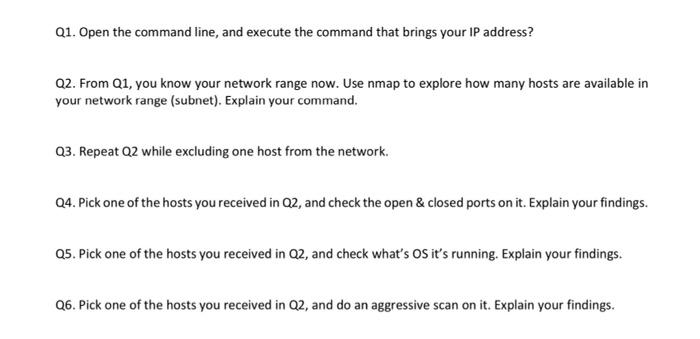
Q1. Open the command line, and execute the command that brings your IP address? Q2. From Q1, you know your network range now. Use nmap to explore how many hosts are available in your network range (subnet). Explain your command. Q3. Repeat Q2 while excluding one host from the network. Q4. Pick one of the hosts you received in Q2, and check the open & closed ports on it. Explain your findings. 05. Pick one of the hosts you received in Q2, and check what's os it's running. Explain your findings. Q6. Pick one of the hosts you received in Q2, and do an aggressive scan on it. Explain your findings
Step by Step Solution
There are 3 Steps involved in it
1 Expert Approved Answer
Step: 1 Unlock

Question Has Been Solved by an Expert!
Get step-by-step solutions from verified subject matter experts
Step: 2 Unlock
Step: 3 Unlock
 Study Help