







Question: In-Class Task 6: Android Events Project Set-up: 1. Create a new Android project with an empty activity 2. Open Activity Main.xml 3. Add a TextView
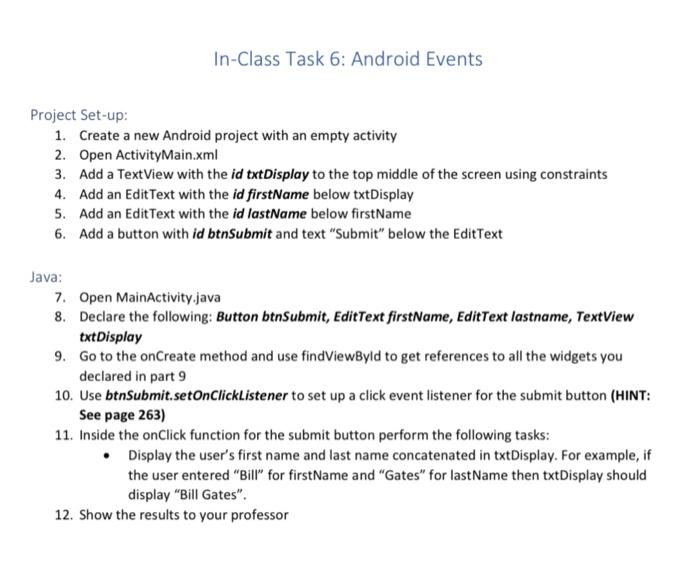
In-Class Task 6: Android Events Project Set-up: 1. Create a new Android project with an empty activity 2. Open Activity Main.xml 3. Add a TextView with the id txtDisplay to the top middle of the screen using constraints 4. Add an Edit Text with the id firstName below txtDisplay 5. Add an Edit Text with the id lastName below firstName 6. Add a button with id btnSubmit and text "Submit" below the Edit Text Java: 7. Open MainActivity.java 8. Declare the following: Button btnSubmit, EditText firstName, EditText lastname, TextView txt Display 9. Go to the onCreate method and use findViewByld to get references to all the widgets you declared in part 9 10. Use btnSubmit.setOnClickListener to set up a click event listener for the submit button (HINT: See page 263) 11. Inside the onClick function for the submit button perform the following tasks: Display the user's first name and last name concatenated in txtDisplay. For example, if the user entered "Bill" for firstName and "Gates" for lastName then txtDisplay should display "Bill Gates". 12. Show the results to your professor
Step by Step Solution
There are 3 Steps involved in it

Get step-by-step solutions from verified subject matter experts
 Study Help