







Question: Install Nmap, read through the documentation to find the solution to these problems 1. Use wireshark together with Nmap on scanme.nmap.org to identify which tcp
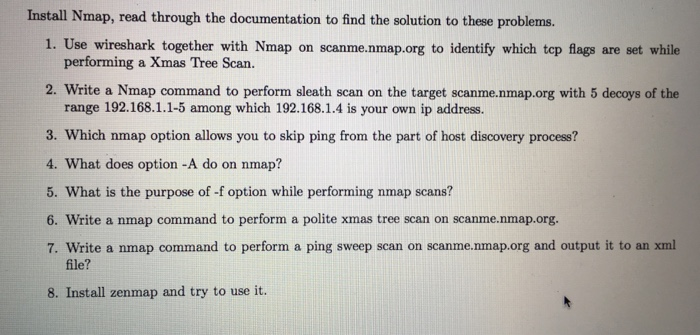
Install Nmap, read through the documentation to find the solution to these problems 1. Use wireshark together with Nmap on scanme.nmap.org to identify which tcp flags are set while performing a Xmas Tree Scan. 2. Write a Nmap command to perform sleath scan on the target scanme.nmap.org with 5 decoys of the range 192.168.1.1-5 among which 192.168.1.4 is your own ip address. 3. Which nmap option allows you to skip ping from the part of host discovery process? 4. What does option -A do on nmap? 5. What is the purpose of -f option while performing nmap scans? 6. Write a nmap command to perform a polite xmas tree scan on scanme.nmap.org. 7. Write a nmap command to perform a ping sweep scan on scanme.nmap.org and output it to an xml file? 8. Install zenmap and try to use it
Step by Step Solution
There are 3 Steps involved in it

Get step-by-step solutions from verified subject matter experts
 Study Help