







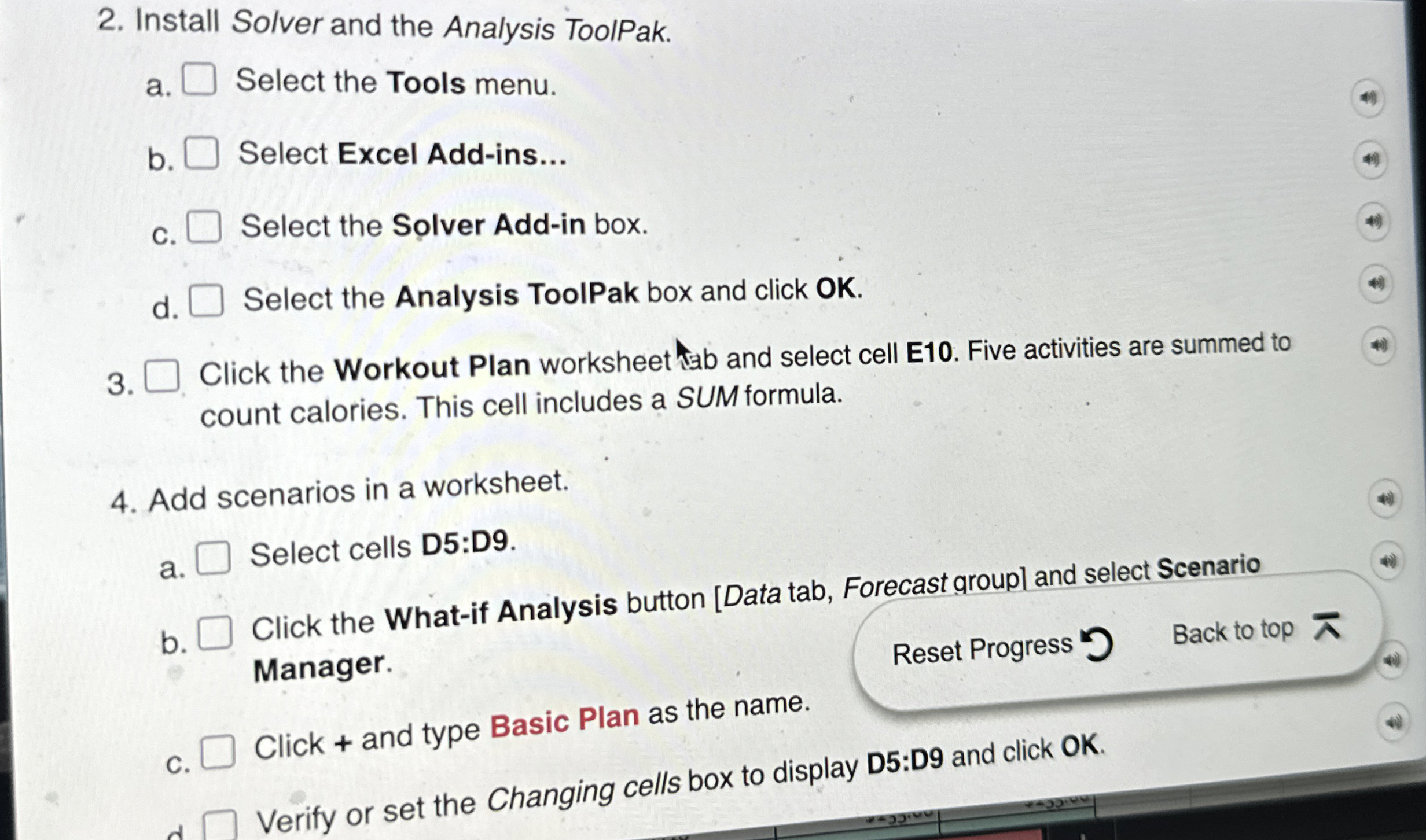
Question: Install Solver and the Analysis ToolPak. a . Select the Tools menu. b . Select Excel Add - ins... c . Select the Solver Add
Install Solver and the Analysis ToolPak.
a Select the Tools menu.
b Select Excel Addins...
c Select the Solver Addin box.
d Select the Analysis ToolPak box and click OK
Click the Workout Plan worksheet ab and select cell E Five activities are summed to count calories. This cell includes a SUM formula.
Add scenarios in a worksheet.
a Select cells D:D
b Click the Whatif Analysis button Data tab, Forecast groupl and select Scenario Manager.
Reset Progress
Back to top
C Click and type Basic Plan as the name.
Verify or set the Changing cells box to display D:D and click OK
Step by Step Solution
There are 3 Steps involved in it
1 Expert Approved Answer
Step: 1 Unlock

Question Has Been Solved by an Expert!
Get step-by-step solutions from verified subject matter experts
Step: 2 Unlock
Step: 3 Unlock
 Study Help