





Question: INSTRUCTIONS 1. Using Web Outlook, create (but do not send) an appointment/meeting request, as per the email above. 2. You must include: a. Correct recipient
INSTRUCTIONS 1. Using Web Outlook, create (but do
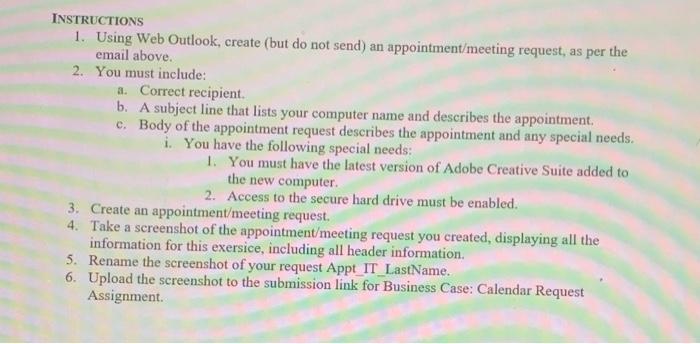
INSTRUCTIONS 1. Using Web Outlook, create (but do not send) an appointment/meeting request, as per the email above. 2. You must include: a. Correct recipient b. A subject line that lists your computer name and describes the appointment c. Body of the appointment request describes the appointment and any special needs. i. You have the following special needs: 1. You must have the latest version of Adobe Creative Suite added to the new computer 2. Access to the secure hard drive must be enabled. 3. Create an appointment/meeting request. 4. Take a screenshot of the appointment/meeting request you created, displaying all the information for this exersice, including all header information 5. Rename the screenshot of your request Appt IT LastName. 6. Upload the screenshot to the submission link for Business Case: Calendar Request Assignment

Step by Step Solution

There are 3 Steps involved in it

1 Expert Approved Answer
Step: 1 Unlock blur-text-image

Question Has Been Solved by an Expert!

Get step-by-step solutions from verified subject matter experts

Step: 2 Unlock
Step: 3 Unlock

Students Have Also Explored These Related General Management Questions!