







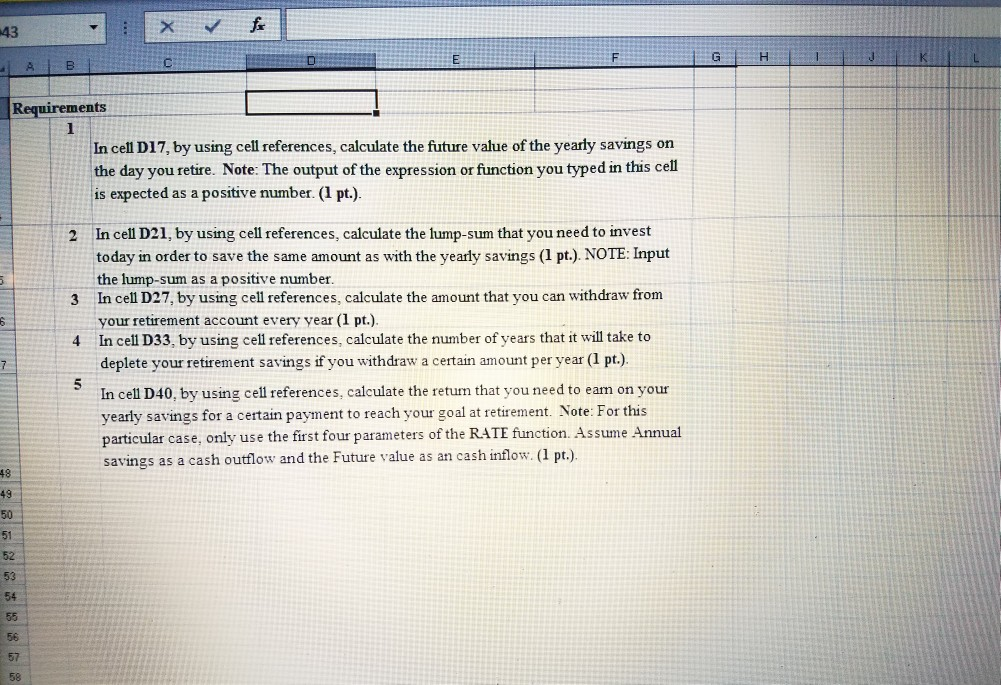
Question: instructions assignment excel sheet Requirements 1 In cell D17, by using cell references, calculate the future value of the yearly savings on the day you
instructions
assignment excel sheet
| Requirements | |||||||||||||||||||
| 1 | In cell D17, by using cell references, calculate the future value of the yearly savings on the day you retire. Note: The output of the expression or function you typed in this cell is expected as a positive number. (1 pt.). | ||||||||||||||||||
| 2 | In cell D21, by using cell references, calculate the lump-sum that you need to invest today in order to save the same amount as with the yearly savings (1 pt.). NOTE: Input the lump-sum as a positive number. | ||||||||||||||||||
| 3 | In cell D27, by using cell references, calculate the amount that you can withdraw from your retirement account every year (1 pt.). | ||||||||||||||||||
| 4 | In cell D33, by using cell references, calculate the number of years that it will take to deplete your retirement savings if you withdraw a certain amount per year (1 pt.). | ||||||||||||||||||
| 5 | In cell D40, by using cell references, calculate the return that you need to earn on your yearly savings for a certain payment to reach your goal at retirement. Note: For this particular case, only use the first four parameters of the RATE function. Assume Annual savings as a cash outflow and the Future value as an cash inflow. (1 pt.). | ||||||||||||||||||
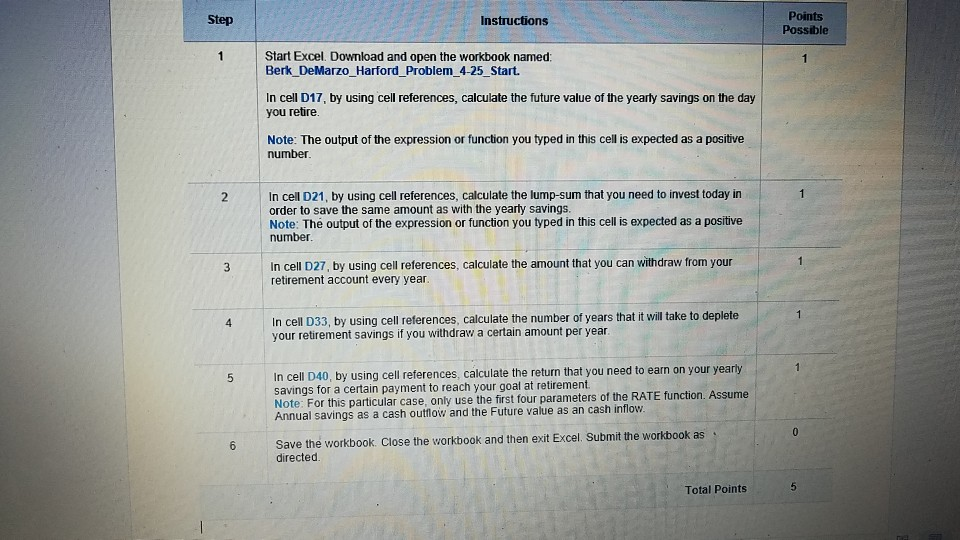
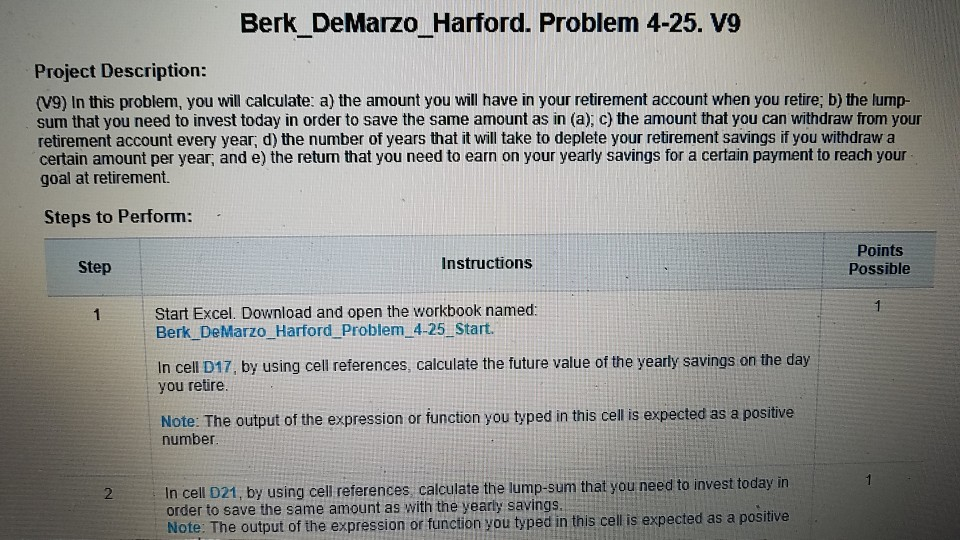
Points Possible Step Instructions 1 Start Excel. Download and open the workbook named: Berk DeMarzo Harford Problem4-25 Start. In cell D17, by using cell references, calculate the future value of the yearty savings on the day you retire Note: The output of the expression or function you typed in this cell is expected as a positive number 2 In cell D21, by using cell references, calculate the lump-sum that you need to invest today in order to save the same amount as with the yearty savings. Note: The output of the expression or function you typed in this cell is expected as a positive number In cell D27, by using cell reterences, calculate the amount that you can withdraw from your retirement account every year 3 4 In cell D33, by using cell references, calculate the number of years that it will take to deplete your retirement savings if you withdraw a certain amount per year. In cell D40, by using cell references, calculate the return that you need to earn on your yearly savings for a certain payment to reach your goal at retirement. Note: For this particular case, only use the first four parameters of the RATE function. Assume Annual savings as a cash outlow and the Future value as an cash inflow 6 Save the workbook. Close the workbook and then exit Excel. Submit the workbook as directed. Total Points Points Possible Step Instructions 1 Start Excel. Download and open the workbook named: Berk DeMarzo Harford Problem4-25 Start. In cell D17, by using cell references, calculate the future value of the yearty savings on the day you retire Note: The output of the expression or function you typed in this cell is expected as a positive number 2 In cell D21, by using cell references, calculate the lump-sum that you need to invest today in order to save the same amount as with the yearty savings. Note: The output of the expression or function you typed in this cell is expected as a positive number In cell D27, by using cell reterences, calculate the amount that you can withdraw from your retirement account every year 3 4 In cell D33, by using cell references, calculate the number of years that it will take to deplete your retirement savings if you withdraw a certain amount per year. In cell D40, by using cell references, calculate the return that you need to earn on your yearly savings for a certain payment to reach your goal at retirement. Note: For this particular case, only use the first four parameters of the RATE function. Assume Annual savings as a cash outlow and the Future value as an cash inflow 6 Save the workbook. Close the workbook and then exit Excel. Submit the workbook as directed
Step by Step Solution
There are 3 Steps involved in it

Get step-by-step solutions from verified subject matter experts
 Study Help