







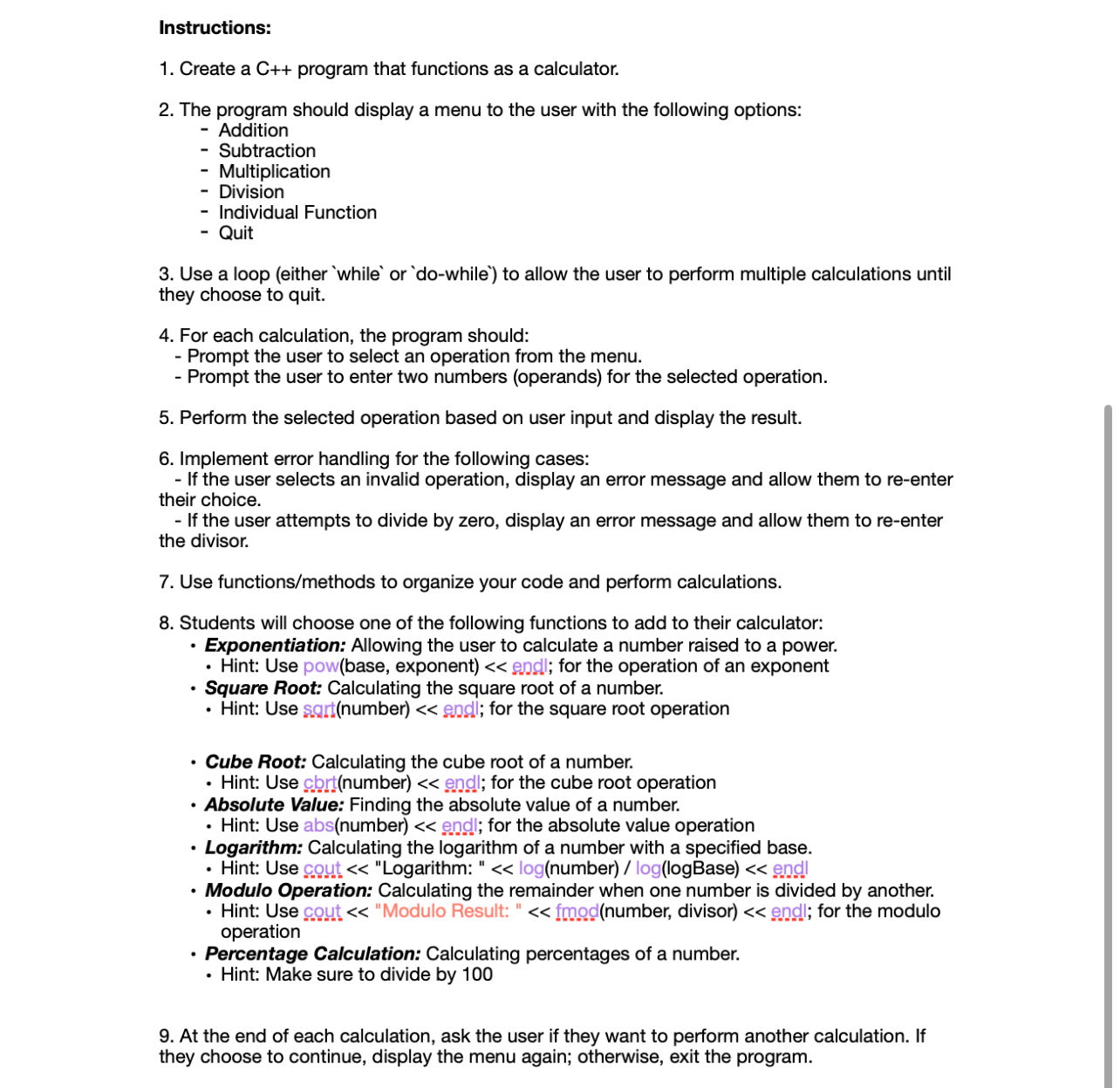
Question: Instructions: Create a C + + program that functions as a calculator. The program should display a menu to the user with the following options:
Instructions:
Create a C program that functions as a calculator.
The program should display a menu to the user with the following options:
Addition
Subtraction
Multiplication
Division
Individual Function
Quit
Use a loop either or to allow the user to perform multiple calculations until
they choose to quit.
For each calculation, the program should:
Prompt the user to select an operation from the menu.
Prompt the user to enter two numbers operands for the selected operation.
Perform the selected operation based on user input and display the result.
Implement error handling for the following cases:
If the user selects an invalid operation, display an error message and allow them to reenter
their choice.
If the user attempts to divide by zero, display an error message and allow them to reenter
the divisor.
Use functionsmethods to organize your code and perform calculations.
Students will choose one of the following functions to add to their calculator:
Exponentiation: Allowing the user to calculate a number raised to a power.
Hint: Use powbase exponent epdl; for the operation of an exponent
Square Root: Calculating the square root of a number.
Hint: Use sagtnumber e endl; for the square root operation
Cube Root: Calculating the cube root of a number.
Hint: Use cbtnumber end; for the cube root operation
Absolute Value: Finding the absolute value of a number.
Hint: Use absnumber e endl; for the absolute value operation
Logarithm: Calculating the logarithm of a number with a specified base.
Hint: Use cout "Logarithm: lognumber loglogBase end
Modulo Operation: Calculating the remainder when one number is divided by another.
Hint: Use cout "Modulo Result: f fmodnumber divisor endl; for the modulo
operation
Percentage Calculation: Calculating percentages of a number.
Hint: Make sure to divide by
At the end of each calculation, ask the user if they want to perform another calculation. If
they choose to continue, display the menu again; otherwise, exit the program.
Instructions:
Create a C program that functions as a calculator.
The program should display a menu to the user with the following options:
Addition
Subtraction
Multiplication
Division
Individual Function
Quit
Use a loop either or to allow the user to perform multiple calculations until
they choose to quit.
For each calculation, the program should:
Prompt the user to select an operation from the menu.
Prompt the user to enter two numbers operands for the selected operation.
Perform the selected operation based on user input and display the result.
Implement error handling for the following cases:
If the user selects an invalid operation, display an error message and allow them to reenter
their choice.
If the user attempts to divide by zero, display an error message and allow them to reenter
the divisor.
Use functionsmethods to organize your code and perform calculations.
Students will choose one of the following functions to add to their calculator:
Exponentiation: Allowing the user to calculate a number raised to a power.
Hint: Use powbase exponent e endl; for the operation of an exponent
Square Root: Calculating the square root of a number.
Hint: Use sartnumber esdl; for the square root operation
Cube Root: Calculating the cube root of a number.
Hint: Use ctbrtnumber end; for the cube root operation
Absolute Value: Finding the absolute value of a number.
Hint: Use absnumber endl; for the absolute value operation
Logarithm: Calculating the logarithm of a number with a specified base.
Hint: Use cout "Logarithm: lognumber loglogBase end
Modulo Operation: Calculating the remainder when one number is divided by another.
Hint: Use cout "Modulo Result: fmodnumber divisor endi; for the modulo
operation
Percentage Calculation: Calculating percentages of a number.
Hint: Make sure to divide by
At the end of each calculation, ask the user if they want to perform another calculation. If
they choose to continue, display the menu again; otherwise, exit the program.
Step by Step Solution
There are 3 Steps involved in it
1 Expert Approved Answer
Step: 1 Unlock

Question Has Been Solved by an Expert!
Get step-by-step solutions from verified subject matter experts
Step: 2 Unlock
Step: 3 Unlock
 Study Help