







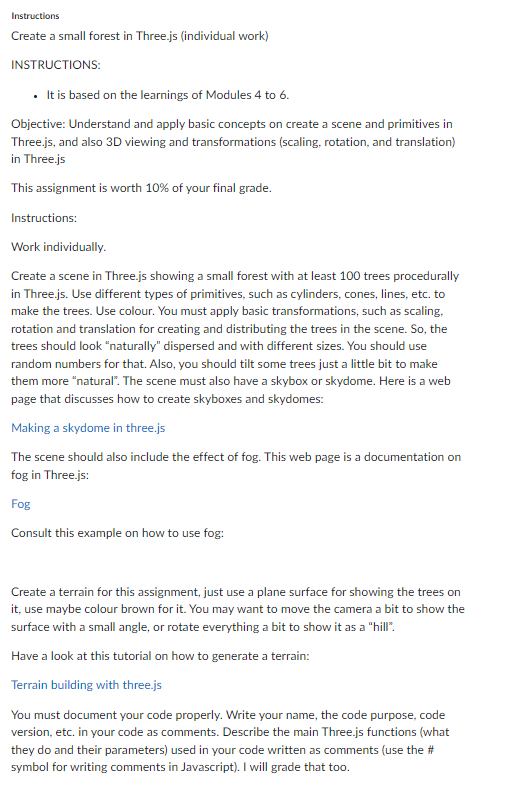
Question: Instructions Create a small forest in Three.js ( individual work ) INSTRUCTIONS: It is based on the learnings of Modules 4 to 6 . Objective:
Instructions
Create a small forest in Three.js individual work
INSTRUCTIONS:
It is based on the learnings of Modules to
Objective: Understand and apply basic concepts on create a scene and primitives in
Three.js and also D viewing and transformations scaling rotation, and translation
in Three.js
This assignment is worth of your final grade.
Instructions:
Work individually.
Create a scene in Three.js showing a small forest with at least trees procedurally
in Three.js Use different types of primitives, such as cylinders, cones, lines, etc. to
make the trees. Use colour. You must apply basic transformations, such as scaling,
rotation and translation for creating and distributing the trees in the scene. So the
trees should look "naturally" dispersed and with different sizes. You should use
random numbers for that. Also, you should tilt some trees just a little bit to make
them more "natural". The scene must also have a skybox or skydome. Here is a web
page that discusses how to create skyboxes and skydomes:
Making a skydome in three.js
The scene should also include the effect of fog. This web page is a documentation on
fog in Three.js:
Fog
Consult this example on how to use fog:
Create a terrain for this assignment, just use a plane surface for showing the trees on
it use maybe colour brown for it You may want to move the camera a bit to show the
surface with a small angle, or rotate everything a bit to show it as a "hill".
Have a look at this tutorial on how to generate a terrain:
Terrain building with three.js
You must document your code properly. Write your name, the code purpose, code
version, etc. in your code as comments. Describe the main Three.js functions what
they do and their parameters used in your code written as comments use the #
symbol for writing comments in Javascript I will grade that too.
Step by Step Solution
There are 3 Steps involved in it
1 Expert Approved Answer
Step: 1 Unlock

Question Has Been Solved by an Expert!
Get step-by-step solutions from verified subject matter experts
Step: 2 Unlock
Step: 3 Unlock
 Study Help