







Question: Instructions: Do your homework in RStudio. Start with a new R-Notebook file in the source window. Create only one R-Notebook file. Compile the results into
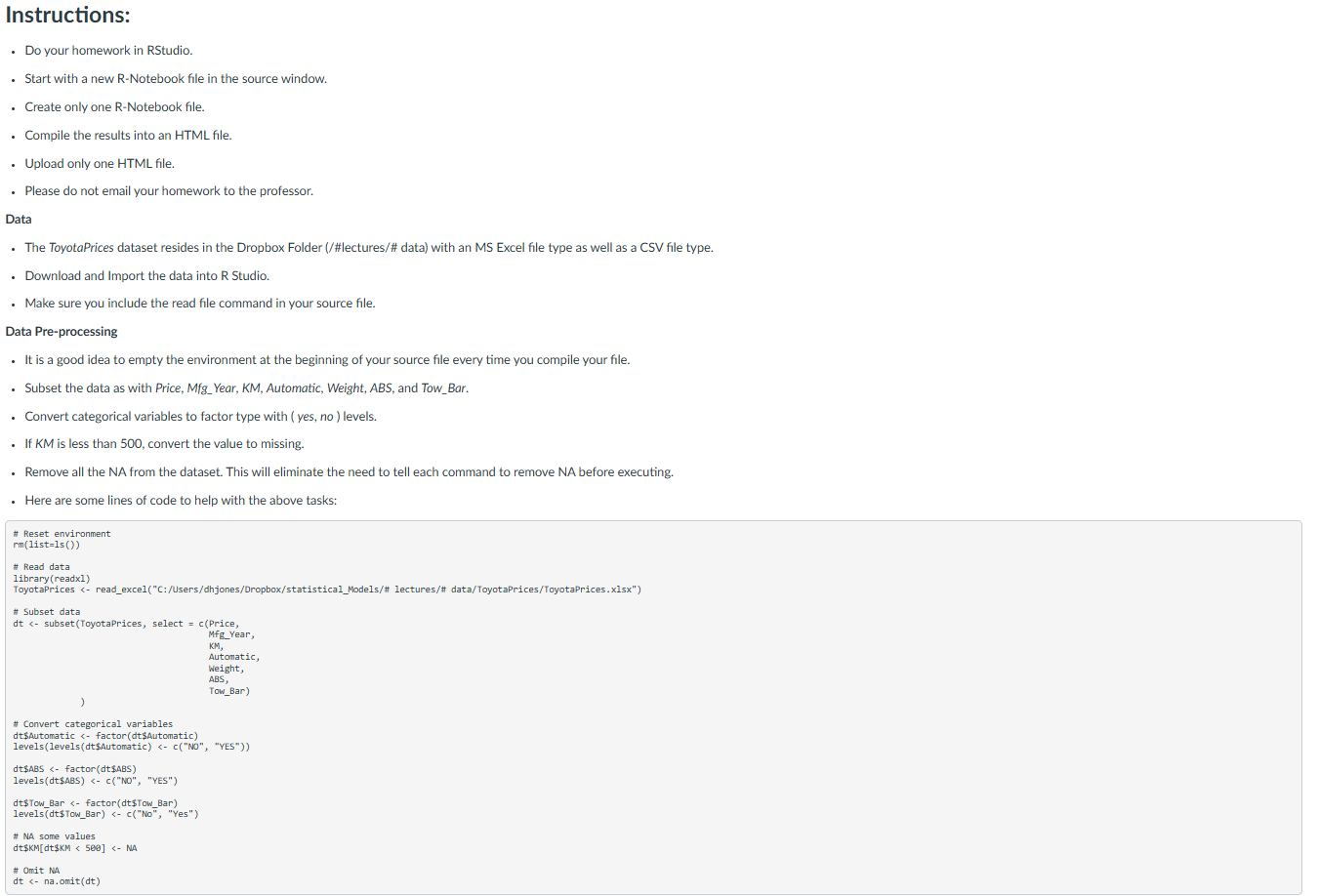
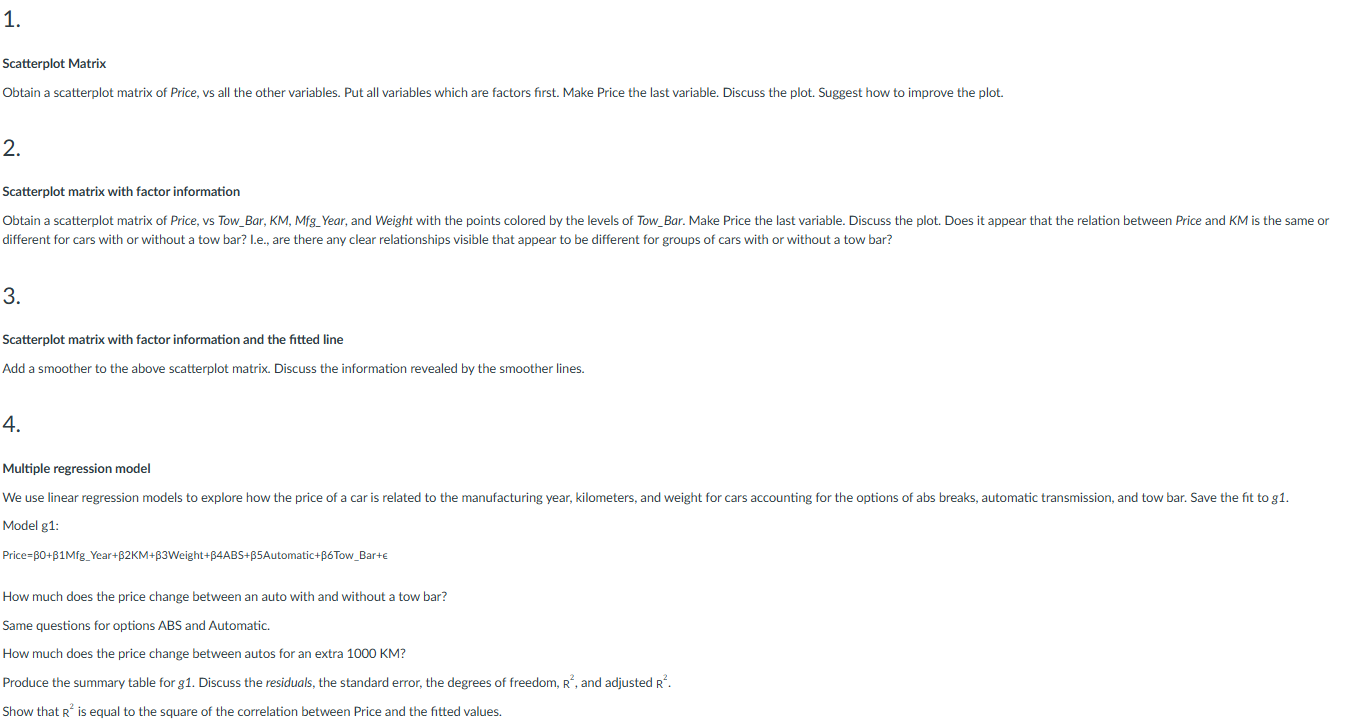
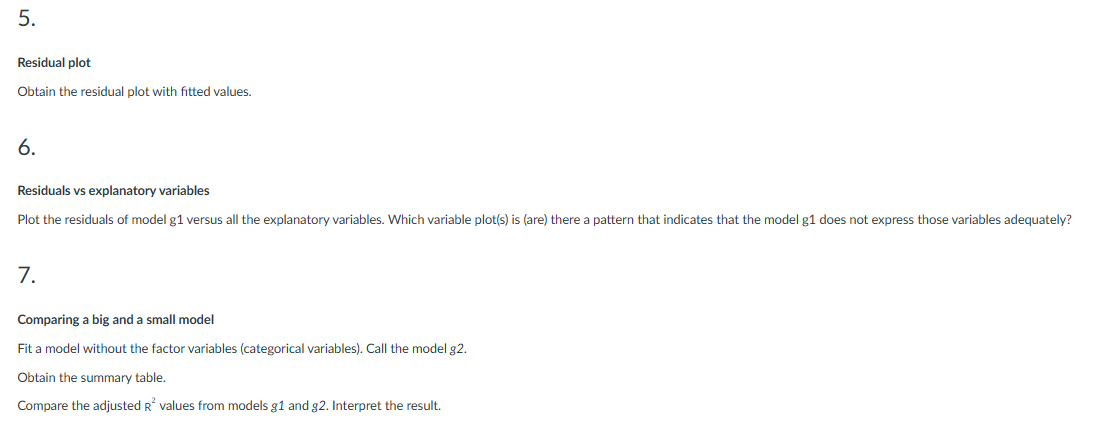
Instructions: Do your homework in RStudio. Start with a new R-Notebook file in the source window. Create only one R-Notebook file. Compile the results into an HTML file. Upload only one HTML file. Please do not email your homework to the professor. Data . The ToyotaPrices dataset resides in the Dropbox Folder (/#lectures/# data) with an MS Excel file type as well as a CSV file type. Download and Import the data into R Studio. . Make sure you include the read file command in your source file. Data Pre-processing . It is a good idea to empty the environment at the beginning of your source file every time you compile your file. Subset the data as with Price, Mfg_ Year, KM, Automatic, Weight, ABS, and Tow_Bar. Convert categorical variables to factor type with ( yes, no ) levels. . If KM is less than 500, convert the value to missing. . Remove all the NA from the dataset. This will eliminate the need to tell each command to remove NA before executing. . Here are some lines of code to help with the above tasks: # Reset environment rm(list=1s ()) # Read data library (readx1) ToyotaPrices
Step by Step Solution
There are 3 Steps involved in it

Get step-by-step solutions from verified subject matter experts
 Study Help