







Question: Instructions: Do your homework in RStudio. Start with a new R-Notebook file in the source window. Create only one R-Notebook file. Compile the results into
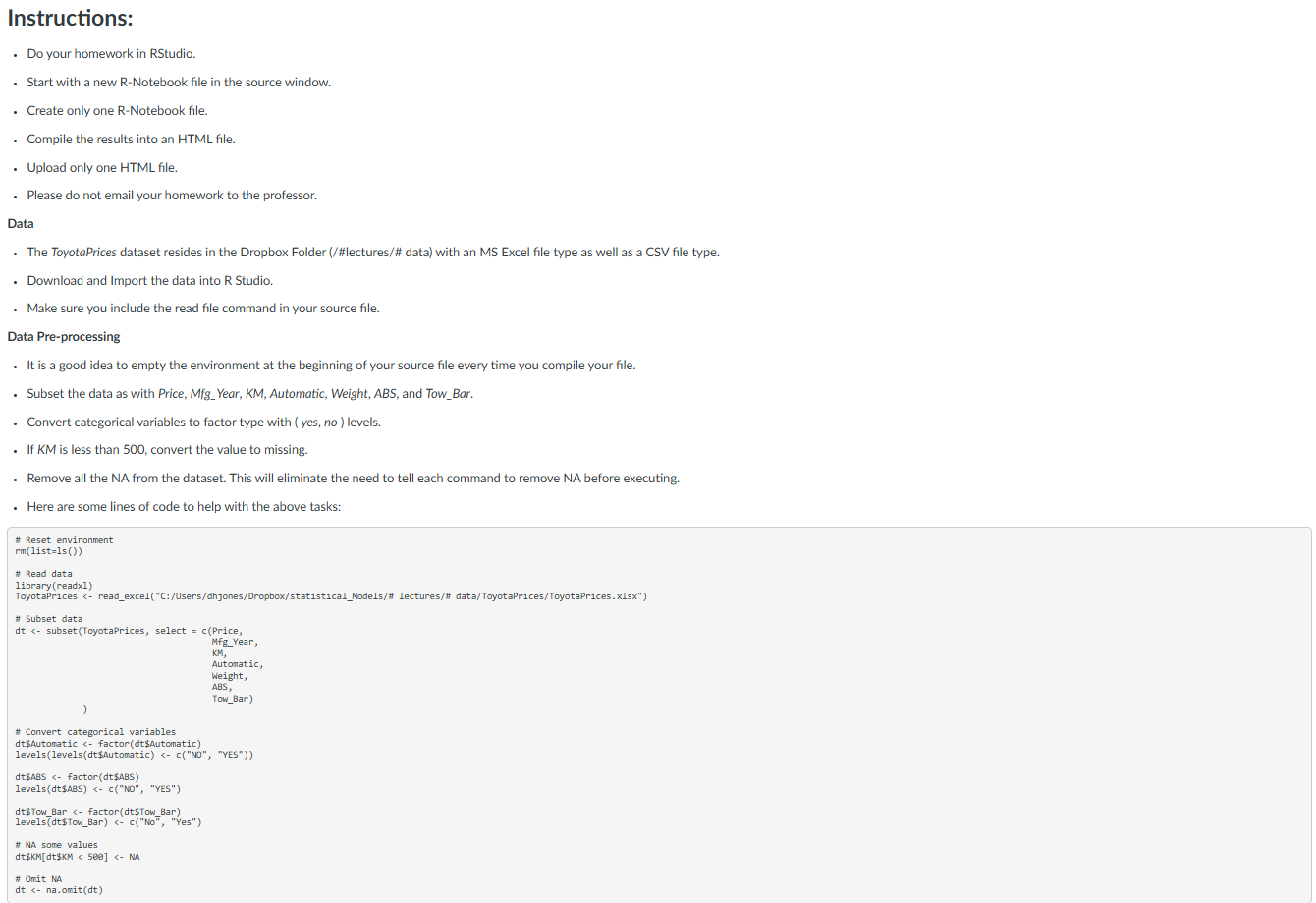
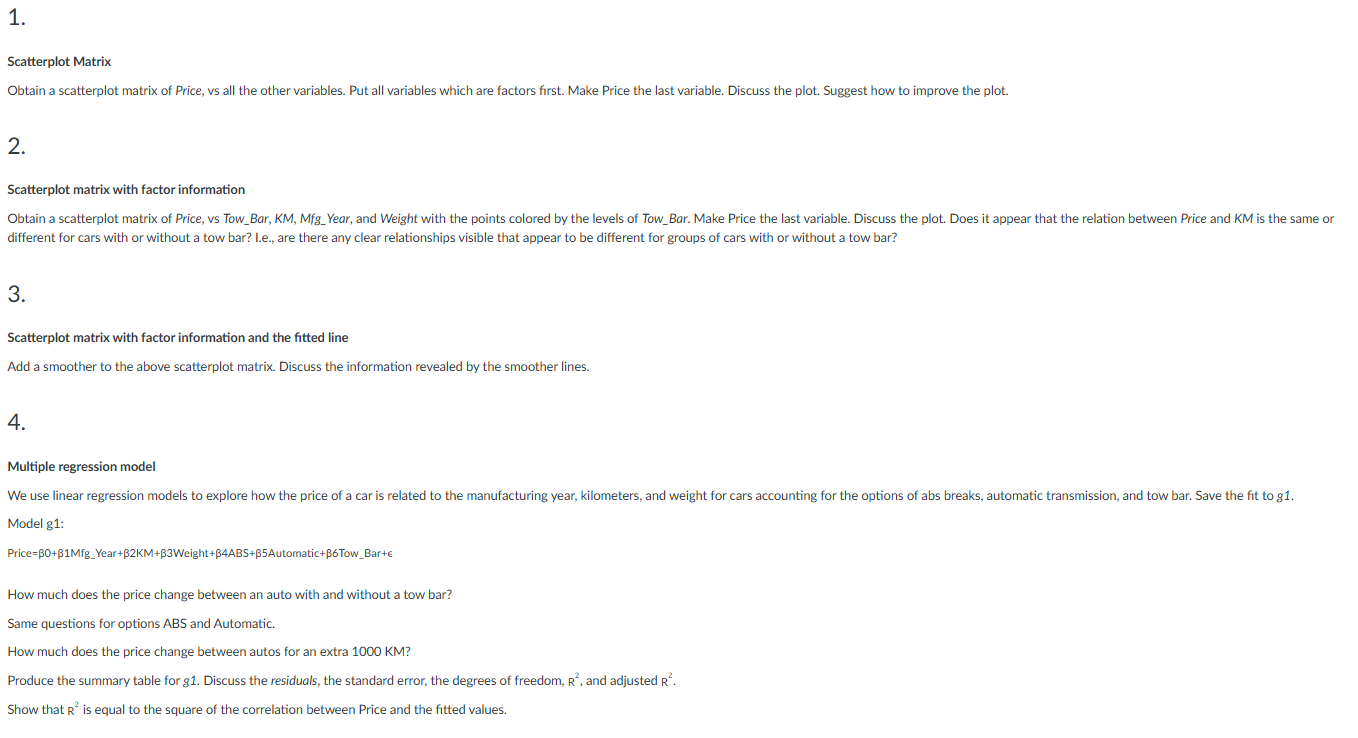
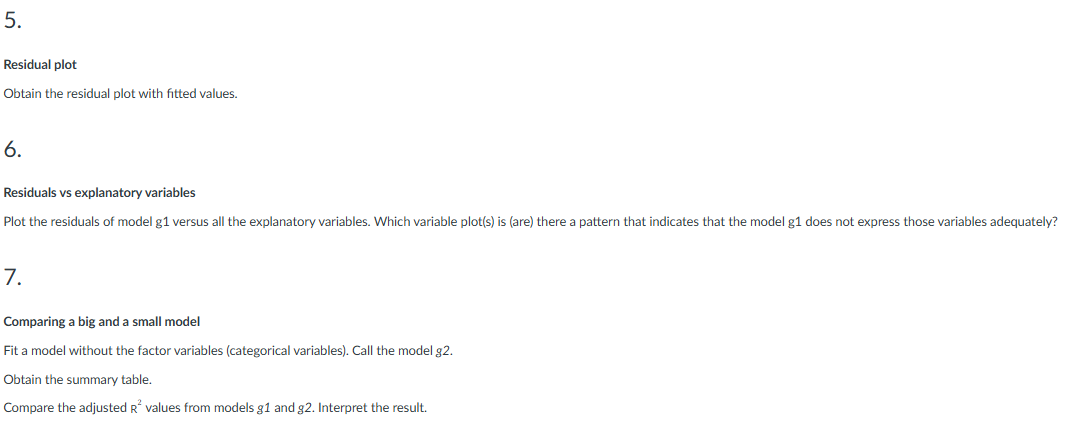
Instructions: Do your homework in RStudio. Start with a new R-Notebook file in the source window. Create only one R-Notebook file. Compile the results into an HTML file. Upload only one HTML file. Please do not email your homework to the professor. Data The ToyotaPrices dataset resides in the Dropbox Folder (/#lectures/# data) with an MS Excel file type as well as a CSV file type. Download and Import the data into R Studio. Make sure you include the read file command in your source file. Data Pre-processing It is a good idea to empty the environment at the beginning of your source file every time you compile your file. Subset the data as with Price, Mfg_Year, KM, Automatic, Weight, ABS, and Tow_Bar. Convert categorical variables to factor type with ( yes, no ) levels. If KM is less than 500, convert the value to missing. Remove all the NA from the dataset. This will eliminate the need to tell each command to remove NA before executing. Here are some lines of code to help with the above tasks: # Reset environment rm(list=1s ()) # Read data library (readx1) ToyotaPrices
Step by Step Solution
There are 3 Steps involved in it

Get step-by-step solutions from verified subject matter experts
 Study Help