







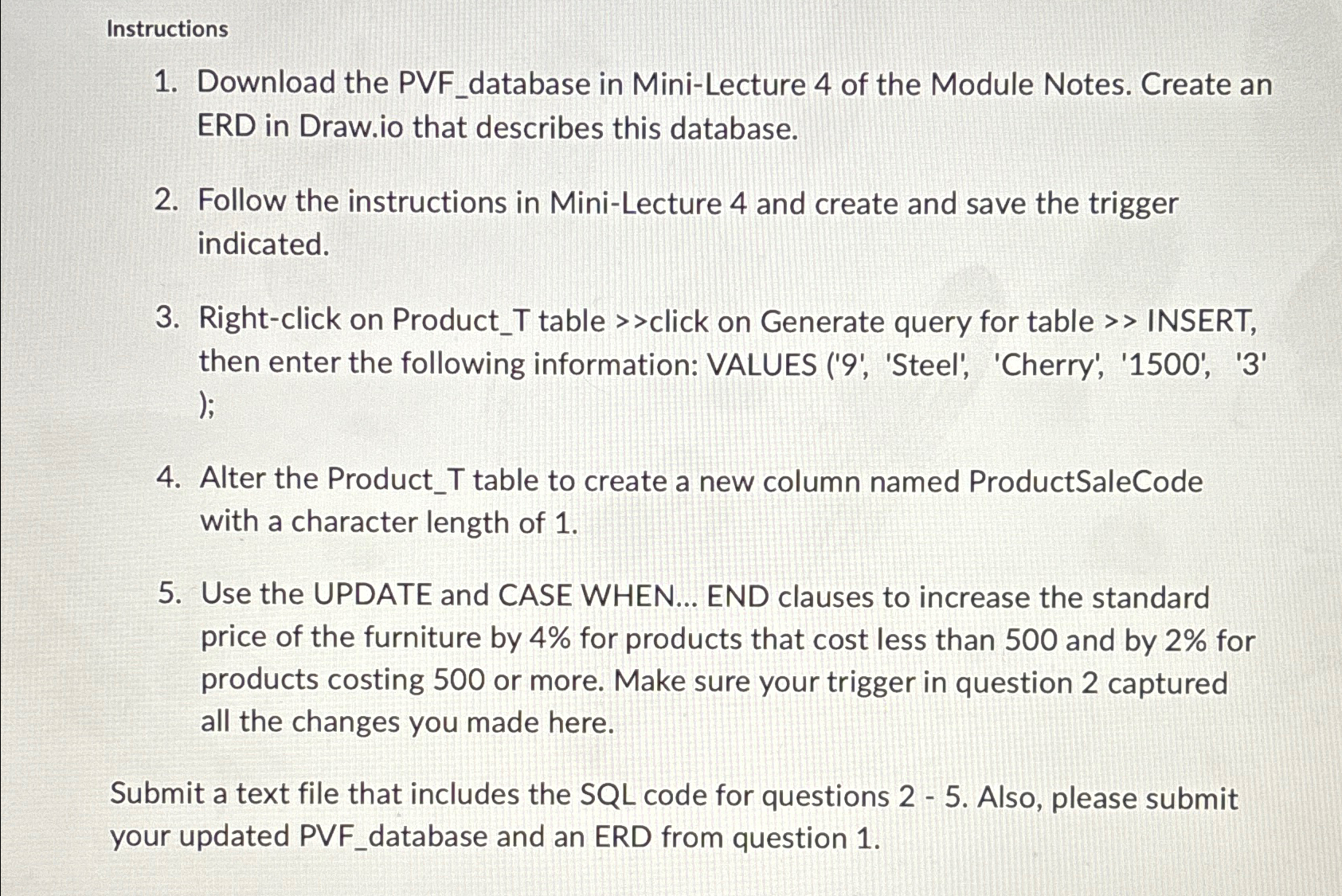
Question: Instructions Download the PVF _ database in Mini - Lecture 4 of the Module Notes. Create an ERD in Draw.io that describes this database. Follow
Instructions
Download the PVFdatabase in MiniLecture of the Module Notes. Create an ERD in
Draw.io that describes this database.
Follow the instructions in MiniLecture and create and save the trigger indicated.
Rightclick on ProductT table click on Generate query for table INSERT, then enter the following information: VALUES 'Steel', 'Cherry', ;
Alter the ProductT table to create a new column named ProductSaleCode with a character length of
Use the UPDATE and CASE WHEN... END clauses to increase the standard price of the furniture by for products that cost less than and by for products costing or more. Make sure your trigger in question captured all the changes you made here.
Submit a text file that includes the SQL code for questions Also, please submit your updated PVFdatabase and an ERD from question
Step by Step Solution
There are 3 Steps involved in it
1 Expert Approved Answer
Step: 1 Unlock

Question Has Been Solved by an Expert!
Get step-by-step solutions from verified subject matter experts
Step: 2 Unlock
Step: 3 Unlock
 Study Help