







Question: Instructions for Part B: Download this . csv file: mapmaster _ countries.csv At the top of the screen, select Import Your Data. In the pane
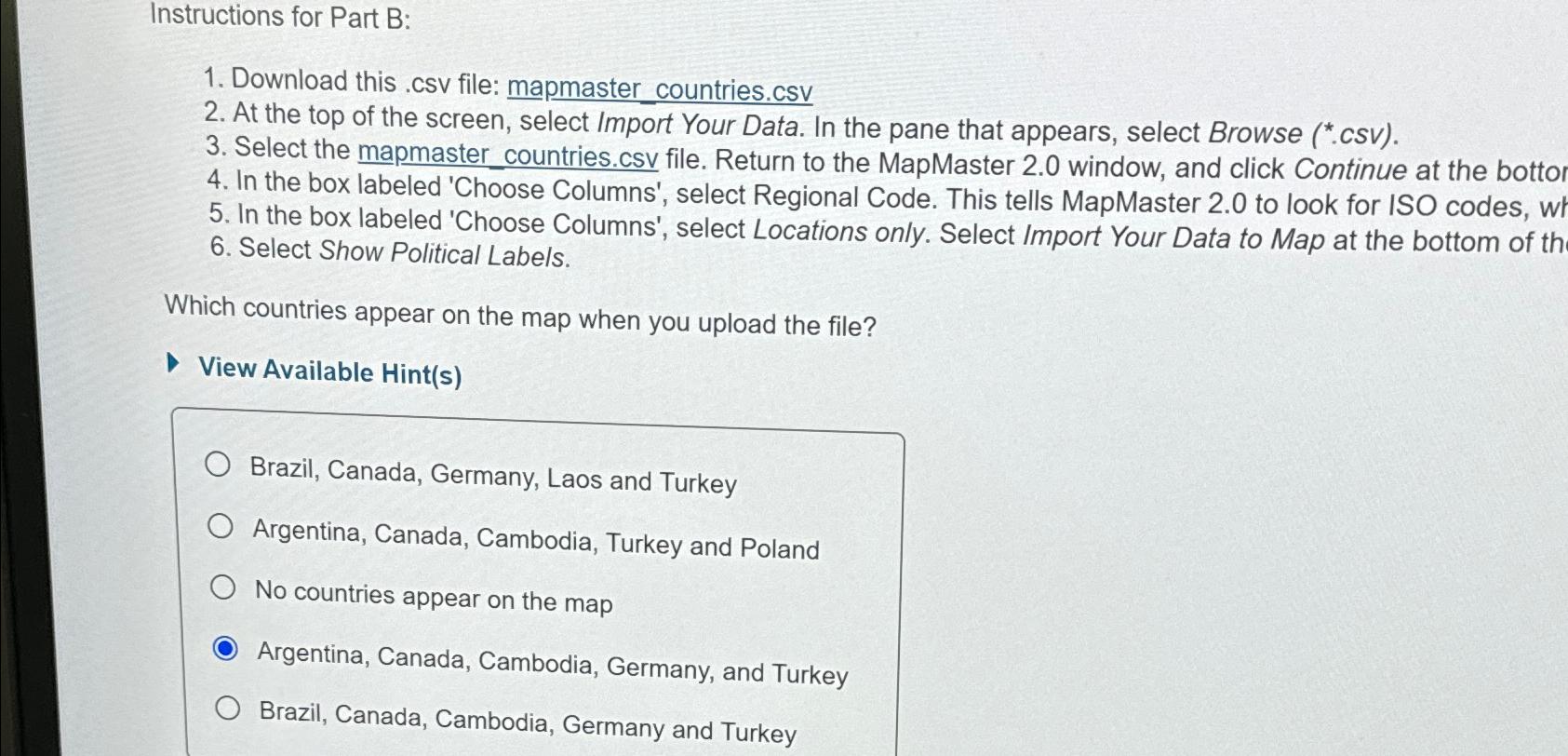
Instructions for Part B:
Download this csv file: mapmastercountries.csv
At the top of the screen, select Import Your Data. In the pane that appears, select Browse csv
Select the mapmaster countries.csv file. Return to the MapMaster window, and click Continue at the bottor
In the box labeled 'Choose Columns', select Regional Code. This tells MapMaster to look for ISO codes, w
In the box labeled 'Choose Columns', select Locations only. Select Import Your Data to Map at the bottom of th
Select Show Political Labels.
Which countries appear on the map when you upload the file?
View Available Hints
Brazil, Canada, Germany, Laos and Turkey
Argentina, Canada, Cambodia, Turkey and Poland
No countries appear on the map
Argentina, Canada, Cambodia, Germany, and Turkey
Brazil, Canada, Cambodia, Germany and Turkey
Step by Step Solution
There are 3 Steps involved in it
1 Expert Approved Answer
Step: 1 Unlock

Question Has Been Solved by an Expert!
Get step-by-step solutions from verified subject matter experts
Step: 2 Unlock
Step: 3 Unlock
 Study Help