







Question: INSTRUCTIONS Implement and demonstrate a disk-based buffer pool class based on the LRU buffer pool replacement strategy. Disk blocks are numbered consecutively from the beginning
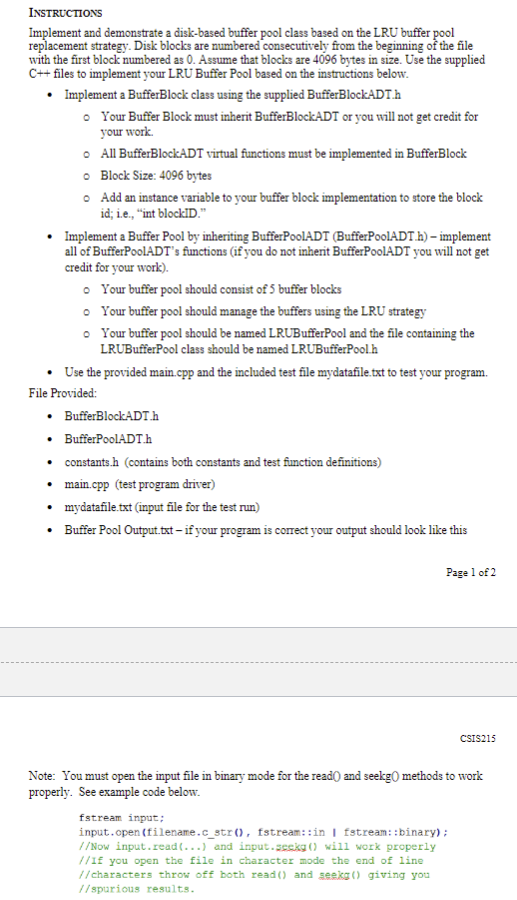
INSTRUCTIONS Implement and demonstrate a disk-based buffer pool class based on the LRU buffer pool replacement strategy. Disk blocks are numbered consecutively from the beginning of the file with the first block numbered as 0. Assume that blocks are 4096 bytes in size. Use the supplied C++ files to implement your LRU Buffer Pool based on the instructions below. . Implement a BufferBlock class using the supplied BufferBlockADT.h o Your Buffer Block must inherit BufferBlockADT or you will not get credit for your work. All BufferBlockADT virtual functions must be implemented in BufferBlock o Block Size: 4096 bytes Add an instance variable to your buffer block implementation to store the block id; i.e., "int blockID." . Implement a Buffer Pool by inheriting BufferPoolADT (BufferPoolADT.h) - implement all of BufferPoolADT's functions (if you do not inherit BufferPoolADT you will not get credit for your work). o Your buffer pool should consist of 5 buffer blocks o Your buffer pool should manage the buffers using the LRU strategy o Your buffer pool should be named LRUBufferPool and the file containing the LRUBufferPool class should be named LRUBufferPool h . Use the provided main.epp and the included test file mydatafile. txt to test your program. File Provided: . BufferBlockADT.h . BufferPoolADT.h constants.h (contains both constants and test function definitions) . main.cpp (test program driver) mydatafile.txt (input file for the test run) . Buffer Pool Output.txt - if your program is correct your output should look like this Page 1 of 2 CSIS215 Note: You must open the input file in binary mode for the read() and seekg() methods to work properly. See example code below. fstream input; input. open (filename. c_str(), fstream: :in | fstream: :binary) ; //Now input. read(...) and input. secky () will work properly //If you open the file in character mode the end of line //characters throw off both read () and seekg() giving you //spurious results
Step by Step Solution
There are 3 Steps involved in it

Get step-by-step solutions from verified subject matter experts
 Study Help