







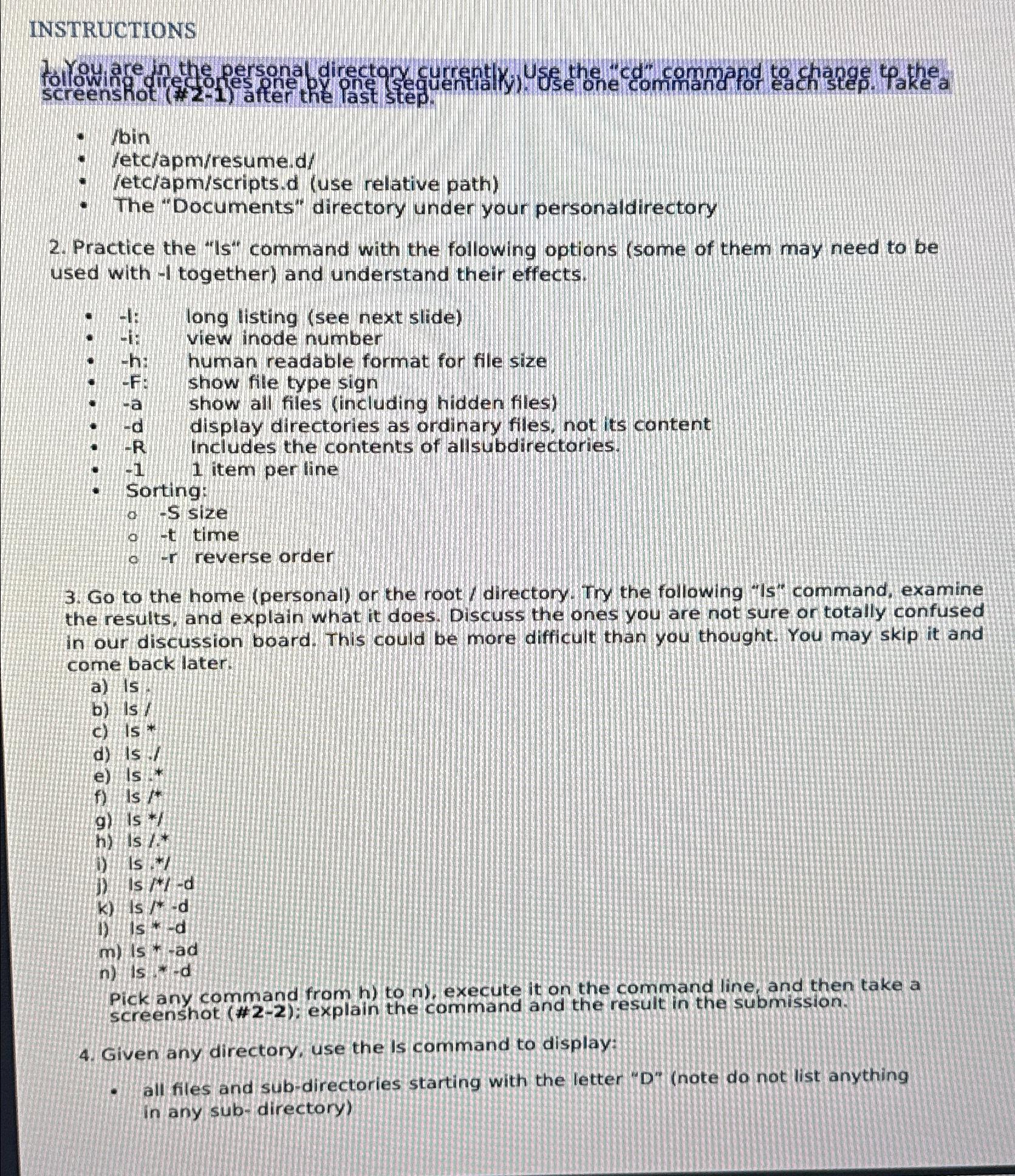
Question: INSTRUCTIONS screenshot ( # 2 - 1 ) after the last step. / bin letc / apm / resume . d / / etc /
INSTRUCTIONS screenshot # after the last step.
bin
letcapmresumed
etcapmscriptsd use relative path
The "Documents" directory under your personaldirectory
Practice the Is command with the following options some of them may need to be used with together and understand their effects.
: long listing see next slide
i: view inode number
h: human readable format for file size
F: show file type sign
a show all files including hidden files
d display directories as ordinary files, not its content
Includes the contents of allsubdirectories.
item per line
Sorting:
S size
t time
reverse order
Go to the home personal or the rootdirectory Try the following Is command, examine the results, and explain what it does. Discuss the ones you are not sure or totally confused in our discussion board. This could be more difficult than you thought. You may skip it and come back later.
a
b Is
c
d is:
e
f
g
h:
i
j
k
i
m is ad
n
Pick any command from to execute it on the command line, and then take a screenshot #: explain the command and the result in the submission.
Given any directory, use the is command to display:
all files and subdirectories starting with the letter Dnote do not list anything in any subdirectory
Step by Step Solution
There are 3 Steps involved in it
1 Expert Approved Answer
Step: 1 Unlock

Question Has Been Solved by an Expert!
Get step-by-step solutions from verified subject matter experts
Step: 2 Unlock
Step: 3 Unlock
 Study Help