







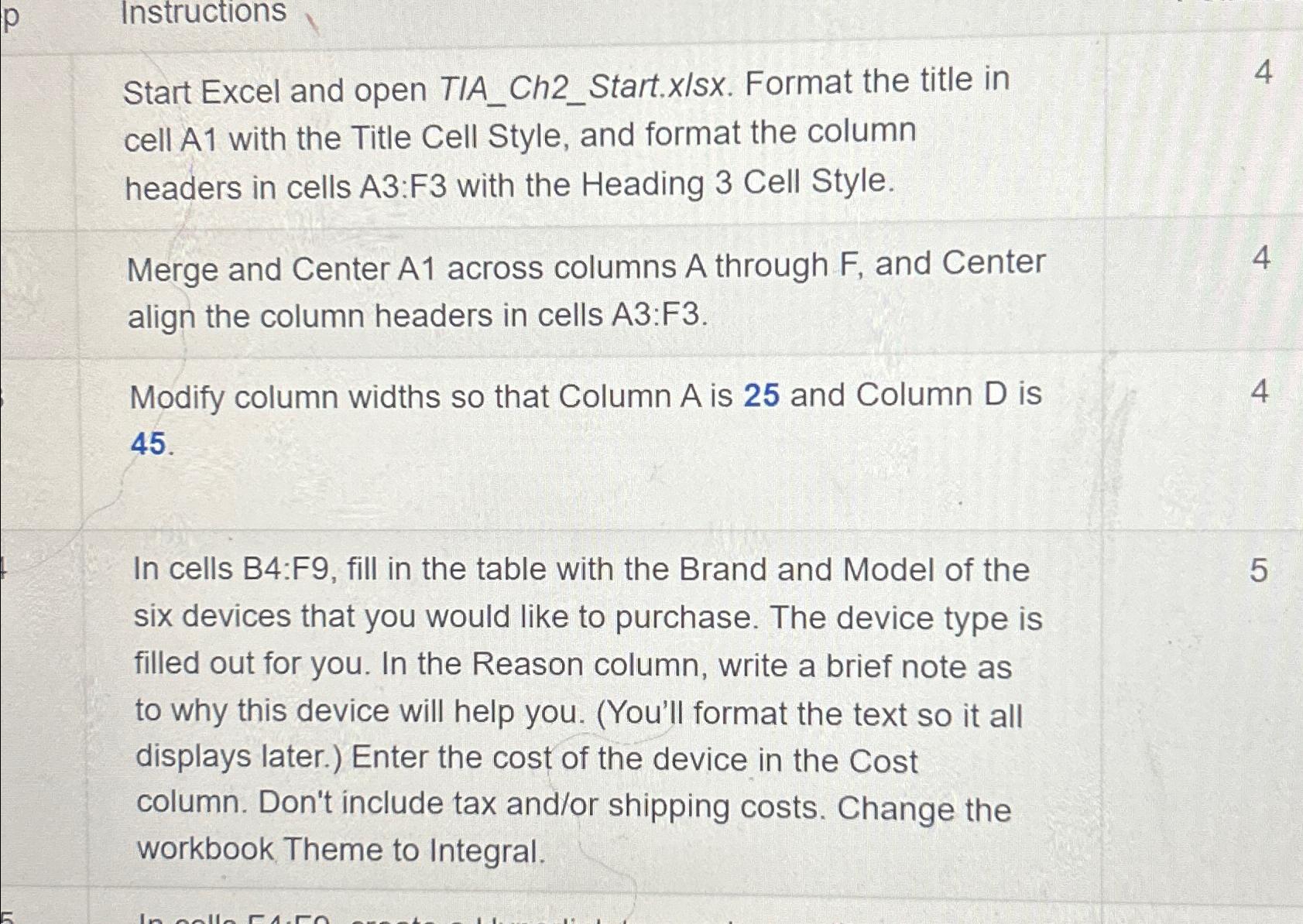
Question: Instructions Start Excel and open TIA _ Ch 2 _ Start.xIsx. Format the title in cell A 1 with the Title Cell Style, and format
Instructions
Start Excel and open TIAChStart.xIsx. Format the title in cell A with the Title Cell Style, and format the column headers in cells A:F with the Heading Cell Style.
Merge and Center across columns A through and Center
align the column headers in cells A:F
Modify column widths so that Column A is and Column D is
In cells B:F fill in the table with the Brand and Model of the
six devices that you would like to purchase. The device type is filled out for you. In the Reason column, write a brief note as to why this device will help you. Youll format the text so it all displays later. Enter the cost of the device in the Cost column. Don't include tax andor shipping costs. Change the workbook Theme to Integral.
Step by Step Solution
There are 3 Steps involved in it
1 Expert Approved Answer
Step: 1 Unlock

Question Has Been Solved by an Expert!
Get step-by-step solutions from verified subject matter experts
Step: 2 Unlock
Step: 3 Unlock
 Study Help