







Question: Instructions To complete activity 1 & 2: [Microsoft review instructions https://www.gcflearnfree.org/word2010/reviewing- documents/1/] 1. Download the Meeting Minutes Template from Moodle- Unit resources tab and save
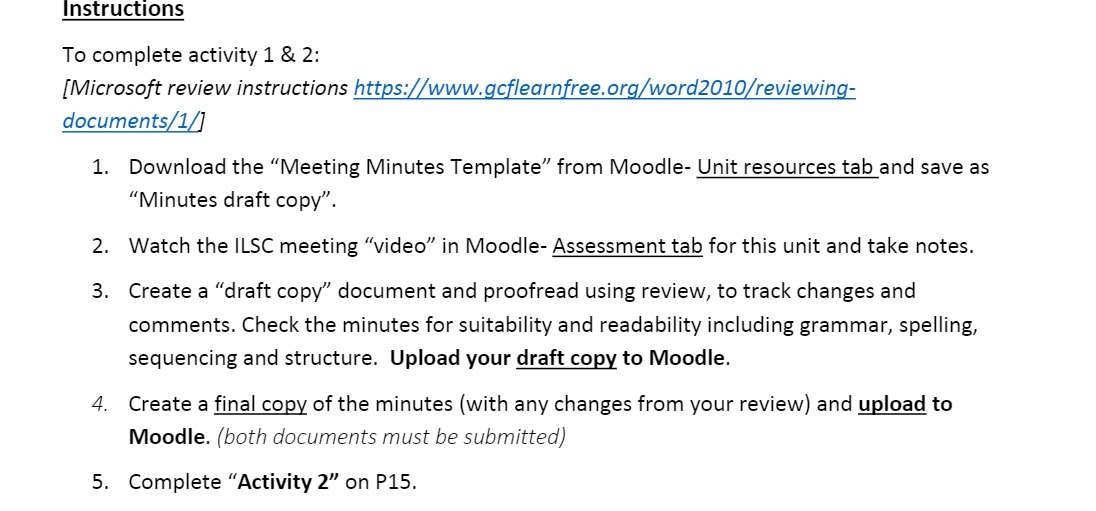
Instructions To complete activity 1 & 2: [Microsoft review instructions https://www.gcflearnfree.org/word2010/reviewing- documents/1/] 1. Download the "Meeting Minutes Template" from Moodle- Unit resources tab and save as "Minutes draft copy". 2. Watch the ILSC meeting "video" in Moodle- Assessment tab for this unit and take notes. 3. Create a "draft copy" document and proofread using review, to track changes and comments. Check the minutes for suitability and readability including grammar, spelling, sequencing and structure. Upload your draft copy to Moodle. 4. Create a final copy of the minutes (with any changes from your review) and upload to Moodle. (both documents must be submitted) 5. Complete "Activity 2" on P15
Step by Step Solution
There are 3 Steps involved in it

Get step-by-step solutions from verified subject matter experts
 Study Help