







Question: Instructions Write a mini shell program (in C/C++) called cwushell under Linux/MacOS. The shell reconnizes the following internal commands: 1. exit [n] -- terminates the
![Linux/MacOS. The shell reconnizes the following internal commands: 1. exit [n] --](https://dsd5zvtm8ll6.cloudfront.net/si.experts.images/questions/2024/09/66f395c89d856_62466f395c81d18e.jpg)
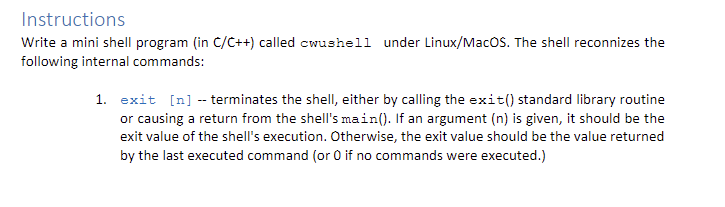
Instructions Write a mini shell program (in C/C++) called cwushell under Linux/MacOS. The shell reconnizes the following internal commands: 1. exit [n] -- terminates the shell, either by calling the exit() standard library routine or causing a return from the shell's main(). If an argument (n) is given, it should be the exit value of the shell's execution. Otherwise, the exit value should be the value returned by the last executed command (or O if no commands were executed.) 2. prompt [new_prompt] -- will change the current shell prompt to the new_prompt. The default prompt should be cwushell. Typing prompt should restore the default shell prompt. 3. cpuinfo -switch will print on the screen different cpu related information based on the switch. The different switches to be implemented are: 1)-c-will print the cpu clock (e.g. 3.2 GHz), 2) -t-will print the cpu type (e.g. Intel) and 3) -n- will print the number of cores (e.g. 8). 4. meminfo -switch -- will print on the screen different memory related information based on the switch. The different switches to be implemented are: 1) -t - will print the total RAM memory available in the system in bytes, 2) -u-will print the used RAM memory and 3) --- will print the size of the L2 cache/core in bytes. 5. all other existing shell commands (internal and external Linux commands e.g. Is, cat, pwd, etc.) should also be executed by the cwushell
Step by Step Solution
There are 3 Steps involved in it

Get step-by-step solutions from verified subject matter experts
 Study Help