







Question: Instructions: Write a real mode assembly language program that will prompt the user for the name of a file in the current directory and display
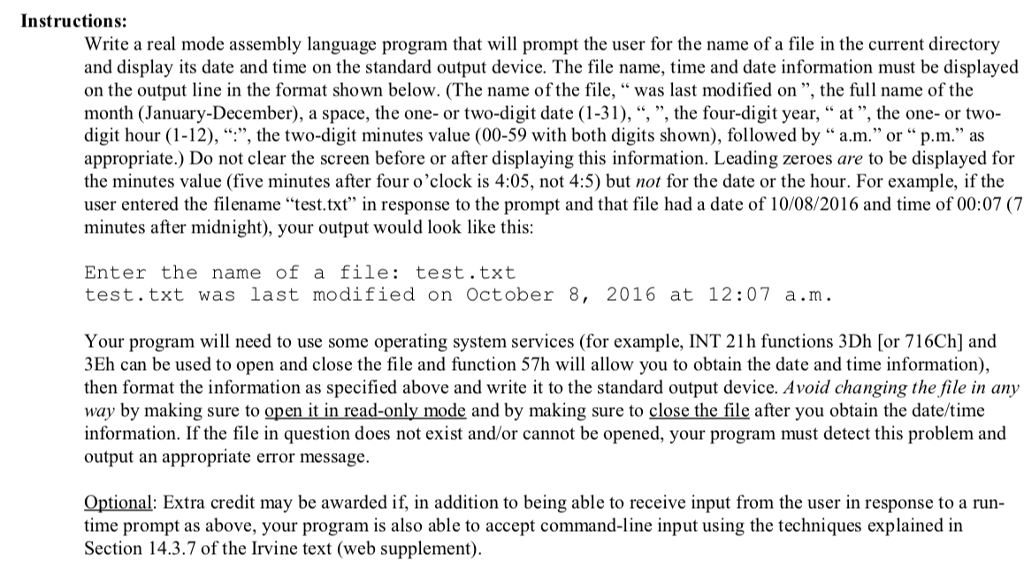
Instructions: Write a real mode assembly language program that will prompt the user for the name of a file in the current directory and display its date and time on the standard output device. The file name, time and date information must be displayed on the output line in the format shown below. (The name of the file, " was last modified on ", the full name of the month (January-December), a space, the one- or two-digit date (1-31), ", ", the four-digit year, " at", the one- or two- digit hour (1-12), ", the two-digit minutes value (00-59 with both digits shown), followed by " a.m." or" p.m appropriate.) Do not clear the screen before or after displaying this information. Leading zeroes are to be displayed for the minutes value (five minutes after four o'clock is 4:05, not 4:5) but not for the date or the hour. For example, if the user entered the filename "test.txt" in response to the prompt and that file had a date of 10/08/2016 and time of 00:07 (7 minutes after midnight), your output would look like this Enter the name of a file:test.txt test.txt was last modified on October 8, 2016 at 12:07 a.m Your program will need to use some operating system services (for example, INT 21 h functions 3Dh [or 716Ch] and 3Eh can be used to open and close the file and function 57h will allow you to obtain the date and time information then format the information as specified above and write it to the standard output device. Avoid changing the file in any way by making sure to open it in read-only mode and by making sure to close the file after you obtain the date/time information. If the file in question does not exist and/or cannot be opened, your program must detect this problem and output an appropriate error message. Optional: Extra credit may be awarded if, in addition to being able to receive input from the user in response to a run time prompt as above, your program is also able to accept command-line input using the techniques explained in Section 14.3.7 of the Irvine text (web supplement) Instructions: Write a real mode assembly language program that will prompt the user for the name of a file in the current directory and display its date and time on the standard output device. The file name, time and date information must be displayed on the output line in the format shown below. (The name of the file, " was last modified on ", the full name of the month (January-December), a space, the one- or two-digit date (1-31), ", ", the four-digit year, " at", the one- or two- digit hour (1-12), ", the two-digit minutes value (00-59 with both digits shown), followed by " a.m." or" p.m appropriate.) Do not clear the screen before or after displaying this information. Leading zeroes are to be displayed for the minutes value (five minutes after four o'clock is 4:05, not 4:5) but not for the date or the hour. For example, if the user entered the filename "test.txt" in response to the prompt and that file had a date of 10/08/2016 and time of 00:07 (7 minutes after midnight), your output would look like this Enter the name of a file:test.txt test.txt was last modified on October 8, 2016 at 12:07 a.m Your program will need to use some operating system services (for example, INT 21 h functions 3Dh [or 716Ch] and 3Eh can be used to open and close the file and function 57h will allow you to obtain the date and time information then format the information as specified above and write it to the standard output device. Avoid changing the file in any way by making sure to open it in read-only mode and by making sure to close the file after you obtain the date/time information. If the file in question does not exist and/or cannot be opened, your program must detect this problem and output an appropriate error message. Optional: Extra credit may be awarded if, in addition to being able to receive input from the user in response to a run time prompt as above, your program is also able to accept command-line input using the techniques explained in Section 14.3.7 of the Irvine text (web supplement)
Step by Step Solution
There are 3 Steps involved in it

Get step-by-step solutions from verified subject matter experts
 Study Help