Question: interface LabInterface { int ID { get; set; } string Print(); } class LabSuper : LabInterface { public string? name { get; set; } public
interface LabInterface { int ID { get; set; } string Print(); } class LabSuper : LabInterface { public string? name { get; set; } public int ID { get; set; } public string Print() { return $"ID: {ID}, Name: {name}"; } } class LabSubA : LabSuper { public int demo { get; set; } public new string Print() { return $"{base.Print()}, demo: {demo}"; } } class LabSubB : LabSuper { public double demo { get; set; } public new string Print() { return $"{base.Print()}, demo: {demo}"; } } class Program { static void Main(string[] args) { LabSubA obj1 = new LabSubA { ID = 1, name = "mike", demo = 5 }; LabSubB obj2 = new LabSubB { ID = 2, name = "jake", demo = 10 }; Console.WriteLine(obj1.Print()); Console.WriteLine(obj2.Print()); } }
Perform all these tasks to the code given above.
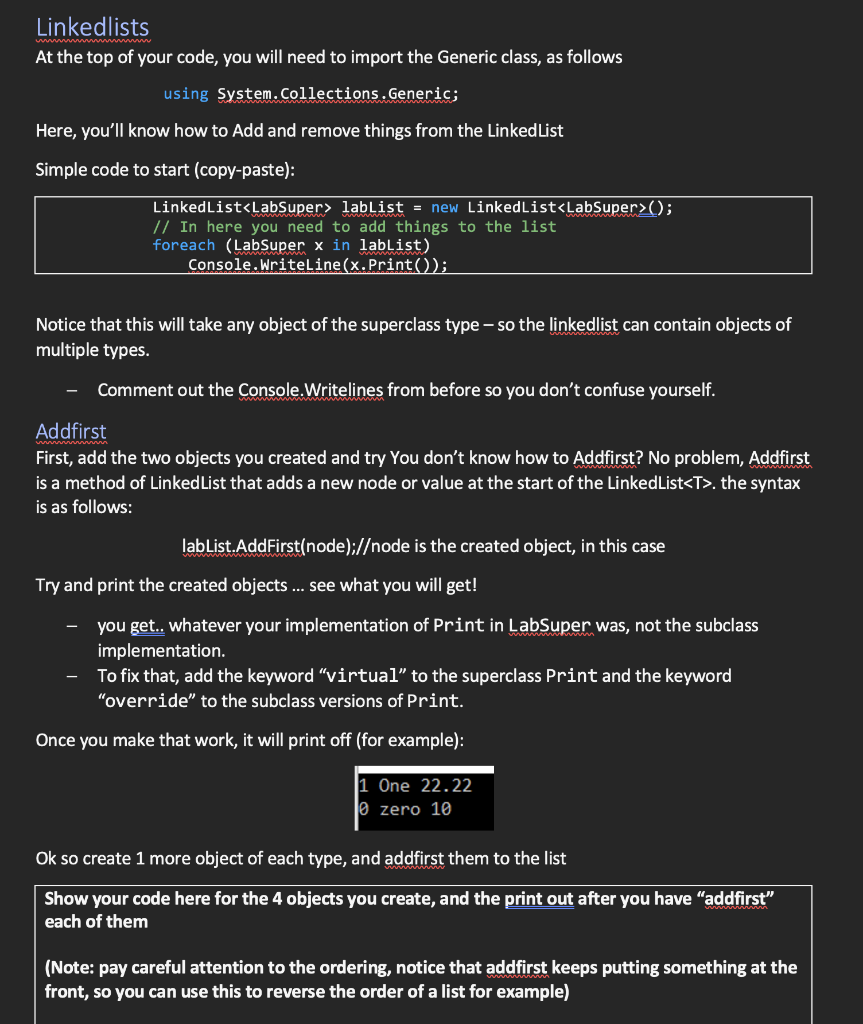
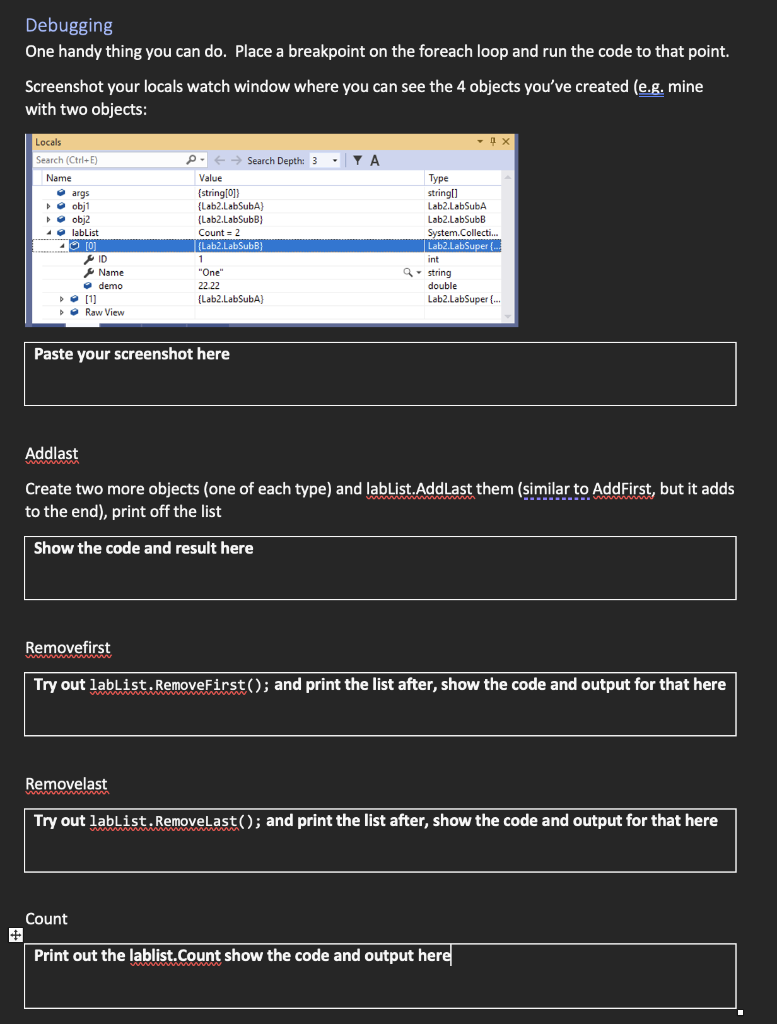
Linkedlists At the top of your code, you will need to import the Generic class, as follows using System.Collections.Generic; Here, you'll know how to Add and remove things from the LinkedList Simple code to start (copy-paste): \begin{tabular}{|l|} \hline LinkedList> lablist = new LinkedList (); \\ // In here you need to add things to the list \\ foreach (Labsuper x in labList) \\ Console.WriteLine (x.Print()); \end{tabular} Notice that this will take any object of the superclass type - so the linkedlist can contain objects of multiple types. - Comment out the Console.Writelines from before so you don't confuse yourself. Addfirst First, add the two objects you created and try You don't know how to Addfirst? No problem, Addfirst is a method of LinkedList that adds a new node or value at the start of the LinkedList T. the syntax is as follows: labList.AddFirst(node);/ode is the created object, in this case Try and print the created objects ... see what you will get! - you get.. whatever your implementation of Print in LabSuper was, not the subclass implementation. - To fix that, add the keyword "virtual" to the superclass Print and the keyword "override" to the subclass versions of Print. Once you make that work, it will print off (for example): 1 One 22.22 0 zero 10 Ok so create 1 more object of each type, and addfirst them to the list Show your code here for the 4 objects you create, and the print out after you have "addfirst" each of them (Note: pay careful attention to the ordering, notice that addfirst keeps putting something at the Debugging One handy thing you can do. Place a breakpoint on the foreach loop and run the code to that point. Screenshot your locals watch window where you can see the 4 objects you've created (e.g. mine with two objects: Paste your screenshot here Addlast Create two more objects (one of each type) and lablist.AddLast them (similar to AddFirst, but it adds to the end), print off the list Show the code and result here Removefirst Try out lablist. RemoveFirst(); and print the list after, show the code and output for that here Removelast Try out lablist. Removelast(); and print the list after, show the code and output for that here









 Study Help