







Question: Intro level data programming (Python/VSCode) For this problem, you need to implement the three function bodies related to blurring an image: get_pixel_at(pixel_grid, i, j), average_of_surrounding(pixel_grid,
Intro level data programming (Python/VSCode)
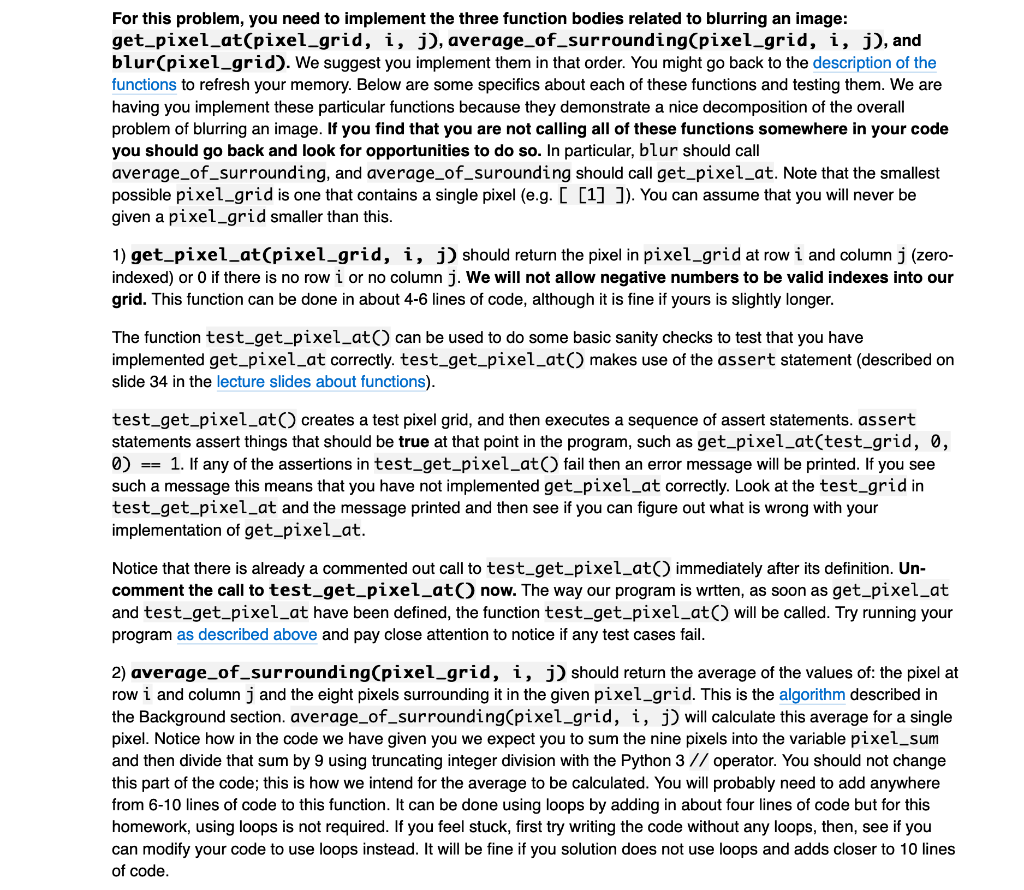
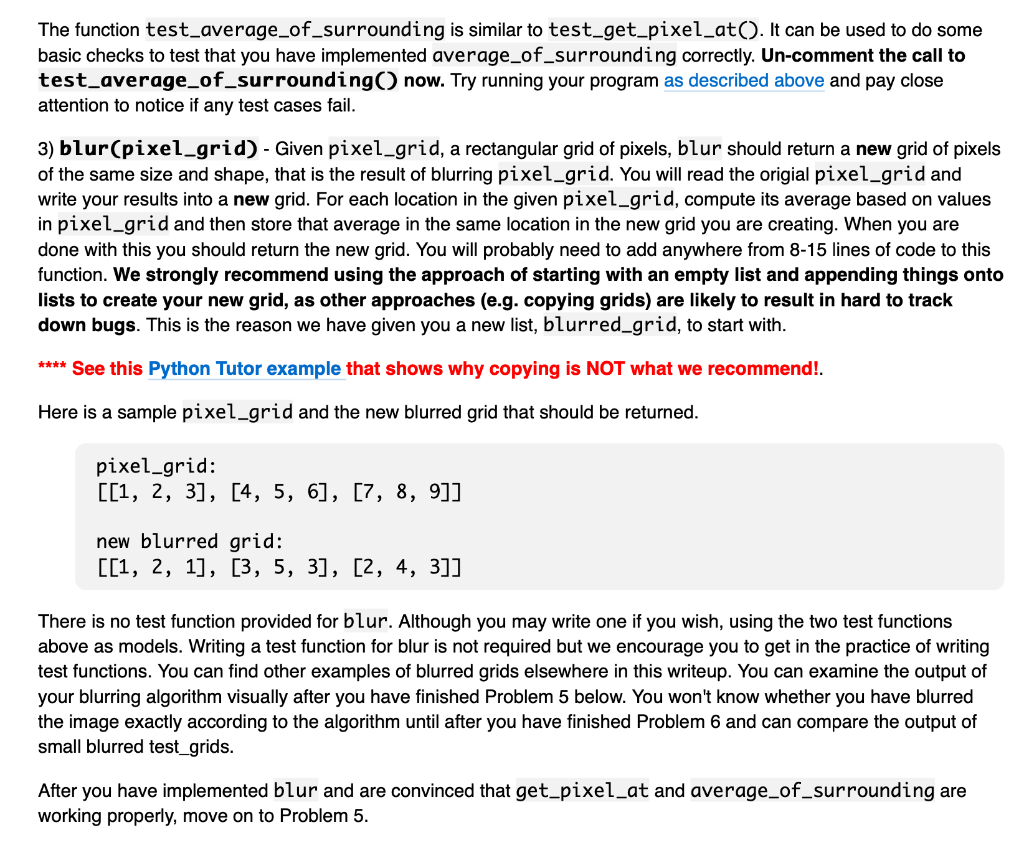
For this problem, you need to implement the three function bodies related to blurring an image: get_pixel_at(pixel_grid, i, j), average_of_surrounding(pixel_grid, i, j), and blur(pixel_grid). We suggest you implement them in that order. You might go back to the description of the functions to refresh your memory. Below are some specifics about each of these functions and testing them. We are having you implement these particular functions because they demonstrate a nice decomposition of the overall problem of blurring an image. If you find that you are not calling all of these functions somewhere in your code you should go back and look for opportunities to do so. In particular, blur should call average_of_surrounding, and average_of_surounding should call get_pixel_at. Note that the smallest possible pixel_grid is one that contains a single pixel (e.g. [ [1] ]). You can assume that you will never be given a pixel_grid smaller than this. 1) get_pixel_at(pixel_grid, i, j) should return the pixel in pixel_grid at row i and column j (zero- indexed) or 0 if there is no row i or no column j. We will not allow negative numbers to be valid indexes into our grid. This function can be done in about 4-6 lines of code, although it is fine if yours is slightly longer. The function test_get_pixel_at() can be used to do some basic sanity checks to test that you have implemented get_pixel_at correctly. test_get_pixel_at() makes use of the assert statement (described on slide 34 in the lecture slides about functions). test_get_pixel_at creates a test pixel grid, and then executes a sequence of assert statements. assert statements assert things that should be true at that point in the program, such as get_pixel_at(test_grid, 0, 0 == 1. If any of the assertions in test_get_pixel_at fail then an error message will be printed. If you see such a message this means that you have not implemented get_pixel_at correctly. Look at the test_grid in test_get_pixel_at and the message printed and then see if you can figure out what is wrong with your implementation of get_pixel_at. Notice that there is already a commented out call to test_get_pixel_at) immediately after its definition. Un- comment the call to test_get_pixel_atnow. The way our program is wrtten, as soon as get_pixel_at and test_get_pixel_at have been defined, the function test_get_pixel_at() will be called. Try running your program as described above and pay close attention to notice if any test cases fail. 2) average_of_surrounding(pixel_grid, i, j) should return the average of the values of the pixel at row i and column j and the eight pixels surrounding it in the given pixel_grid. This is the algorithm described in the Background section. average_of_surrounding(pixel_grid, i, j) will calculate this average for a single pixel. Notice how in the code we have given you we expect you to sum the nine pixels into the variable pixel_sum and then divide that sum by 9 using truncating integer division with the Python 3 // operator. You should not change this part of the code; this is how we intend for the average to be calculated. You will probably need to add anywhere from 6-10 lines of code to this function. It can be done using loops by adding in about four lines of code but for this homework, using loops is not required. If you feel stuck, first try writing the code without any loops, then, see if you can modify your code to use loops instead. It will be fine if you solution does not use loops and adds closer to 10 lines of code. The function test_average_of_surrounding is similar to test_get_pixel_at(). It can be used to do some basic checks to test that you have implemented average_of_surrounding correctly. Un-comment the call to test_average_of_surrounding() now. Try running your program as described above and pay close attention to notice if any test cases fail. 3) blur(pixel_grid) - Given pixel_grid, a rectangular grid of pixels, blur should return a new grid of pixels of the same size and shape, that is the result of blurring pixel_grid. You will read the origial pixel_grid and write your results into a new grid. For each location in the given pixel_grid, compute its average based on values in pixel_grid and then store that average in the same location in the new grid you are creating. When you are done with this you should return the new grid. You will probably need to add anywhere from 8-15 lines of code to this function. We strongly recommend using the approach of starting with an empty list and appending things onto lists to create your new grid, as other approaches (e.g. copying grids) are likely to result in hard to track down bugs. This is the reason we have given you a new list, blurred_grid, to start with. **** See this Python Tutor example that shows why copying is NOT what we recommend! Here is a sample pixel_grid and the new blurred grid that should be returned. pixel_grid: [[1, 2, 3], [4, 5, 6], [7, 8, 9]] new blurred grid: [[1, 2, 1], [3, 5, 3], [2, 4, 3]] There is no test function provided for blur. Although you may write one if you wish, using the two test functions above as models. Writing a test function for blur is not required but we encourage you to get in the practice of writing test functions. You can find other examples of blurred grids elsewhere in this writeup. You can examine the output of your blurring algorithm visually after you have finished Problem 5 below. You won't know whether you have blurred the image exactly according to the algorithm until after you have finished Problem 6 and can compare the output of small blurred test_grids. After you have implemented blur and are convinced that get_pixel_at and average_of_surrounding are working properly, move on to Problem 5. For this problem, you need to implement the three function bodies related to blurring an image: get_pixel_at(pixel_grid, i, j), average_of_surrounding(pixel_grid, i, j), and blur(pixel_grid). We suggest you implement them in that order. You might go back to the description of the functions to refresh your memory. Below are some specifics about each of these functions and testing them. We are having you implement these particular functions because they demonstrate a nice decomposition of the overall problem of blurring an image. If you find that you are not calling all of these functions somewhere in your code you should go back and look for opportunities to do so. In particular, blur should call average_of_surrounding, and average_of_surounding should call get_pixel_at. Note that the smallest possible pixel_grid is one that contains a single pixel (e.g. [ [1] ]). You can assume that you will never be given a pixel_grid smaller than this. 1) get_pixel_at(pixel_grid, i, j) should return the pixel in pixel_grid at row i and column j (zero- indexed) or 0 if there is no row i or no column j. We will not allow negative numbers to be valid indexes into our grid. This function can be done in about 4-6 lines of code, although it is fine if yours is slightly longer. The function test_get_pixel_at() can be used to do some basic sanity checks to test that you have implemented get_pixel_at correctly. test_get_pixel_at() makes use of the assert statement (described on slide 34 in the lecture slides about functions). test_get_pixel_at creates a test pixel grid, and then executes a sequence of assert statements. assert statements assert things that should be true at that point in the program, such as get_pixel_at(test_grid, 0, 0 == 1. If any of the assertions in test_get_pixel_at fail then an error message will be printed. If you see such a message this means that you have not implemented get_pixel_at correctly. Look at the test_grid in test_get_pixel_at and the message printed and then see if you can figure out what is wrong with your implementation of get_pixel_at. Notice that there is already a commented out call to test_get_pixel_at) immediately after its definition. Un- comment the call to test_get_pixel_atnow. The way our program is wrtten, as soon as get_pixel_at and test_get_pixel_at have been defined, the function test_get_pixel_at() will be called. Try running your program as described above and pay close attention to notice if any test cases fail. 2) average_of_surrounding(pixel_grid, i, j) should return the average of the values of the pixel at row i and column j and the eight pixels surrounding it in the given pixel_grid. This is the algorithm described in the Background section. average_of_surrounding(pixel_grid, i, j) will calculate this average for a single pixel. Notice how in the code we have given you we expect you to sum the nine pixels into the variable pixel_sum and then divide that sum by 9 using truncating integer division with the Python 3 // operator. You should not change this part of the code; this is how we intend for the average to be calculated. You will probably need to add anywhere from 6-10 lines of code to this function. It can be done using loops by adding in about four lines of code but for this homework, using loops is not required. If you feel stuck, first try writing the code without any loops, then, see if you can modify your code to use loops instead. It will be fine if you solution does not use loops and adds closer to 10 lines of code. The function test_average_of_surrounding is similar to test_get_pixel_at(). It can be used to do some basic checks to test that you have implemented average_of_surrounding correctly. Un-comment the call to test_average_of_surrounding() now. Try running your program as described above and pay close attention to notice if any test cases fail. 3) blur(pixel_grid) - Given pixel_grid, a rectangular grid of pixels, blur should return a new grid of pixels of the same size and shape, that is the result of blurring pixel_grid. You will read the origial pixel_grid and write your results into a new grid. For each location in the given pixel_grid, compute its average based on values in pixel_grid and then store that average in the same location in the new grid you are creating. When you are done with this you should return the new grid. You will probably need to add anywhere from 8-15 lines of code to this function. We strongly recommend using the approach of starting with an empty list and appending things onto lists to create your new grid, as other approaches (e.g. copying grids) are likely to result in hard to track down bugs. This is the reason we have given you a new list, blurred_grid, to start with. **** See this Python Tutor example that shows why copying is NOT what we recommend! Here is a sample pixel_grid and the new blurred grid that should be returned. pixel_grid: [[1, 2, 3], [4, 5, 6], [7, 8, 9]] new blurred grid: [[1, 2, 1], [3, 5, 3], [2, 4, 3]] There is no test function provided for blur. Although you may write one if you wish, using the two test functions above as models. Writing a test function for blur is not required but we encourage you to get in the practice of writing test functions. You can find other examples of blurred grids elsewhere in this writeup. You can examine the output of your blurring algorithm visually after you have finished Problem 5 below. You won't know whether you have blurred the image exactly according to the algorithm until after you have finished Problem 6 and can compare the output of small blurred test_grids. After you have implemented blur and are convinced that get_pixel_at and average_of_surrounding are working properly, move on to Problem 5
Step by Step Solution
There are 3 Steps involved in it

Get step-by-step solutions from verified subject matter experts
 Study Help