







Question: Intro level data programming, Python/VSCode Ine Program Let's first take a look at the main program (look for the comment: The main program begins here).
Intro level data programming, Python/VSCode
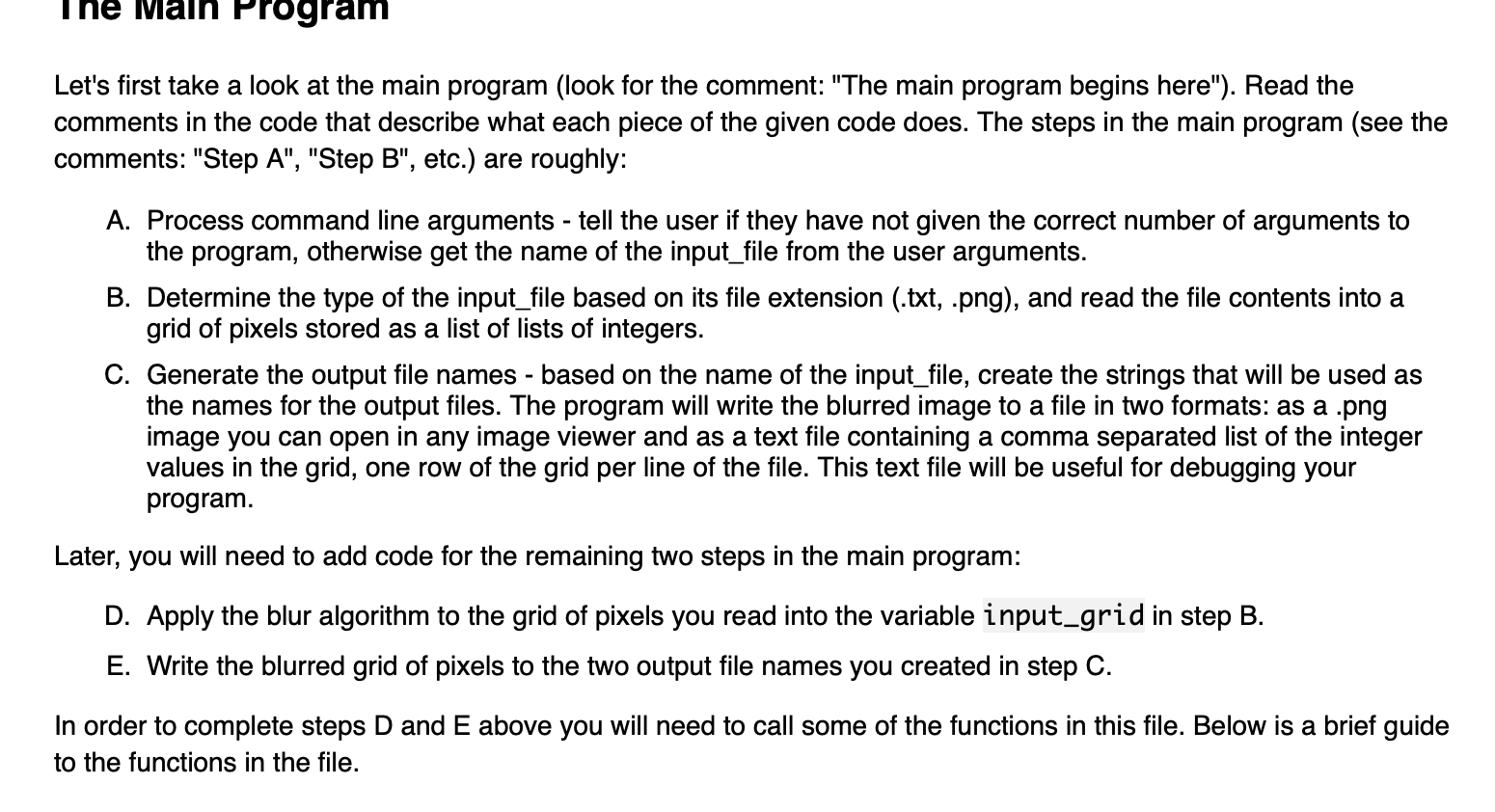
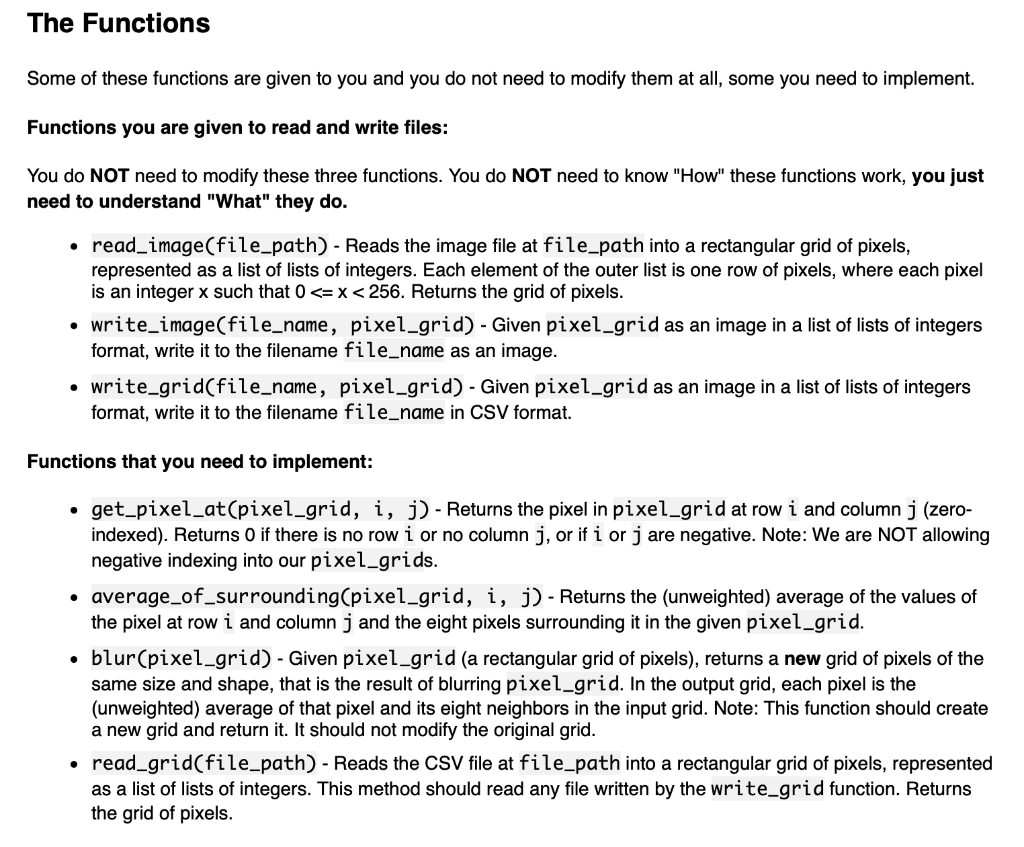
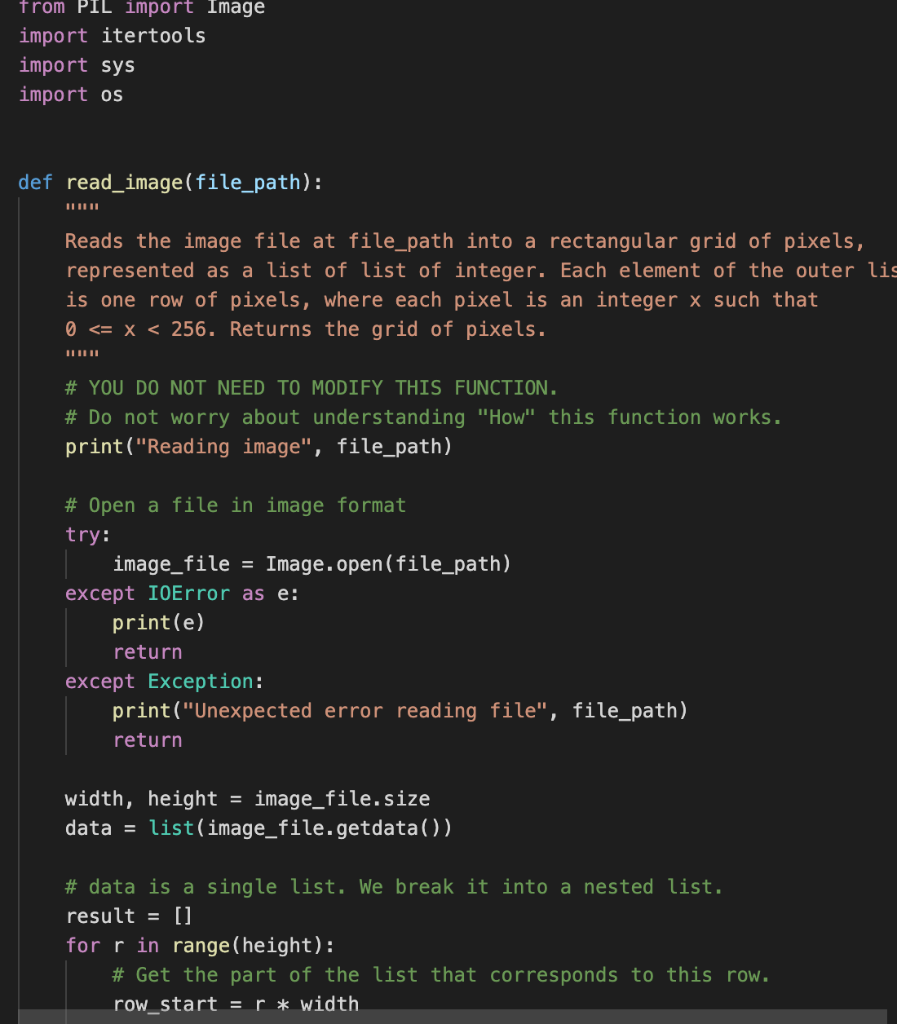
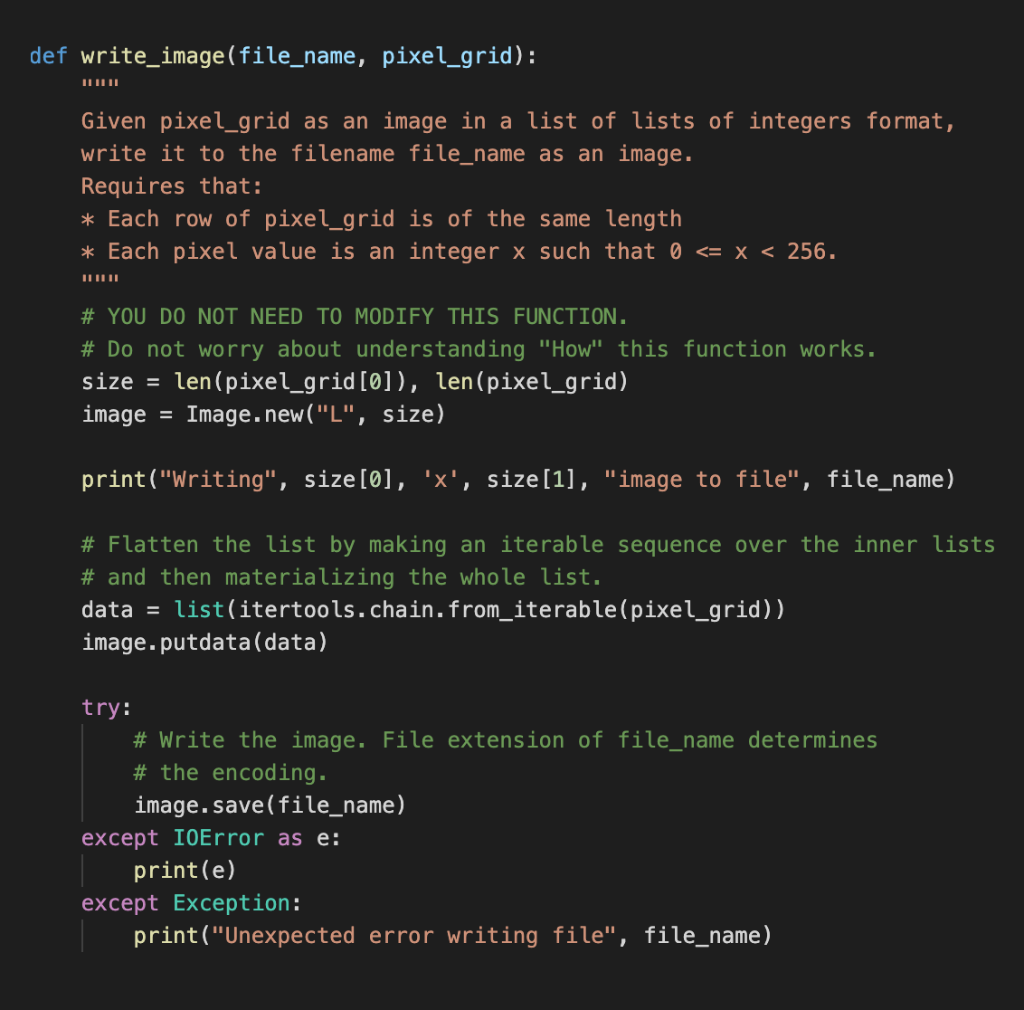
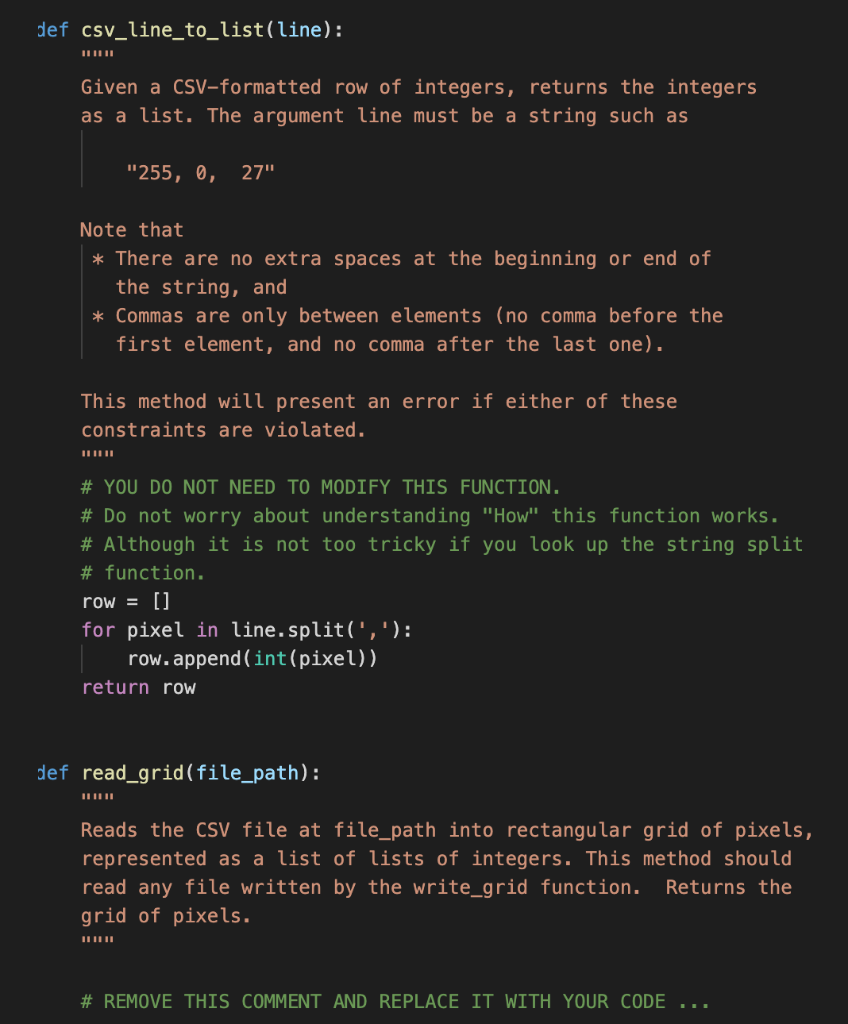
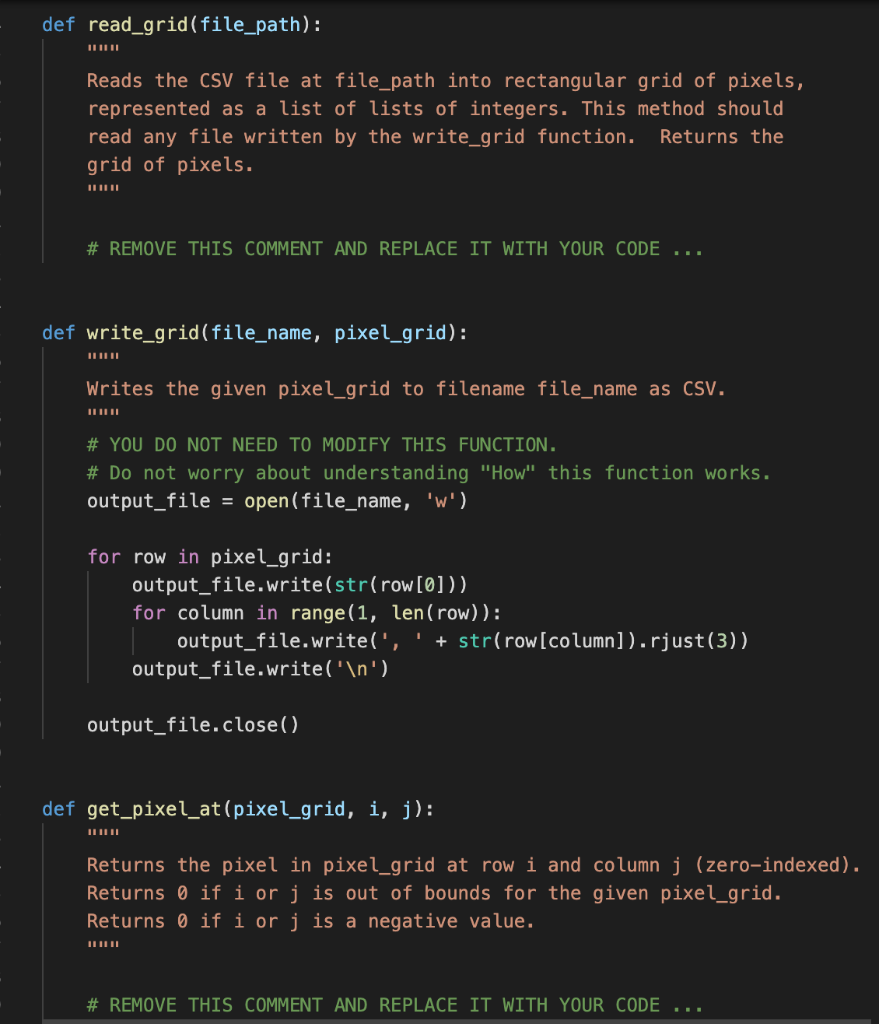
Ine Program Let's first take a look at the main program (look for the comment: "The main program begins here"). Read the comments in the code that describe what each piece of the given code does. The steps in the main program (see the comments: "Step A", "Step B", etc.) are roughly: A. Process command line arguments - tell the user if they have not given the correct number of arguments to the program, otherwise get the name of the input_file from the user arguments. B. Determine the type of the input_file based on its file extension (.txt, .png), and read the file contents into a grid of pixels stored as a list of lists of integers. C. Generate the output file names - based on the name of the input_file, create the strings that will be used as the names for the output files. The program will write the blurred image to a file in two formats: as a .png image you can open in any image viewer and as a text file containing a comma separated list of the integer values in the grid, one row of the grid per line of the file. This text file will be useful for debugging your program. Later, you will need to add code for the remaining two steps in the main program: D. Apply the blur algorithm to the grid of pixels you read into the variable input-grid in step B. E. Write the blurred grid of pixels to the two output file names you created in step C. In order to complete steps D and E above you will need to call some of the functions in this file. Below is a brief guide to the functions in the file. The Functions Some of these functions are given to you and you do not need to modify them at all, some you need to implement. Functions you are given to read and write files: You do NOT need to modify these three functions. You do NOT need to know "How" these functions work, you just need to understand "What" they do. read_image(file_path) - Reads the image file at file_path into a rectangular grid of pixels, represented as a list of lists of integers. Each element of the outer list is one row of pixels, where each pixel is an integer x such that 0
Step by Step Solution
There are 3 Steps involved in it

Get step-by-step solutions from verified subject matter experts
 Study Help