







Question: INTRODUCTION A new CISCO switch contains no default configuration. Therefore, you will need to configure the switch using the command line interface (CLT) before connecting
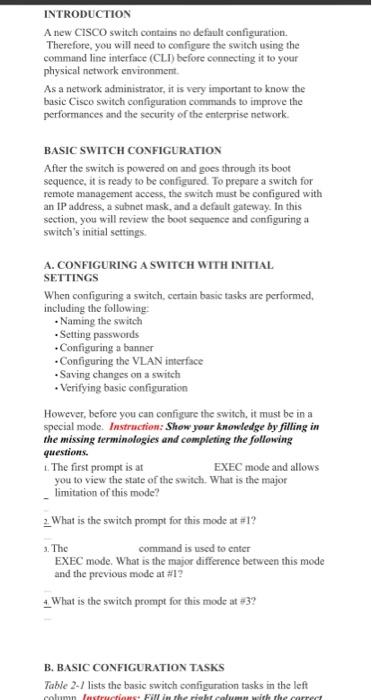
INTRODUCTION A new CISCO switch contains no default configuration. Therefore, you will need to configure the switch using the command line interface (CLT) before connecting it to your physical network environment As a network administrator, it is very important to know the basic Cisco switch configuration commands to improve the performances and the security of the enterprise network. BASIC SWITCH CONFIGURATION After the switch is powered on and goes through its boot sequence, it is ready to be configured. To prepare a switch for remote management access, the switch must be configured with an IP address, a subnet mask, and a default gateway. In this section, you will review the boot sequence and configuring a switch's initial settings A. CONFIGURING A SWITCH WITH INITIAL SETTINGS When configuring a switch, certain basic tasks are performed, including the following: Naming the switch Setting passwords .Configuring a banner Configuring the VLAN interface Saving changes on a switch Verifying basic configuration However, before you can configure the switch, it must be in a special mode. Instruction: Show your knowledge by filling in the missing terminologies and completing the following questions, 1. The first prompt is at EXEC mode and allows you to view the state of the switch. What is the major limitation of this mode? 2. What is the switch prompt for this mode at #l? The command is used to enter EXEC mode. What is the major difference between this mode and the previous mode at #1? 4. What is the switch prompt for this mode at #3? B. BASIC CONFIGURATION TASKS Table 2-/ lists the basic switch configuration tasks in the left Column Testructions Fireberite wire the carree
Step by Step Solution
There are 3 Steps involved in it

Get step-by-step solutions from verified subject matter experts
 Study Help