







Question: Issue with this section on Gigabytes Used (Rounded) for microsoft excel. None of the other answers on chegg are elaborate to explain how to do
Issue with this section on Gigabytes Used (Rounded) for microsoft excel. None of the other answers on chegg are elaborate to explain how to do this step by step. i tried using define name but im unsure if thats correct? picture is illustrated below. 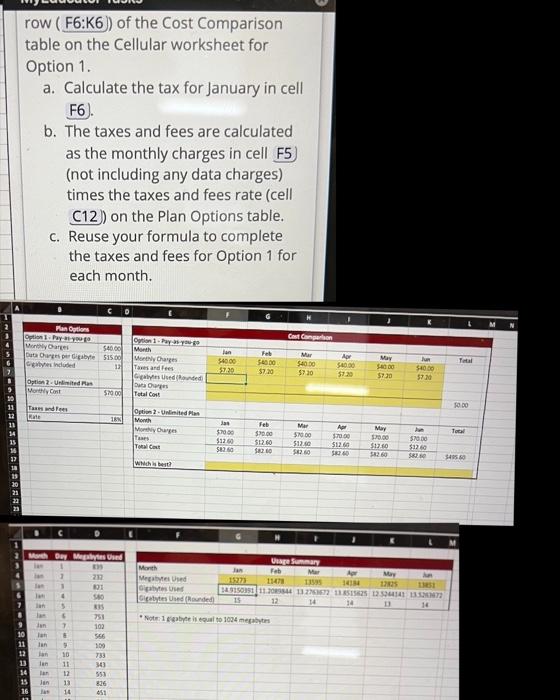
row ( F6:K6) of the Cost Comparison table on the Cellular worksheet for Option 1. a. Calculate the tax for January in cell F6). b. The taxes and fees are calculated as the monthly charges in cell F5) (not including any data charges) times the taxes and fees rate (cell (12) on the Plan Options table. c. Reuse your formula to complete the taxes and fees for Option 1 for each month
Step by Step Solution
There are 3 Steps involved in it
1 Expert Approved Answer
Step: 1 Unlock

Question Has Been Solved by an Expert!
Get step-by-step solutions from verified subject matter experts
Step: 2 Unlock
Step: 3 Unlock
 Study Help