







Question: Items Controls C# and wpf Now that weve discussed some of the basics of using items controls, lets put some of them to work. Requirements
Items Controls C# and wpf
Now that weve discussed some of the basics of using items controls, lets put some of them to work.
Requirements
You will need to build a few types to get started:CharacterClass (enum)
Fighter, Mage, Ranger
Gender (enum)
Female, Male
Item
Name (string)
Effect (string)
Cost (int)
Description (string)
Equipped (bool)
Character
Name (string)
Level (int)
CharacterClass (CharacterClass)
Gender (Gender)
Strength (int)
Intelligence (int)
Dexterity (int)
Gold (int)
Inventory(ObservableCollection
NOTE: The preceding classes and enums are strictly defined. You may not add to, nor take away from the property set in any way. The only exceptions are as follows:
Building properties for each field
Implementing change notification as needed and the fields/properties/methods that may require
Custom constructors for any default values
Write code so that, at startup, you build a collection of 6 characters, one for each CharacterClass/Gender combination.
This singular collection of Character objects must serve as the items source for the combo box.
For the UI, you will have a combo box that represents your collection of characters, a character view area that displays the currently selected characters Strength, Intelligence, Dexterity, and Gold, and an inventory area (which is a DataGrid) that displays the items in the currently selected characters inventory. Prior to selecting a character, your UI might look like this.
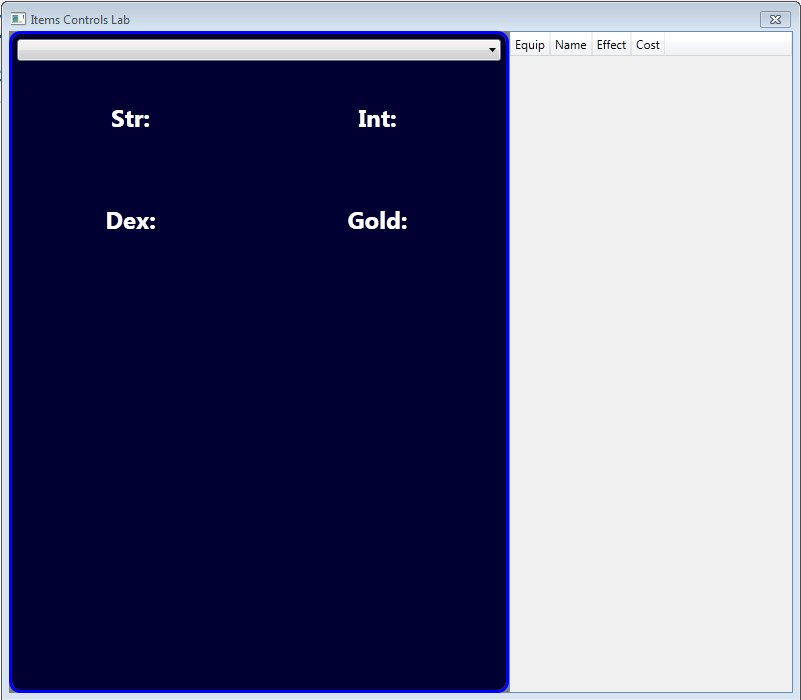
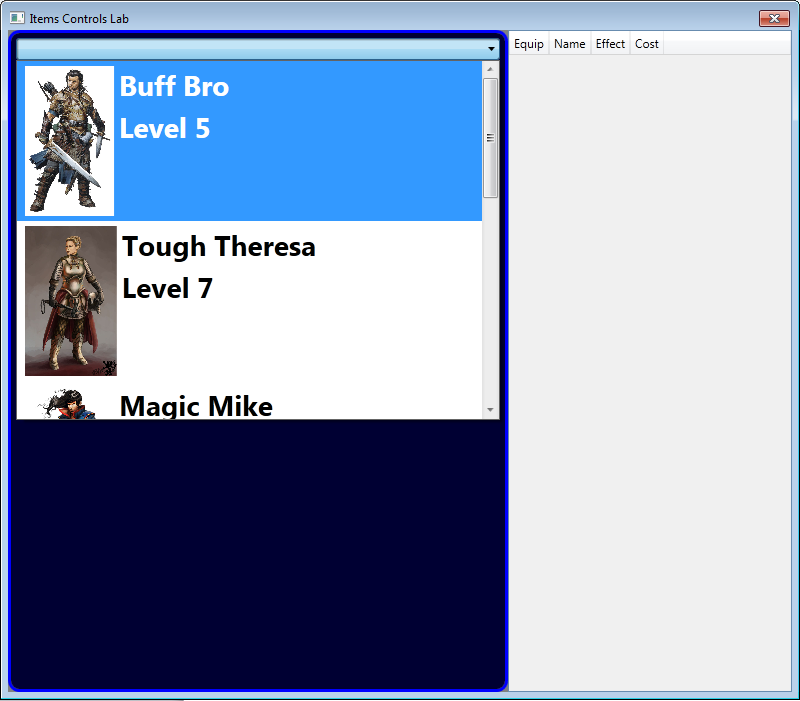
For each character in your collection, the combo box (when open) should display the avatar (aka image) of the character, the name, and the level value. The avatar should be appropriate to both the class and gender of the character. When the combo box is open, your UI might look something like this:
When you select any character, the character view and the inventory areas update via data binding (not event handling). Your UI might look something like this:
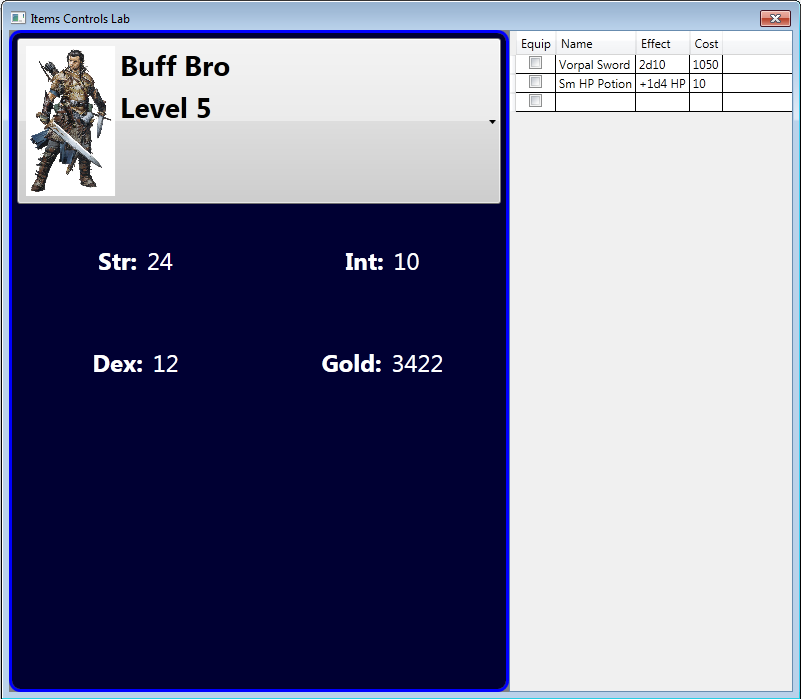
The character is not editable, but his/her inventory is (adding, updating, removing items).
You will note that the Character class does NOT have an Image property. You MUST create and utilize a custom value converter of some type that analyzes the class and gender of the character in order to determine which image to display.
Finishing Touches
Every character must have a non-null Inventory property, even if his/her inventory is empty.
Make sure the combo box items scroll smoothly (meaning it does not jump from item to item as I scroll).
The inventory area will ONLY have the following columns with these specific names: Equip (bound to Equipped), Name, Effect, and Cost. This requirement is intentional and immutable.
D Items Controls Lab Str: Dex: Int: Gold: Equip Nam Effect Cost
Step by Step Solution
There are 3 Steps involved in it

Get step-by-step solutions from verified subject matter experts
 Study Help