







Question: ith a completely new visual aesthetic. page layout EU Pacific Trails Resort See Chapter 2 for an introduction to the Pacific Trails Resort case study.
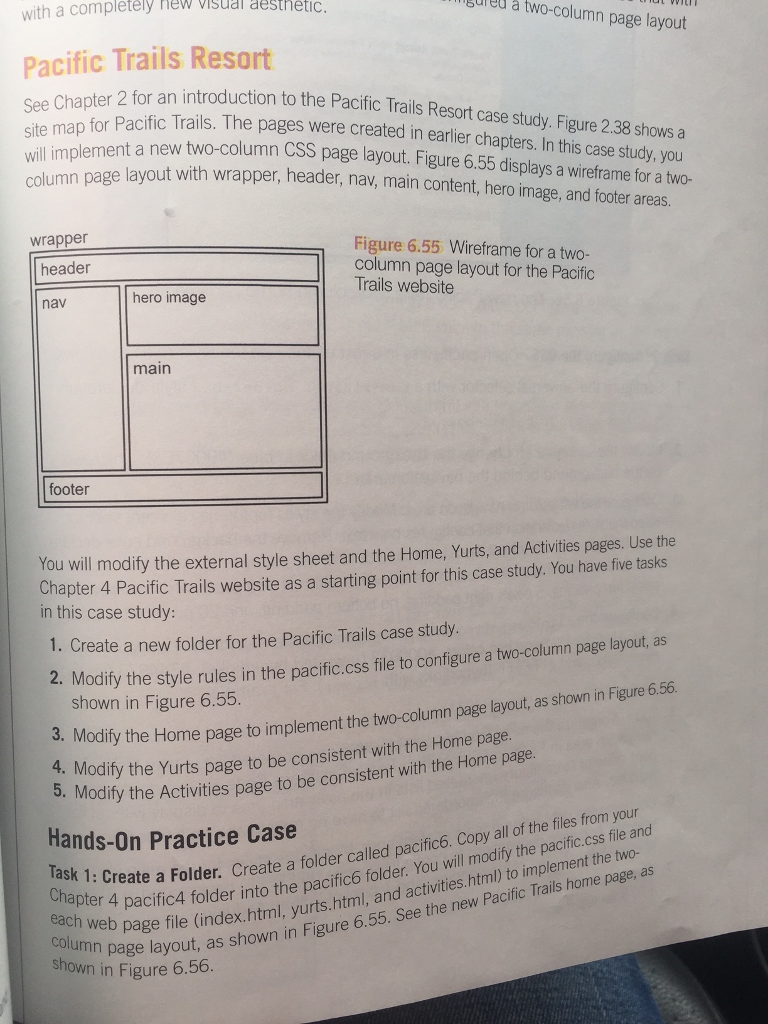
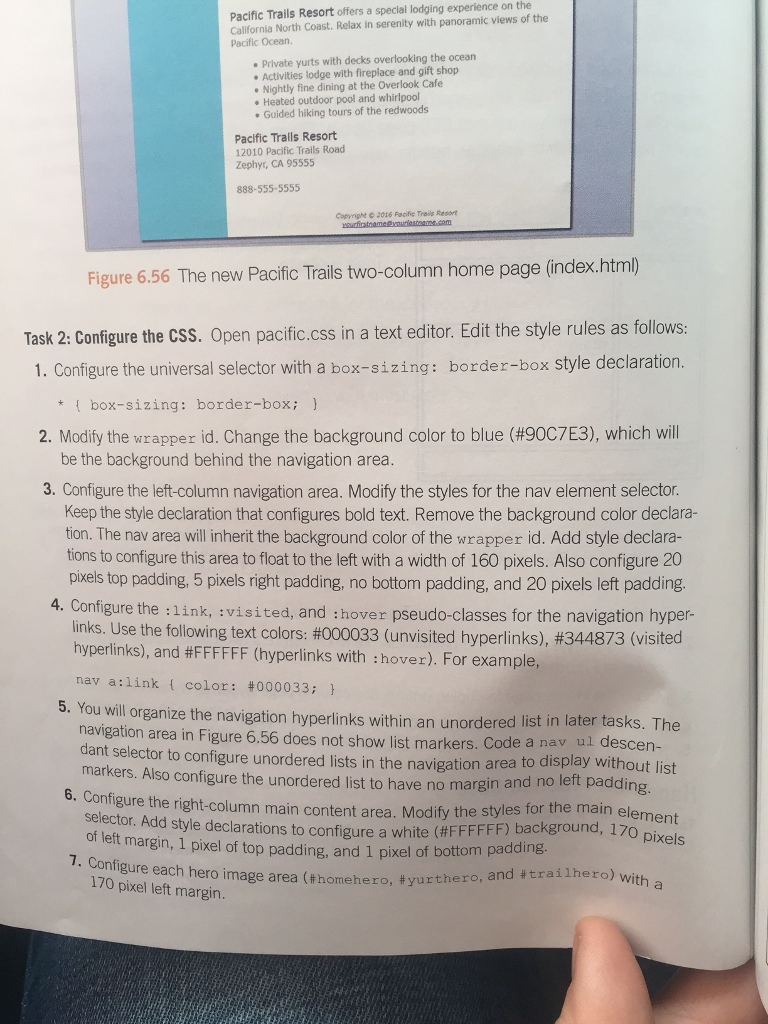
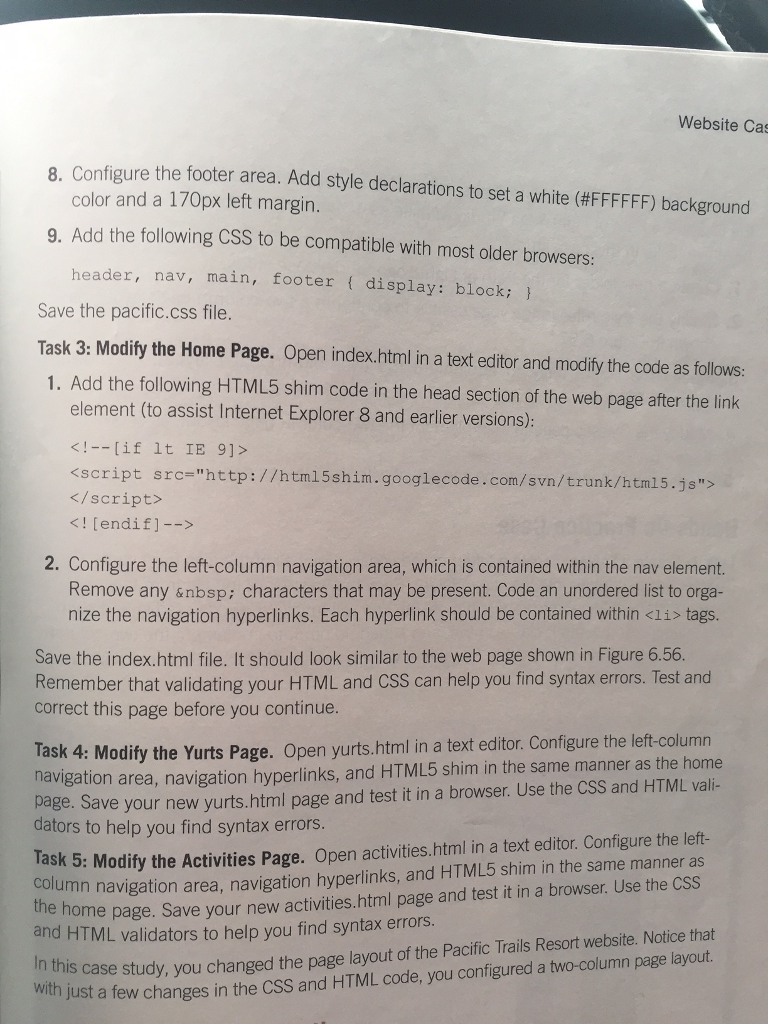
ith a completely new visual aesthetic. page layout EU Pacific Trails Resort See Chapter 2 for an introduction to the Pacific Trails Resort case study. Figure 2.38 shows a site map for Pacific Trails. The pages were created in earlier chapters. In case study, you column lement a new two-column CSS page layout. Figure 6.55 displays a wireframe for a two- page layout with wrapper, header, nav main content, hero mage, and footer areas. wrapper Figure 6.55 Wireframe for a two column page layout for the Pacific header Trails website hero image nav main footer You will modify the external style sheet and the Home, Yurts, and Activities pages. Use the Chapter Trails website as a starting point for this case study. You have five tasks 4 Pacific in this case study: 1. Create a new folder for the Pacific Trails case study two-column pa layout, as 2. Modify the style rules in the pacific.css file to configure a shown in Figure 6.55. pagelayout, as shown in Figure 656 3. Modify the Home page to the two column page implement d. Modify the page to be consistent with the the Home page Home Modify the Activities page to be consistent with Hands-on Practice Case Copy all the files from your 1: Create a Folder create a folder called pacific6 of file and apter 4 pacific4 into the pacific6 folder will modify implement the two as older and html) to Trails page, activities. Pacific 6.55. See the new each web page file (in shown in Figure column page layout, as shown in Figure 6 ith a completely new visual aesthetic. page layout EU Pacific Trails Resort See Chapter 2 for an introduction to the Pacific Trails Resort case study. Figure 2.38 shows a site map for Pacific Trails. The pages were created in earlier chapters. In case study, you column lement a new two-column CSS page layout. Figure 6.55 displays a wireframe for a two- page layout with wrapper, header, nav main content, hero mage, and footer areas. wrapper Figure 6.55 Wireframe for a two column page layout for the Pacific header Trails website hero image nav main footer You will modify the external style sheet and the Home, Yurts, and Activities pages. Use the Chapter Trails website as a starting point for this case study. You have five tasks 4 Pacific in this case study: 1. Create a new folder for the Pacific Trails case study two-column pa layout, as 2. Modify the style rules in the pacific.css file to configure a shown in Figure 6.55. pagelayout, as shown in Figure 656 3. Modify the Home page to the two column page implement d. Modify the page to be consistent with the the Home page Home Modify the Activities page to be consistent with Hands-on Practice Case Copy all the files from your 1: Create a Folder create a folder called pacific6 of file and apter 4 pacific4 into the pacific6 folder will modify implement the two as older and html) to Trails page, activities. Pacific 6.55. See the new each web page file (in shown in Figure column page layout, as shown in Figure 6
Step by Step Solution
There are 3 Steps involved in it

Get step-by-step solutions from verified subject matter experts
 Study Help