







Question: Textbook: Web Development and Design Foundations with HTML5 (7th Edition) Chapter 7 Pacific Trails Resort See Chapter 2 for an introduction to the Pacific Trails
Textbook: Web Development and Design Foundations with HTML5 (7th Edition) Chapter 7
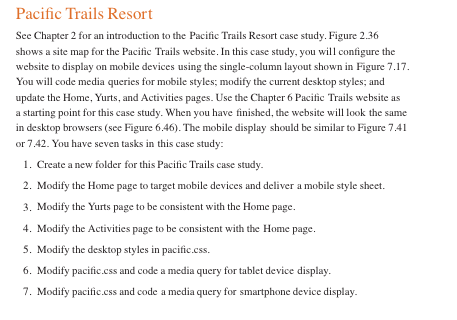
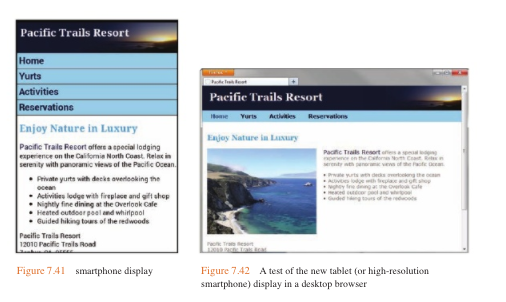
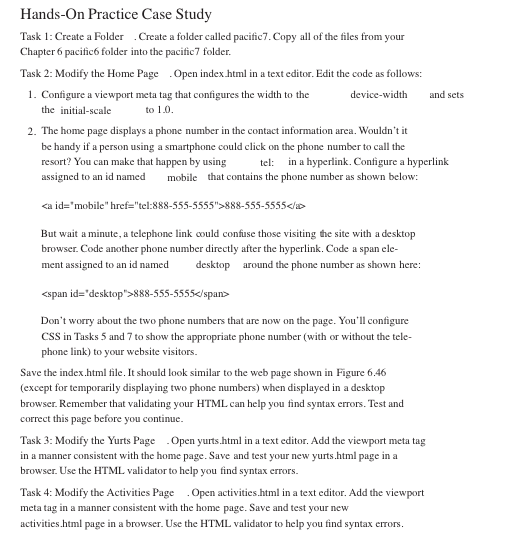
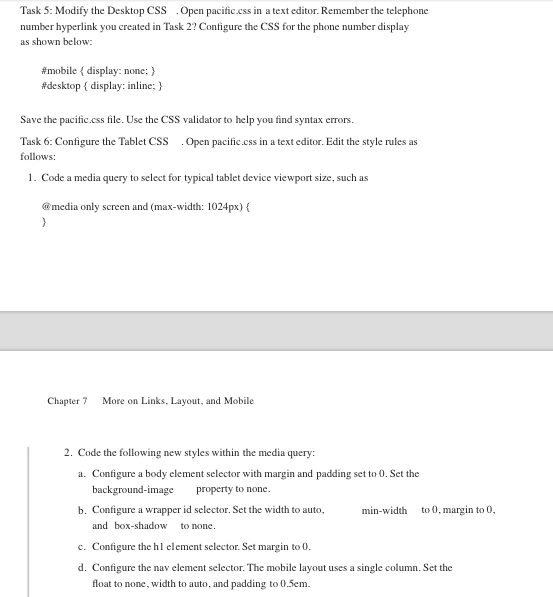
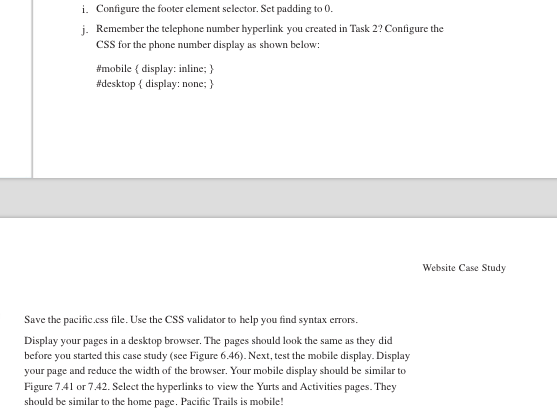
Pacific Trails Resort See Chapter 2 for an introduction to the Pacific Trails Resort case study. Figure 2.36 shows a site map for the Pacitic Trails website. In this case study, you will configure the website to display on mobile devices using the single-column layout shown in Figure 7.17. You will code media queries for mobile styles; modify the current desktop styles; and update the Home, Yurts, and Activities pages. Use the Chapter 6 Pacitic Trails website as a starting point for this case study. When you have finished, the website will look the same in desktop browsers (see Figure 6.46). The mobile display should be similar to Figure 7.41 or 7.42. You have seven tasks in this case study 1. Create a new folder for this Pacific Trails case study 2. Modify the Home page to target mobile devices and deliver a mobile style sheet 3. Modify the Yurts page to be consistent with the Home page. 4. Modify the Activities page to be consistent with the Home page 5. Modify the desktop styles in pacific.css 6. Modify pacific.css and code a media query for tablet device display 7. Modify pacific.css and code a media query for smartphone device display
Step by Step Solution
There are 3 Steps involved in it

Get step-by-step solutions from verified subject matter experts
 Study Help