







Question: Its a Matlab function Problem Summary Function Name: shapeCounter Inputs (2): 1. (char) The filename containing the image of the shape you are looking for.
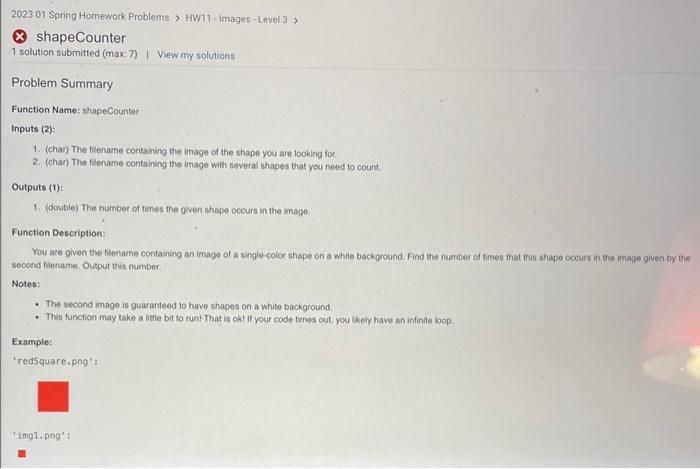
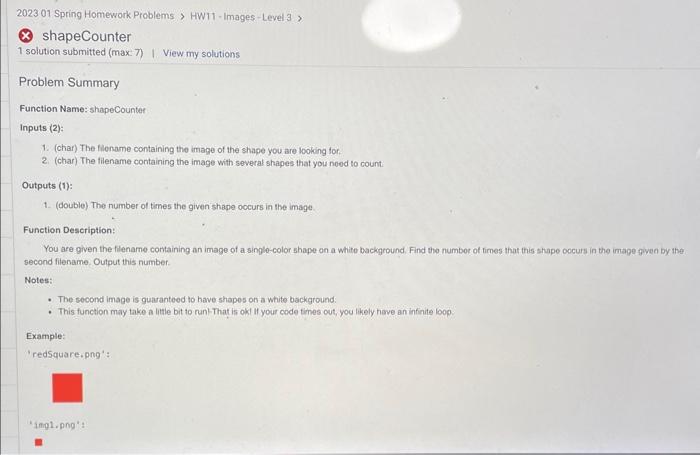
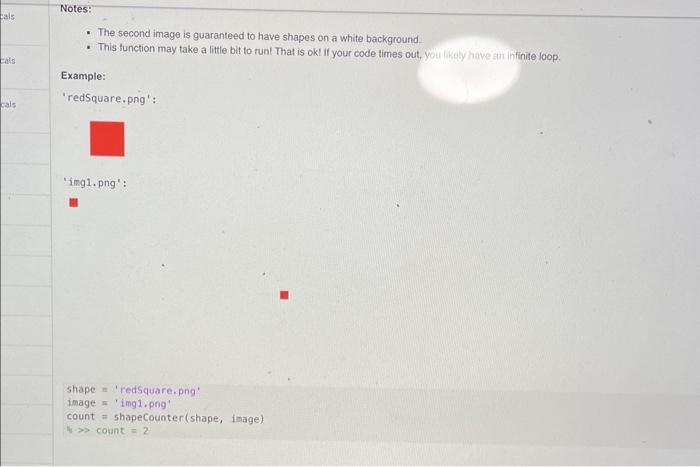
Problem Summary Function Name: shapeCounter Inputs (2): 1. (char) The filename containing the image of the shape you are looking for. 2. (char) The filename containing the image with soveral shapes that you need to count. Outputs (1): 1. (double) The number of times the given shape ocours in the image: Function Description: You are given the flename containing an image of a single-color shape on a white background. Find the number of times that thit ahape occurs in the image given by the second fidename. Output this number. Notes: - The second image is guaranteed to have shapes on a white background. - This function may take a little bit to run'That is okl If your code times out, you thely have an intinite loop. Example: 'redSquare.png': Problem Summary Function Name: shapeCounter Inputs (2)= 1. (char) The flioname containing the imape of the shape you are looking for: 2. (char) The filename containing the image with several shapes that you nood to count. Outputs (1): 1. (double) The number of times the given shape occurs in the image. Function Description: You are given the fliename containing an image of a singlo-color shape on a white background. Find the numbor of fimes that this shape oocurs in the image fiven by the econd fitename. Output this number. Notes: - The second image is guaranteed to have shapes on a white background: - This function may take a little bit to run-That is okt If your code times cut, you likely hove an infinite loop. Example: "redsquare.png": - The second image is guaranteed to have shapes on a white background. - This function may take a little bit to runt That is ok! If your code times out, you hkely have an infinite Joop. Problem Summary Function Name: shapeCounter Inputs (2): 1. (char) The filename containing the image of the shape you are looking for. 2. (char) The filename containing the image with soveral shapes that you need to count. Outputs (1): 1. (double) The number of times the given shape ocours in the image: Function Description: You are given the flename containing an image of a single-color shape on a white background. Find the number of times that thit ahape occurs in the image given by the second fidename. Output this number. Notes: - The second image is guaranteed to have shapes on a white background. - This function may take a little bit to run'That is okl If your code times out, you thely have an intinite loop. Example: 'redSquare.png': Problem Summary Function Name: shapeCounter Inputs (2)= 1. (char) The flioname containing the imape of the shape you are looking for: 2. (char) The filename containing the image with several shapes that you nood to count. Outputs (1): 1. (double) The number of times the given shape occurs in the image. Function Description: You are given the fliename containing an image of a singlo-color shape on a white background. Find the numbor of fimes that this shape oocurs in the image fiven by the econd fitename. Output this number. Notes: - The second image is guaranteed to have shapes on a white background: - This function may take a little bit to run-That is okt If your code times cut, you likely hove an infinite loop. Example: "redsquare.png": - The second image is guaranteed to have shapes on a white background. - This function may take a little bit to runt That is ok! If your code times out, you hkely have an infinite Joop
Step by Step Solution
There are 3 Steps involved in it

Get step-by-step solutions from verified subject matter experts
 Study Help