







Question: it's for PLC Lab Design Assignment (must be demonstrated in the lab) The diagram shown below illustrates a mixing tank system which is used to
it's for PLC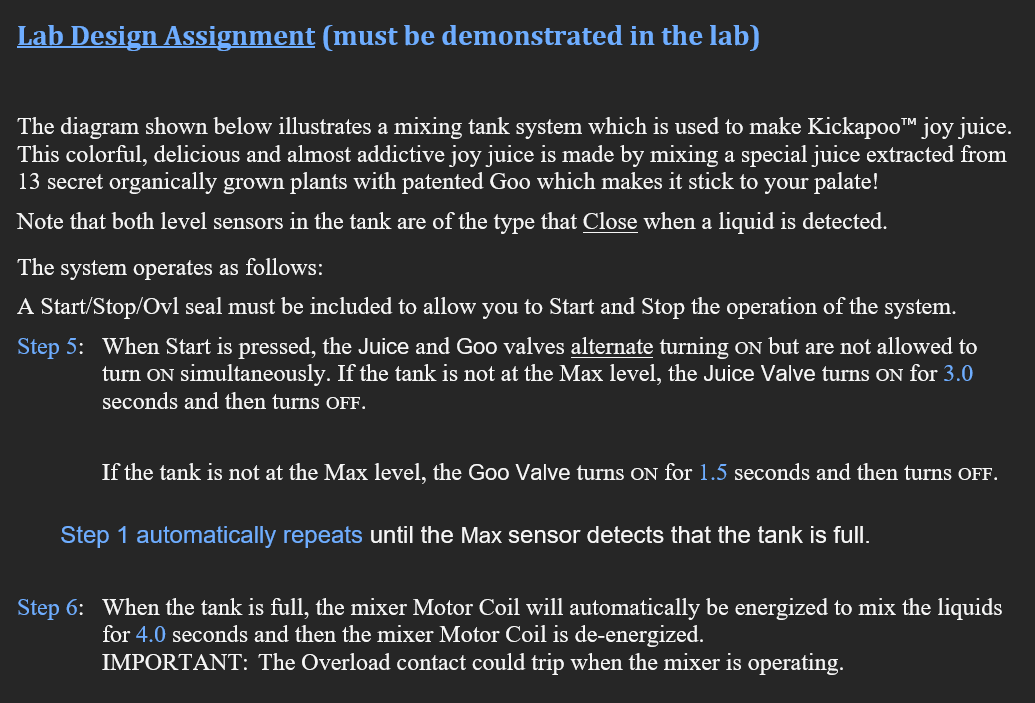
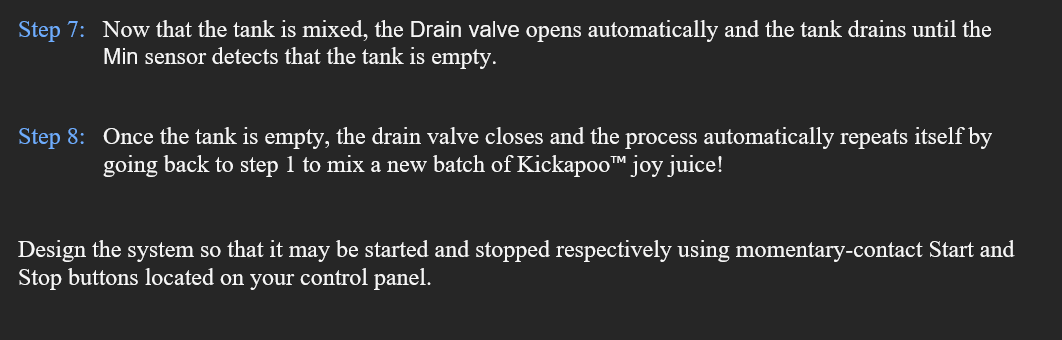
Lab Design Assignment (must be demonstrated in the lab) The diagram shown below illustrates a mixing tank system which is used to make Kickapoo TM joy juice. This colorful, delicious and almost addictive joy juice is made by mixing a special juice extracted from 13 secret organically grown plants with patented Goo which makes it stick to your palate! Note that both level sensors in the tank are of the type that Close when a liquid is detected. The system operates as follows: A Start/Stop/Ovl seal must be included to allow you to Start and Stop the operation of the system. Step 5: When Start is pressed, the Juice and Goo valves alternate turning on but are not allowed to turn ON simultaneously. If the tank is not at the Max level, the Juice Valve turns oN for 3.0 seconds and then turns OFF. If the tank is not at the Max level, the Goo Valve turns ON for 1.5 seconds and then turns ofF. Step 1 automatically repeats until the Max sensor detects that the tank is full. Step 6: When the tank is full, the mixer Motor Coil will automatically be energized to mix the liquids for 4.0 seconds and then the mixer Motor Coil is de-energized. IMPORTANT: The Overload contact could trip when the mixer is operating. Step 7: Now that the tank is mixed, the Drain valve opens automatically and the tank drains until the Min sensor detects that the tank is empty. Step 8: Once the tank is empty, the drain valve closes and the process automatically repeats itself by going back to step 1 to mix a new batch of Kickapoo TM joy juice! Design the system so that it may be started and stopped respectively using momentary-contact Start and Stop buttons located on your control panel
Step by Step Solution
There are 3 Steps involved in it

Get step-by-step solutions from verified subject matter experts
 Study Help