







Question: Ivodification tools - copy, offset, move, rotate, milffor, fillet win, exterid, chammel. . Open the Metric Template, and save the drawing as Lastname-In Class Activity
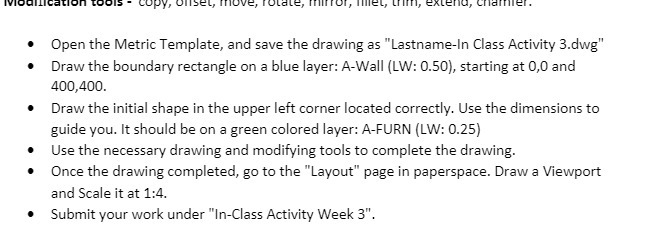
Ivodification tools - copy, offset, move, rotate, milffor, fillet win, exterid, chammel. . Open the Metric Template, and save the drawing as "Lastname-In Class Activity 3.dwg" . Draw the boundary rectangle on a blue layer: A-Wall (LW: 0.50), starting at 0,0 and 400,400. . Draw the initial shape in the upper left corner located correctly. Use the dimensions to guide you. It should be on a green colored layer: A-FURN (LW: 0.25) Use the necessary drawing and modifying tools to complete the drawing. . Once the drawing completed, go to the "Layout" page in paperspace. Draw a Viewport and Scale it at 1:4. . Submit your work under "In-Class Activity Week 3"
Step by Step Solution
There are 3 Steps involved in it

Get step-by-step solutions from verified subject matter experts
 Study Help