







Question: Java: 1. Write a graphical program that provides a GUI that enables the user to control various aspects of drawing from a JComboBox as well
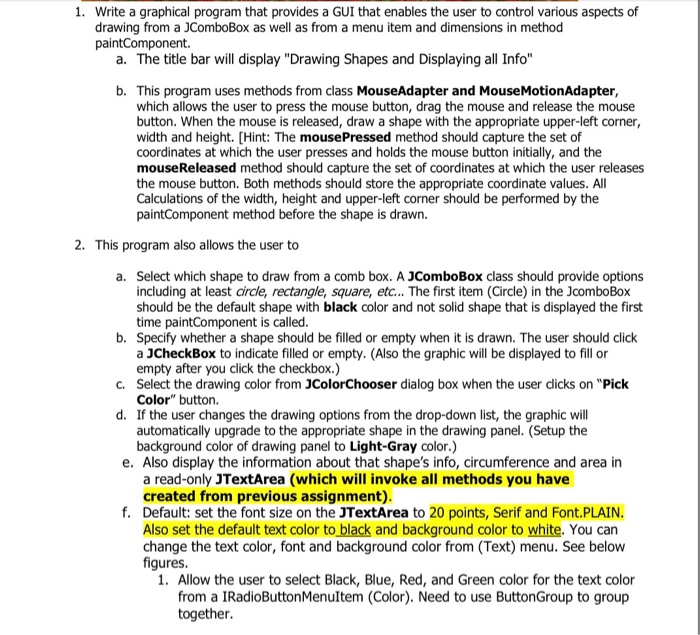
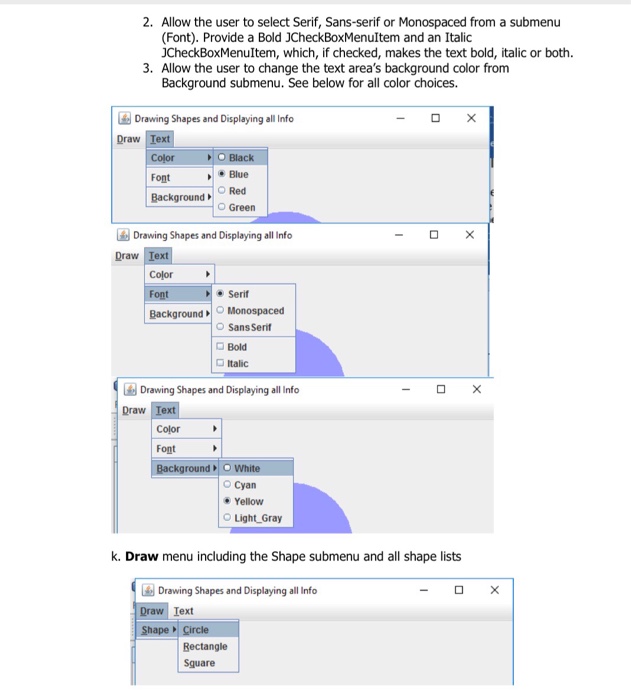
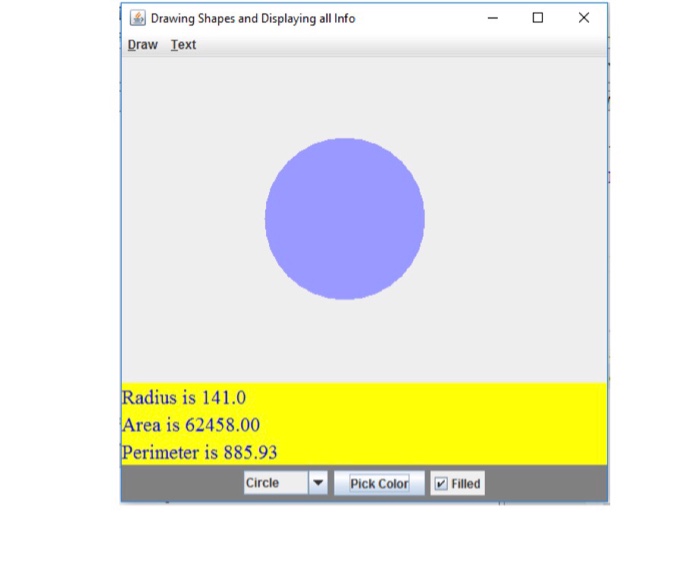
1. Write a graphical program that provides a GUI that enables the user to control various aspects of drawing from a JComboBox as well as from a menu item and dimensions in method a. The title bar will display "Drawing Shapes and Displaying all Info" b. This program uses methods from class MouseAdapter and MouseMotionAdapter, which allows the user to press the mouse button, drag the mouse and release the mouse button. When the mouse is released, draw a shape with the appropriate upper-left corner width and height. [Hint: The mousePressed method should capture the set of coordinates at which the user presses and holds the mouse button initially, and the mouseReleased method should capture the set of coordinates at which the user releases the mouse button. Both methods should store the appropriate coordinate values. Al Calculations of the width, height and upper-left corner should be performed by the paintComponent method before the shape is drawn. 2. This program also allows the user to a. Select which shape to draw from a comb box. A JComboBox class should provide options including at least circle, rectangle, square, etc... The first item (Circle) in the JcomboBox should be the default shape with black color and not solid shape that is displayed the first time paintComponent is called b. Specify whether a shape should be filled or empty when it is drawn. The user should click a JCheckBox to indicate filled or empty. (Also the graphic will be displayed to fill or empty after you click the checkbox.) c. Select the drawing color from JColorChooser dialog box when the user dlicks on "Pick Color" button. d. If the user changes the drawing options from the drop-down list, the graphic wil automatically upgrade to the appropriate shape in the drawing panel. (Setup the background color of drawing panel to Light-Gray color.) e. Also display the information about that shape's info, circumference and area in a read-only JTextArea (which will invoke all methods you have created from previous assignment) Default: set the font size on the JTextArea to 20 points, Serif and Font.PLAIN. Also set the default text color to black and background color to white. You can change the text color, font and background color from (Text) menu. See below figures f. 1. Allow the user to select Black, Blue, Red, and Green color for the text color from a IRadioButtonMenultem (Color). Need to use ButtonGroup to group together
Step by Step Solution
There are 3 Steps involved in it

Get step-by-step solutions from verified subject matter experts
 Study Help