







Question: JAVA 12 Lab Manual to Accompany Starting out with Java 5: From Control Structures to Objects Task #2 Using the Scanner Class for User Input
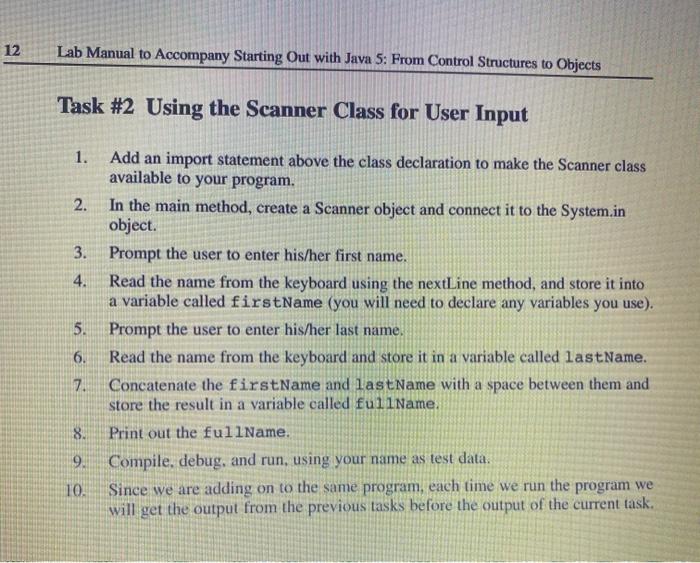
12 Lab Manual to Accompany Starting out with Java 5: From Control Structures to Objects Task #2 Using the Scanner Class for User Input 1. Add an import statement above the class declaration to make the Scanner class available to your program. 2. In the main method, create a Scanner object and connect it to the System.in object. 3. Prompt the user to enter his/her first name. 4. Read the name from the keyboard using the nextLine method, and store it into a variable called firstName (you will need to declare any variables you use). 5. Prompt the user to enter his/her last name. 6. Read the name from the keyboard and store it in a variable called lastName. 7. Concatenate the firstName and last Name with a space between them and store the result in a variable called fullName. 8. Print out the fullName. 9. Compile, debug, and run, using your name as test data. 10. Since we are adding on to the same program, each time we run the program we will get the output from the previous tasks before the output of the current task
Step by Step Solution
There are 3 Steps involved in it

Get step-by-step solutions from verified subject matter experts
 Study Help