



Question: Java A bigram is a pair of adjacent words in a sequence. Bigrams overlap so that in the sequence a b.cd, the bigrams are (a,
Java
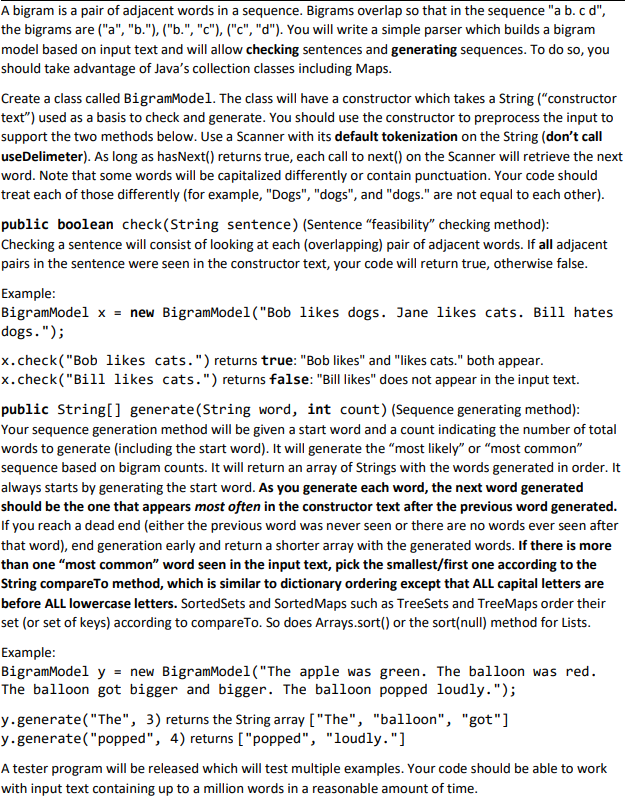
A bigram is a pair of adjacent words in a sequence. Bigrams overlap so that in the sequence "a b.cd", the bigrams are ("a", "b"), ("b", "c"), ("C", "d"). You will write a simple parser which builds a bigram model based on input text and will allow checking sentences and generating sequences. To do so, you should take advantage of Java's collection classes including Maps. Create a class called BigramModel. The class will have a constructor which takes a String ("constructor text") used as a basis to check and generate. You should use the constructor to preprocess the input to support the two methods below. Use a Scanner with its default tokenization on the String (don't call useDelimeter). As long as hasNext() returns true, each call to next() on the Scanner will retrieve the next word. Note that some words will be capitalized differently or contain punctuation. Your code should treat each of those differently (for example, "Dogs", "dogs", and "dogs." are not equal to each other). public boolean check (String sentence) (Sentence "feasibility" checking method): Checking a sentence will consist of looking at each (overlapping) pair of adjacent words. If all adjacent pairs in the sentence were seen in the constructor text, your code will return true, otherwise false. Example: BigramModel X = new BigramModel ("Bob likes dogs. Jane likes cats. Bill hates dogs."); x.check("Bob likes cats.") returns true: "Bob likes" and "likes cats." both appear. x.check("Bill likes cats.") returns false: "Bill likes" does not appear in the input text. public String[] generate(String word, int count) (Sequence generating method): Your sequence generation method will be given a start word and a count indicating the number of total words to generate (including the start word). It will generate the "most likely" or "most common" sequence based on bigram counts. It will return an array of Strings with the words generated in order. It always starts by generating the start word. As you generate each word, the next word generated should be the one that appears most often in the constructor text after the previous word generated. If you reach a dead end (either the previous word was never seen or there are no words ever seen after that word), end generation early and return a shorter array with the generated words. If there is more than one "most common" word seen in the input text, pick the smallest/first one according to the String compareTo method, which is similar to dictionary ordering except that ALL capital letters are before ALL lowercase letters. SortedSets and SortedMaps such as TreeSets and TreeMaps order their set (or set of keys) according to compareTo. So does Arrays.sort() or the sort(null) method for Lists. Example: BigramModel y = new BigramModel("The apple was green. The balloon was red. The balloon got bigger and bigger. The balloon popped loudly."); y.generate("The", 3) returns the String array ("The", "balloon", "got"] y.generate("popped", 4) returns ["popped", "loudly."] A tester program will be released which will test multiple examples. Your code should be able to work with input text containing up to a million words in a reasonable amount of time. A bigram is a pair of adjacent words in a sequence. Bigrams overlap so that in the sequence "a b.cd", the bigrams are ("a", "b"), ("b", "c"), ("C", "d"). You will write a simple parser which builds a bigram model based on input text and will allow checking sentences and generating sequences. To do so, you should take advantage of Java's collection classes including Maps. Create a class called BigramModel. The class will have a constructor which takes a String ("constructor text") used as a basis to check and generate. You should use the constructor to preprocess the input to support the two methods below. Use a Scanner with its default tokenization on the String (don't call useDelimeter). As long as hasNext() returns true, each call to next() on the Scanner will retrieve the next word. Note that some words will be capitalized differently or contain punctuation. Your code should treat each of those differently (for example, "Dogs", "dogs", and "dogs." are not equal to each other). public boolean check (String sentence) (Sentence "feasibility" checking method): Checking a sentence will consist of looking at each (overlapping) pair of adjacent words. If all adjacent pairs in the sentence were seen in the constructor text, your code will return true, otherwise false. Example: BigramModel X = new BigramModel ("Bob likes dogs. Jane likes cats. Bill hates dogs."); x.check("Bob likes cats.") returns true: "Bob likes" and "likes cats." both appear. x.check("Bill likes cats.") returns false: "Bill likes" does not appear in the input text. public String[] generate(String word, int count) (Sequence generating method): Your sequence generation method will be given a start word and a count indicating the number of total words to generate (including the start word). It will generate the "most likely" or "most common" sequence based on bigram counts. It will return an array of Strings with the words generated in order. It always starts by generating the start word. As you generate each word, the next word generated should be the one that appears most often in the constructor text after the previous word generated. If you reach a dead end (either the previous word was never seen or there are no words ever seen after that word), end generation early and return a shorter array with the generated words. If there is more than one "most common" word seen in the input text, pick the smallest/first one according to the String compareTo method, which is similar to dictionary ordering except that ALL capital letters are before ALL lowercase letters. SortedSets and SortedMaps such as TreeSets and TreeMaps order their set (or set of keys) according to compareTo. So does Arrays.sort() or the sort(null) method for Lists. Example: BigramModel y = new BigramModel("The apple was green. The balloon was red. The balloon got bigger and bigger. The balloon popped loudly."); y.generate("The", 3) returns the String array ("The", "balloon", "got"] y.generate("popped", 4) returns ["popped", "loudly."] A tester program will be released which will test multiple examples. Your code should be able to work with input text containing up to a million words in a reasonable amount of time
Step by Step Solution
There are 3 Steps involved in it

Get step-by-step solutions from verified subject matter experts