







Question: Write the method public boolean check which takes a string argument. A bigram is a pair of adjacent words in a sequence. Bigrams overlap so
Write the method public boolean check which takes a string argument.
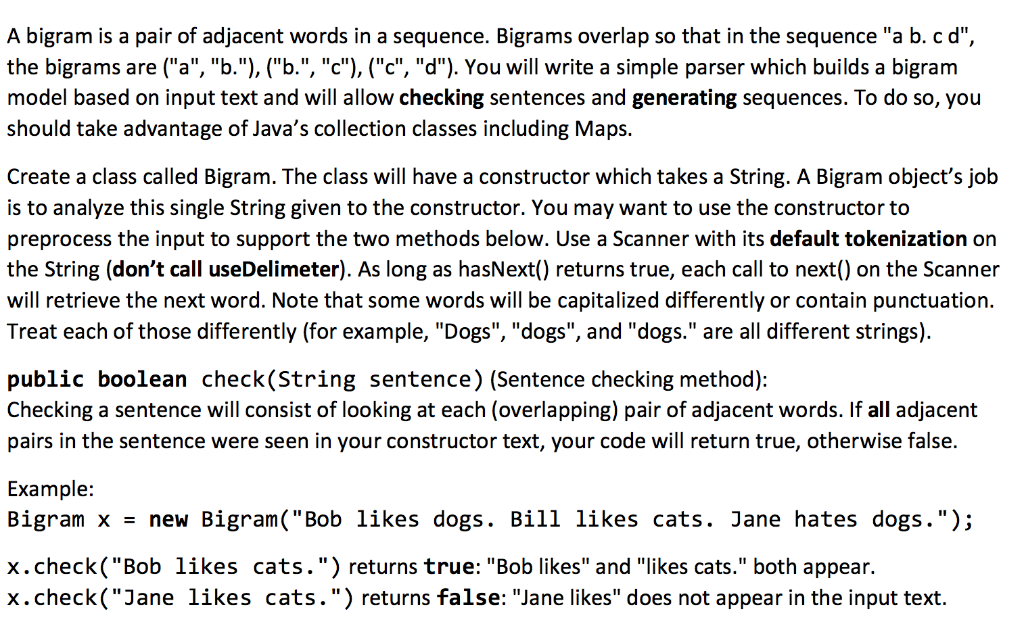
A bigram is a pair of adjacent words in a sequence. Bigrams overlap so that in the sequence "a b. cd", the bigrams are ("a", "b."), (''b.", "c"), ("c", "d"). You will write a simple parser which builds a bigram model based on input text and will allow checking sentences and generating sequences. To do so, you should take advantage of Java's collection classes including Maps. Create a class called Bigram. The class will have a constructor which takes a String. A Bigram object's job is to analyze this single String given to the constructor. You may want to use the constructor to preprocess the input to support the two methods below. Use a Scanner with its default tokenization on the String (don't call useDelimeter). As long as hasNext() returns true, each call to next() on the Scanner will retrieve the next word. Note that some words will be capitalized differently or contain punctuation. Treat each of those differently (for example, "Dogs", "dogs", and "dogs." are all different strings). public boolean check(String sentence) (Sentence checking method): Checking a sentence will consist of looking at each (overlapping) pair of adjacent words. If all adjacent pairs in the sentence were seen in your constructor text, your code will return true, otherwise false. Example: Bigram x = new Bigran( "Bob likes dogs. Bill likes cats. Jane hates dogs."); x.check("Bob likes cats.") returns true: "Bob likes" and "likes cats." both appear. x.check("Jane likes cats.") returns false: "Jane likes" does not appear in the input text
Step by Step Solution
There are 3 Steps involved in it

Get step-by-step solutions from verified subject matter experts
 Study Help