







Question: Java Eclipse a project in called Assignment06. Call this program NumerickeypadTester (this will contain the main method). Create anothe class but call it NumerickeypadPanel (there
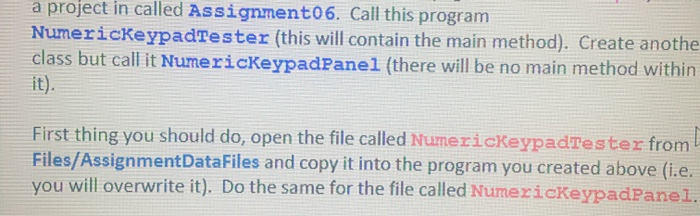
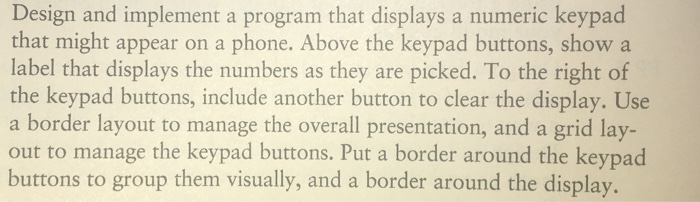
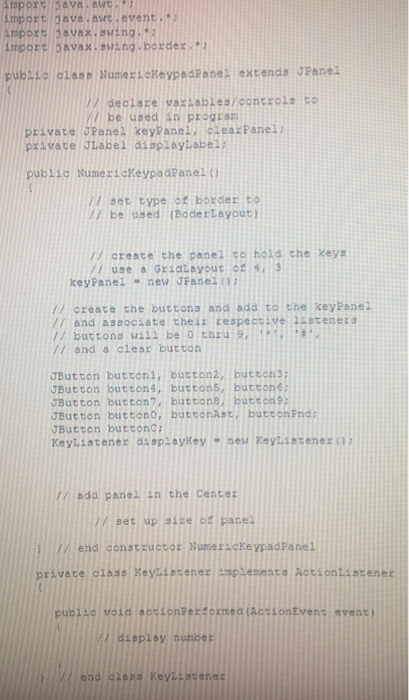
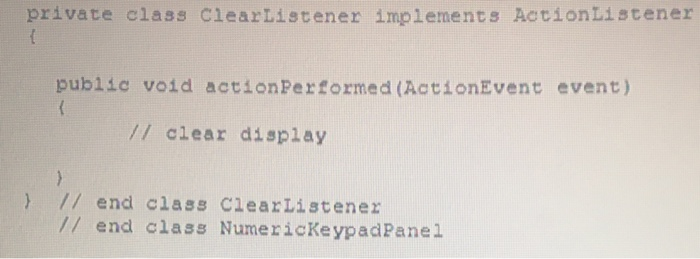
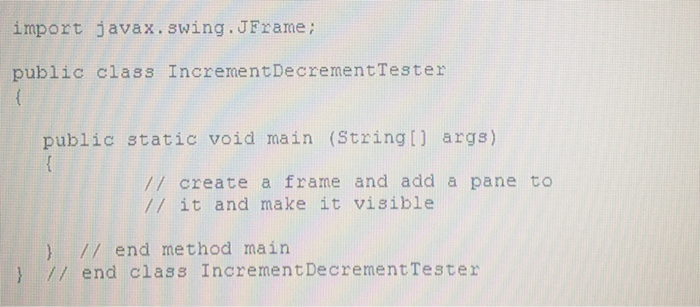
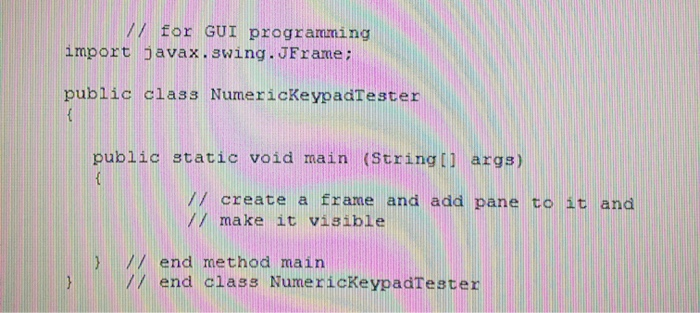
a project in called Assignment06. Call this program NumerickeypadTester (this will contain the main method). Create anothe class but call it NumerickeypadPanel (there will be no main method within it). First thing you should do, open the file called NumerickeypadTester from Files/AssignmentDataFiles and copy it into the program you created above (i.e. you will overwrite it). Do the same for the file called NumericKeypadPanel. Design and implement a program that displays a numeric keypad that might appear on a phone. Above the keypad buttons, show a label that displays the numbers as they are picked. To the right of the keypad buttons, include another button to clear the display. Use a border layout to manage the overall presentation, and a grid lay- out to manage the keypad buttons. Put a border around the keypad buttons to group them visually, and a border around the display. amport java.awt. import bava.awt.event. Amport javax.swing. import bavax.swing.border.. public class NumexickeypadPane extends JPanel 17 declare variables/controls to be used in program private JPanel keypanelCleazPanel: private JLabel displayLabel: public NumerickeypadPanel() // set type of border to y be used (Boder Layout / create the panel to hold the keys / use a GridLayout 4: 3 key Panel - new JPanel ! // create the buttons and add to the key Panel // and associate their respective 123 /buttons will be thru 9 7 and a clear button JButton buttoni, button2, button 3; JButton buttons, buttons, button; JButton button, buttons, button : JButton buttono, buttonast, button JButton buttonC; KeyListener displaykey - neu Kayti / add panel in the Center // set up size of panel 1/ end constructor NumeracKeypada private class Keylistener implements Actiontistener public void actionPerformed (ActionEvent event) display number w end glass KeyListene private class ClearListener implements ActionListener public void actionPerformed (ActionEvent event) // clear display } // end class ClearListener // end class NumerickeypadPanel import javax.swing.JFrame; public class Increment Decrement Tester public static void main (String[] args) // create a frame and add a pane to // it and make it visible } // end method main } // end class Increment Decrement Tester V for GUI programming import javax.swing.JFrame; public class NumerickeypadTester public static void main (String[] args) create a frame and add pane to it and // make it visible end method main end class NumerickeypadTester
Step by Step Solution
There are 3 Steps involved in it

Get step-by-step solutions from verified subject matter experts
 Study Help