







Question: JAVA FX When the user presses the letter x on the keyboard, the interface can be rotated and the interface can be displayed with the
JAVA FX
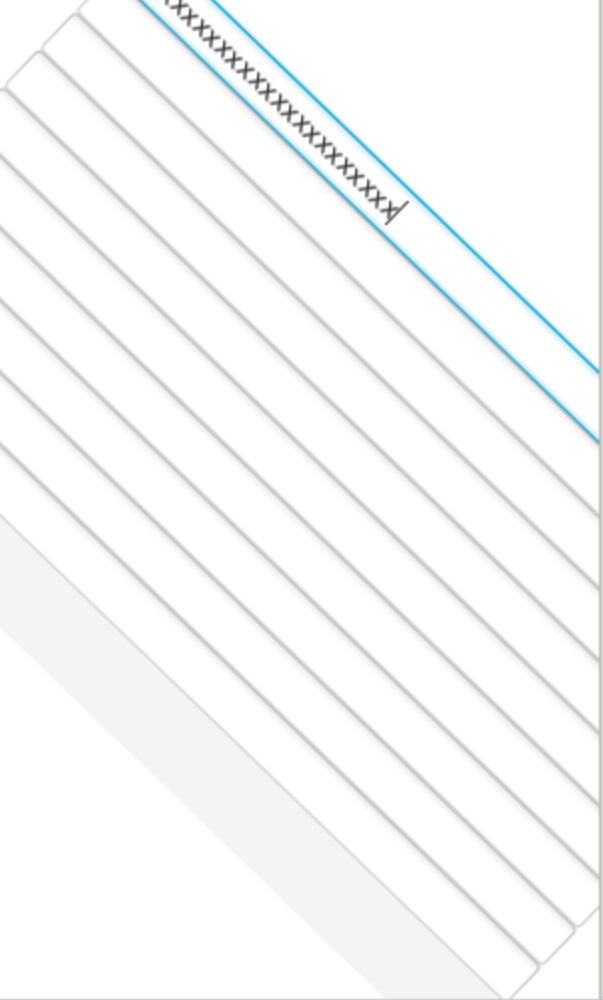
When the user presses the letter x on the keyboard, the interface can be rotated and the interface can be displayed with the x pressed. Based on the following code:
public class assignment4 extends Application {
@Override public void start(Stage stage) throws Exception { stage.setTitle("Roll"); VBox root = new VBox();
List fields = new ArrayList(); for (int i=0; i
Scene scene = new Scene(root, 500, 300);
stage.setScene(scene); stage.show();
}
public void doABarrelRoll(Node n) { RotateTransition rotate = new RotateTransitionDuration.millis(2500), n); rotate.setToAngle(0 + 360); rotate.setFromAngle(0); rotate.setInterpolator(Interpolator.LINEAR); rotate.play(); }
}
xxxxxxx XXXXXXXXXXXX xxxxxxx XXXXXXXXXXXX
Step by Step Solution
There are 3 Steps involved in it

Get step-by-step solutions from verified subject matter experts
 Study Help