







Question: Java project. Predator/Prey Build the class from scratch yourself. In fact, you get to build two classes in two separate files... critter simulation If you
Java project. Predator/Prey
Build the class from scratch yourself.
In fact, you get to build two classes in two separate files...
critter
simulation
If you get stuck on where to start, try looking at the code you have already written.
Where does it start?
Look over the frameworks
Your program will create a 2D array of 10x10 critter objects.
Each critter can be a predator, a prey, or nothing.
Pick 10 random locations for prey and one for a predator...make sure that they do not overlap!
Print to the screen the 2D matrix as a matrix.
Wait for the user to press enter before continuing.
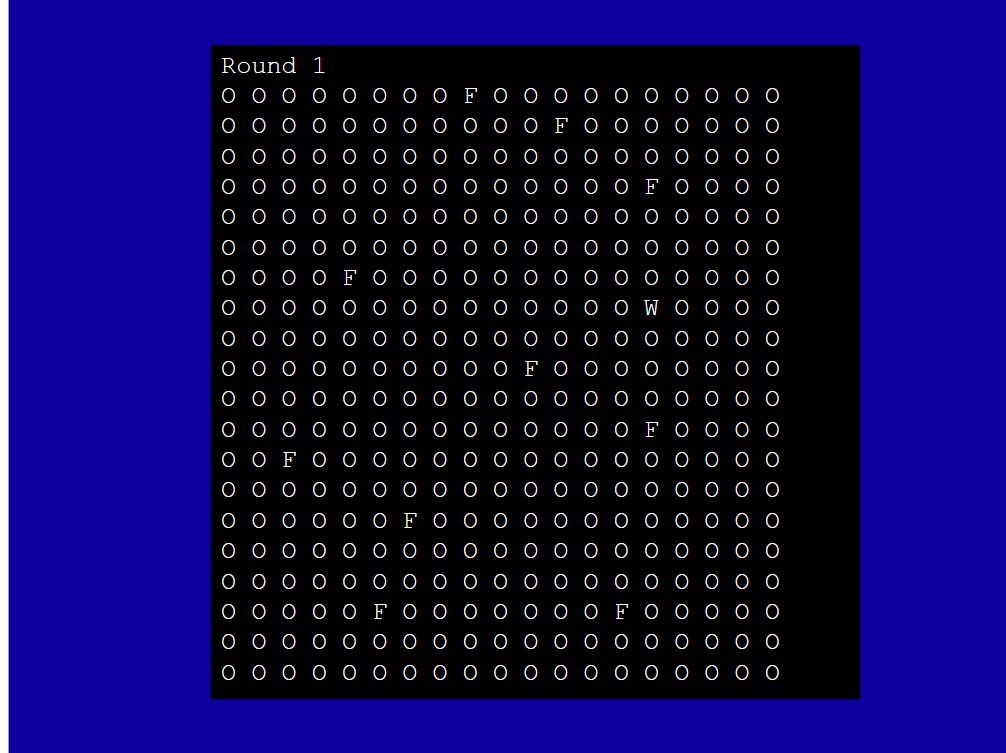
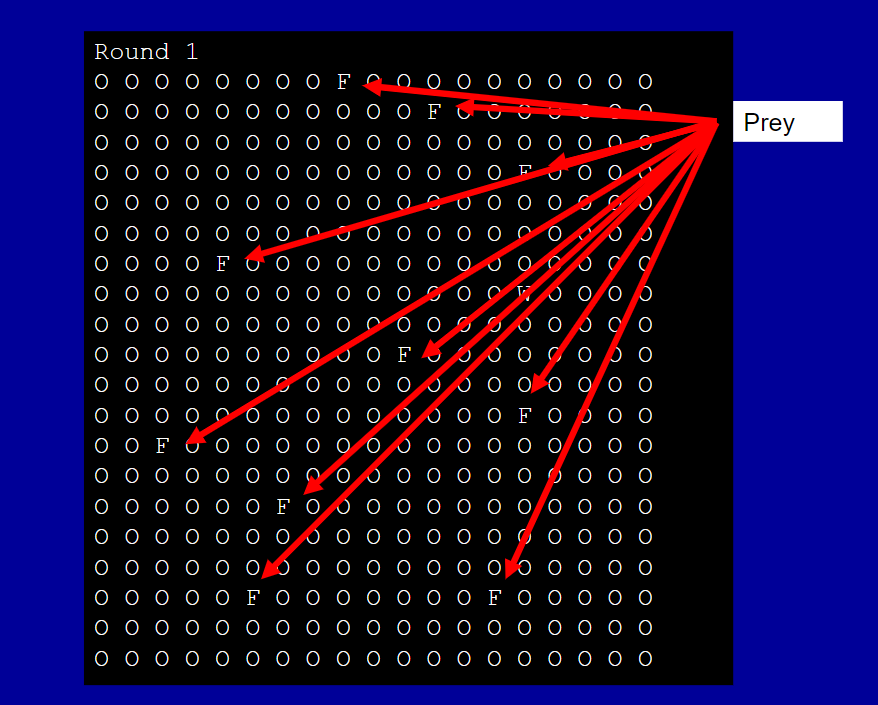
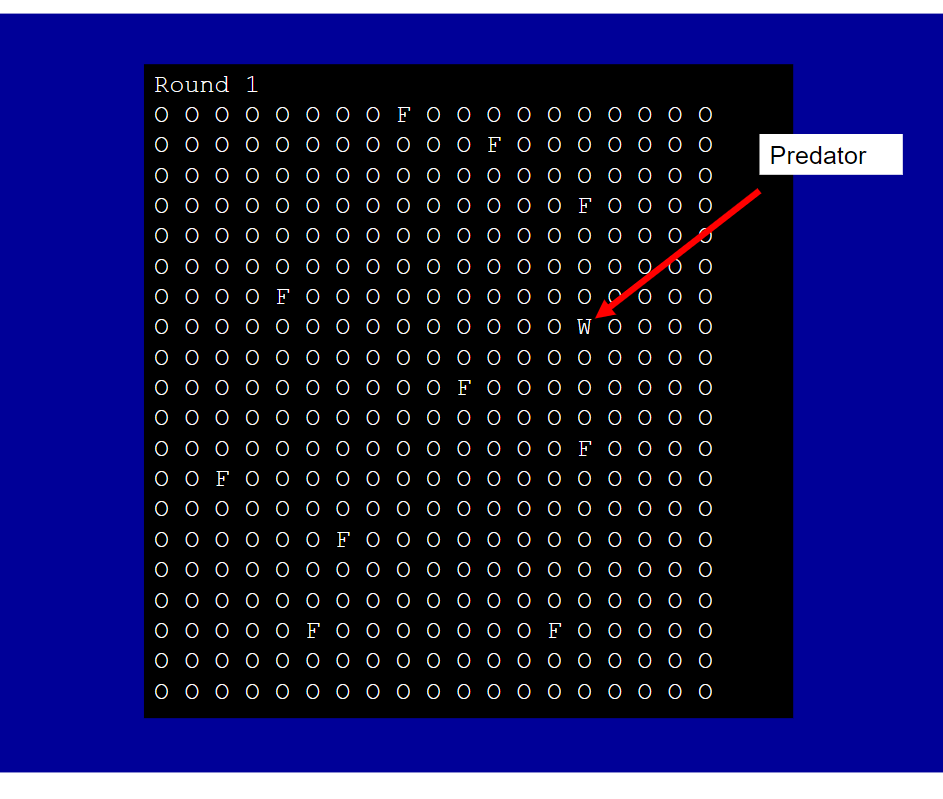
Each critter has a state: predator or prey.
Prey also keep track of how much they have eaten
Each round, predator and prey can take an action.
A predator will choose, in order of preference to:
Move into the square of a neighboring prey. If it does, it eats the prey, which now disappears.
Move into a random neighboring square.
Then the prey act.
Eat (increment a counter) and move into a random neighboring square that is empty.
If there are no neighboring squares open, stay put.
Think about how to store the total number of eats each prey has...
After each round, print the matrix.
import java.util.Random
create a variable of type Random
each time you need a random number, call that variables method nextInt(range)
As an example, to get a random number between -1 and +1, try the following:
import java.util.Random;
...
Random r = new Random();
int n;
...
n = r.nextInt(3)-1;
...
Critter must be a class in one file.
The model class will call objects of the critter classe while it runs the simulation.
Each round the model will act for each predator.
Eaten prey disappear from the original matrix.
The model will then act for all remaining prey.
Print the matrix.
Wait for user to press Enter
Repeat until there are no prey or no predators.
Do not use break command
Round1 Round1
Step by Step Solution
There are 3 Steps involved in it

Get step-by-step solutions from verified subject matter experts
 Study Help