







Question: JavaScript #1 part 1 Assign jsonData with a JSON object with properties: userName (a string), age (a number) and studentSiblings (an array of strings). Note:
JavaScript
#1 part 1
Assign jsonData with a JSON object with properties: userName (a string), age (a number) and studentSiblings (an array of strings). Note: The content of the properties doesn't matter.
var jsonData; /* Your solution goes here */
-----------------------------------------------------------------------------------------------------------
#1 part 2
Store a new XMLHttpRequest object in the xhr variable, then assign xhrHandler function as the "error" event listener.
function xhrHandler() { console.log("handling response: " + this.responseText); }
/* Your solution goes here */
------------------------------------------------------------------------------------------------
#1 part 3
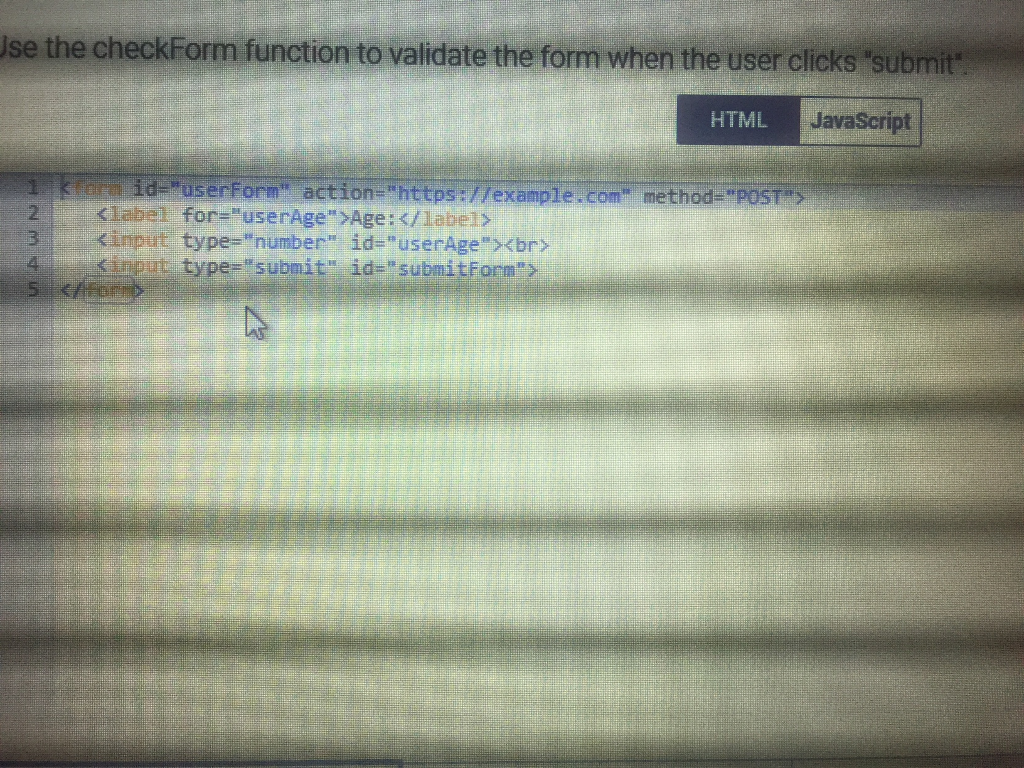
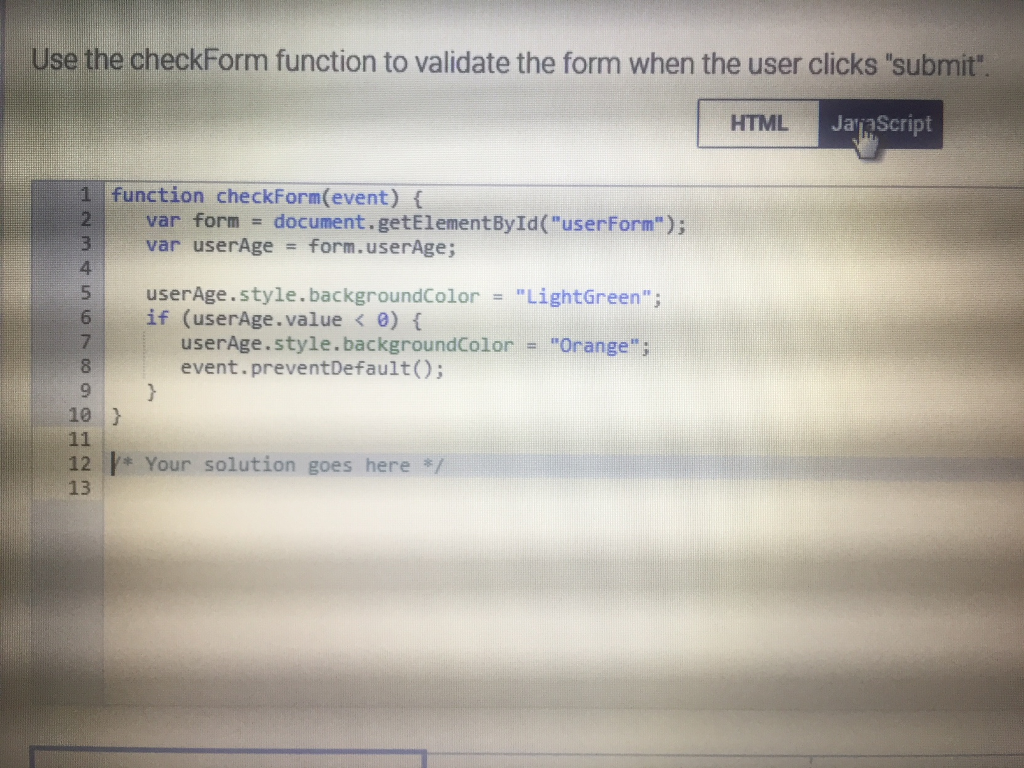
se the checkForm function to validate the form when the user clicks 'submit HTML JavaScript Iabel for "userAge" Age: /label> gimp sinout type. submit" id-"submitForm 31 t type="number" id="userAge">
Step by Step Solution
There are 3 Steps involved in it

Get step-by-step solutions from verified subject matter experts
 Study Help