







Question: Javascript and HTML, together at last In this lab you'll see how Javascript and HTML work together to add a little interactivity to a page.
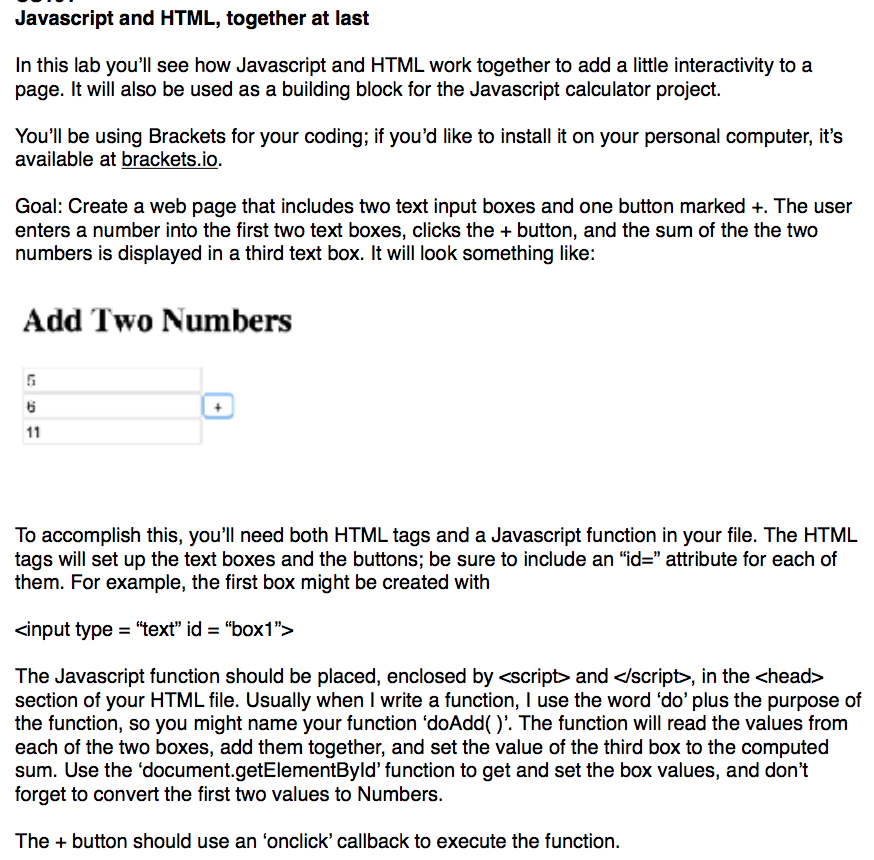
Javascript and HTML, together at last In this lab you'll see how Javascript and HTML work together to add a little interactivity to a page. It will also be used as a building block for the Javascript calculator project. You'll be using Brackets for your coding; if you'd like to install it on your personal computer, it's available at brackets.io. Goal: Create a web page that includes two text input boxes and one button marked +. The user enters a number into the first two text boxes, clicks the + button, and the sum of the the two numbers is displayed in a third text box. It will look something like: Add Two Numbers To accomplish this, you'll need both HTML tags and a Javascript function in your file. The HTML tags will set up the text boxes and the buttons, be sure to include an "id" attribute for each of them. For example, the first box might be created with input type "text" id- "box1"> The Javascript function should be placed, enclosed by
Step by Step Solution
There are 3 Steps involved in it

Get step-by-step solutions from verified subject matter experts
 Study Help