



Question: just need the ltspice simulation will give thumbs up right away Using two waveform generators from the Analog Discovery, you are going to build a
just need the ltspice simulation
will give thumbs up right away
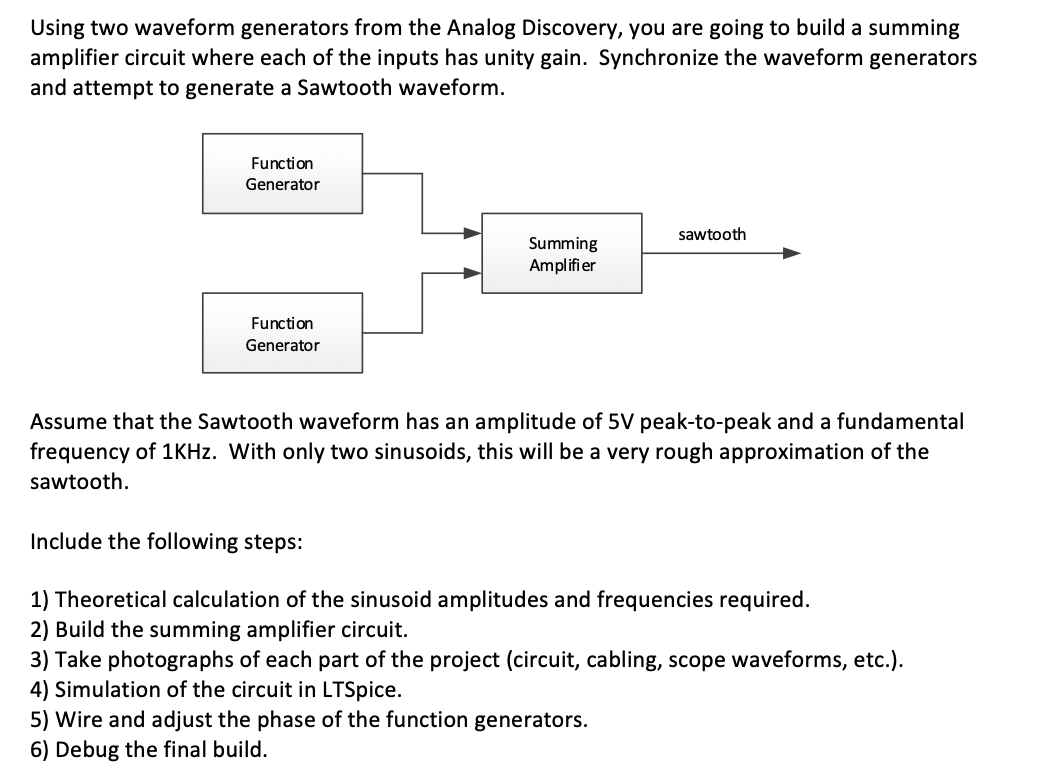
Using two waveform generators from the Analog Discovery, you are going to build a summing amplifier circuit where each of the inputs has unity gain. Synchronize the waveform generators and attempt to generate a Sawtooth waveform. Function Generator sawtooth Summing Amplifier Function Generator Assume that the Sawtooth waveform has an amplitude of 5V peak-to-peak and a fundamental frequency of 1KHz. With only two sinusoids, this will be a very rough approximation of the sawtooth. Include the following steps: 1) Theoretical calculation of the sinusoid amplitudes and frequencies required. 2) Build the summing amplifier circuit. 3) Take photographs of each part of the project (circuit, cabling, scope waveforms, etc.). 4) Simulation of the circuit in LTSpice. 5) Wire and adjust the phase of the function generators. 6) Debug the final build. Using two waveform generators from the Analog Discovery, you are going to build a summing amplifier circuit where each of the inputs has unity gain. Synchronize the waveform generators and attempt to generate a Sawtooth waveform. Function Generator sawtooth Summing Amplifier Function Generator Assume that the Sawtooth waveform has an amplitude of 5V peak-to-peak and a fundamental frequency of 1KHz. With only two sinusoids, this will be a very rough approximation of the sawtooth. Include the following steps: 1) Theoretical calculation of the sinusoid amplitudes and frequencies required. 2) Build the summing amplifier circuit. 3) Take photographs of each part of the project (circuit, cabling, scope waveforms, etc.). 4) Simulation of the circuit in LTSpice. 5) Wire and adjust the phase of the function generators. 6) Debug the final build
Step by Step Solution
There are 3 Steps involved in it

Get step-by-step solutions from verified subject matter experts