







Question: LAB 0 6 ex 1 . m clear all; % this deletes all variables omega 0 = 3 ; c = 2 ; omega =
LABexm
clear all; this deletes all variables
omega;; omega ;
param omega c omega;
;;;;;;
options odesetAbsTole'relTol', e;
options, param When executing this program we get the plot in Figure and the following output in the
command window:
computed amplitude of forced oscillation
theoretical amplitude
Figure : Forced oscillation.
Lines deserve some explanation. Line defines a time t after which we think the
contribution of the first term in has become negligible compared to the second term. This
depends of course on the parameter values, in particular With we obtain ~~
for so this is certainly small enough compared to the amplitude seen on
Figure The index of time values larger than is then determined. The quantity
refers to the values of associated to times larger than t only. The computed amplitude is simply half the difference between the max and the min values. This value is compared to the
theoretical value
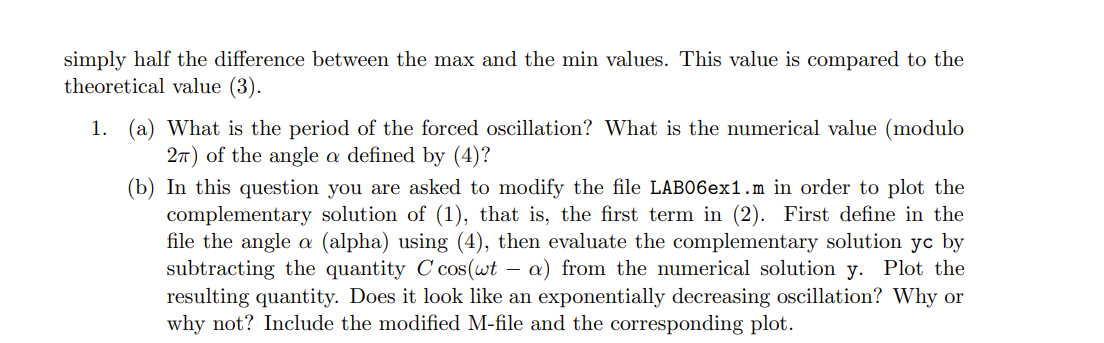
a What is the period of the forced oscillation? What is the numerical value modulo
of the angle defined by
b In this question you are asked to modify the file LABexm in order to plot the
complementary solution of that is the first term in First define in the
file the angle alpha using then evaluate the complementary solution yc by
subtracting the quantity Ccos from the numerical solution y Plot the
resulting quantity. Does it look like an exponentially decreasing oscillation? Why or
why not? Include the modified Mfile and the corresponding plot.
Step by Step Solution
There are 3 Steps involved in it
1 Expert Approved Answer
Step: 1 Unlock

Question Has Been Solved by an Expert!
Get step-by-step solutions from verified subject matter experts
Step: 2 Unlock
Step: 3 Unlock
 Study Help