







Question: Lab 10 - Introduction to Objects and Class Implementation Goals: 0 To understand the concepts of classes, objects and encapsulation 0 To implement instance variables,
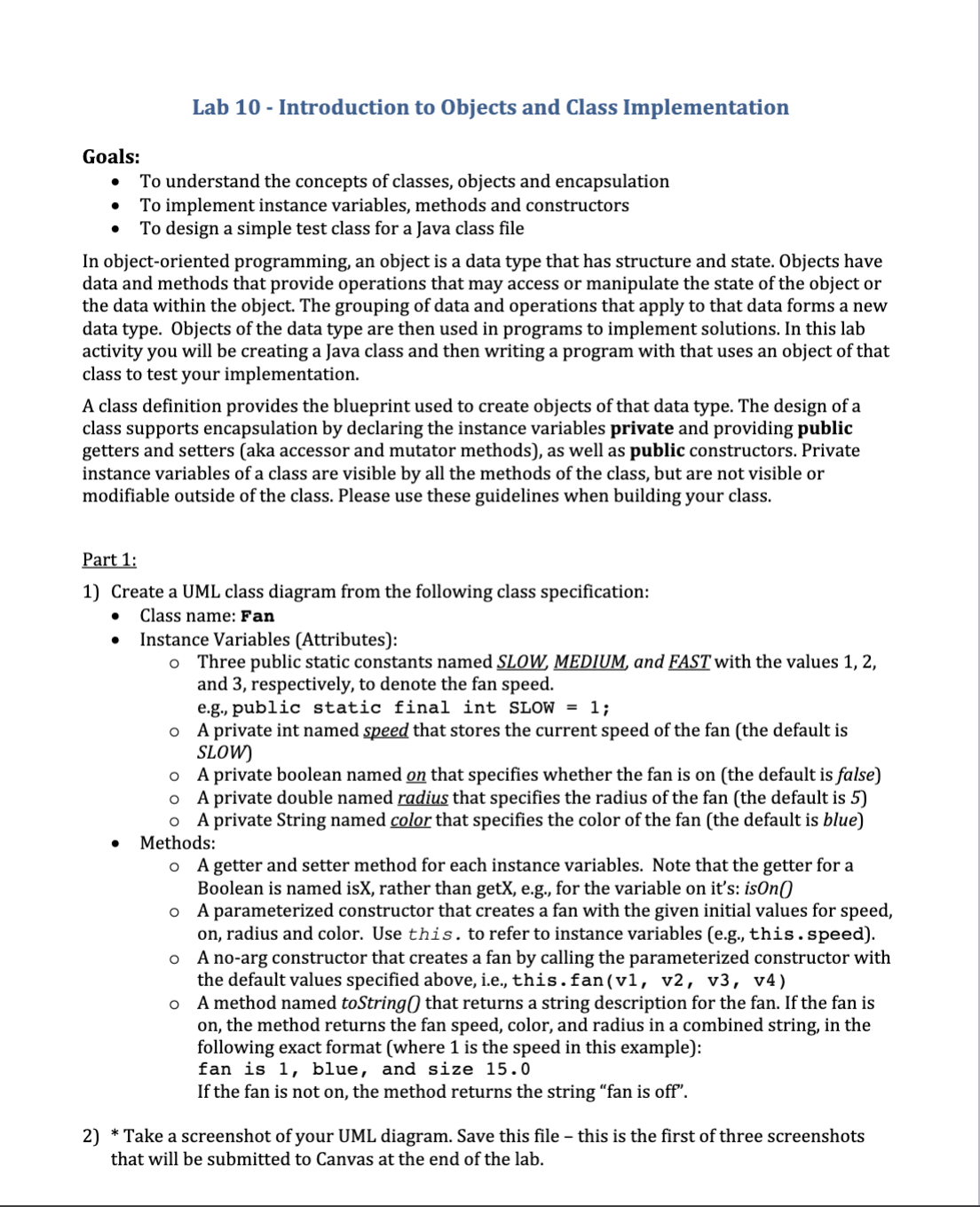
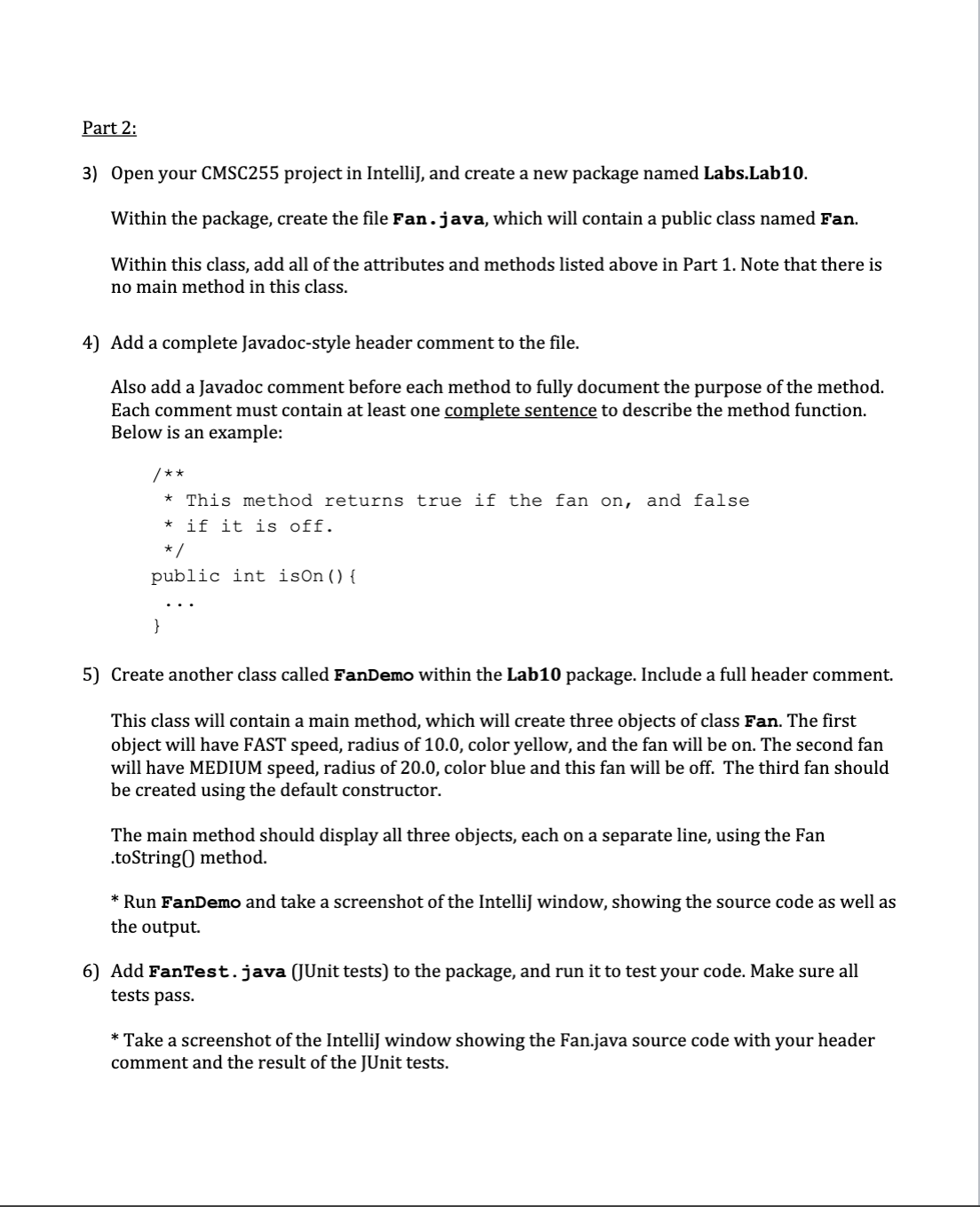
Lab 10 - Introduction to Objects and Class Implementation Goals: 0 To understand the concepts of classes, objects and encapsulation 0 To implement instance variables, methods and constructors 0 To design a simple test class for a java class le In object-oriented programming, an object is a data type that has structure and state. Objects have data and methods that provide operations that may access or manipulate the state of the object or the data within the object. The grouping of data and operations that apply to that data forms a new data type. Objects of the data type are then used in programs to implement solutions. In this lab activity you will be creating a java class and then writing a program with that uses an object of that class to test your implementation. A class denition provides the blueprint used to create objects of that data type. The design of a class supports encapsulation by declaring the instance variables private and providing public getters and setters (aka accessor and mutator methods], as well as public constructors. Private instance variables of a class are visible by all the methods of the class, but are not visible or modifiable outside of the class. Please use these guidelines when building your class. Part 1: 1) Create a UML class diagram from the following class specication: 0 Class name: Fan 0 Instance Variables [Attributes]: 0 Three public static constants named SLOW MEDIUM andwwith the values 1, 2, and 3. respectively, to denote the fan speed. e.g.. public static final int SLOW = 1:. o A private int named speed that stores the current speed of the fan [the default is SLOW) o A private boolean named E that specifies whether the fan is on [the default is false] 0 A private double named radius that species the radius of the fan [the default is 5') o A private String named miarthat species the color of the fan (the default is blue] it Methods: 0 A getter and setter method for each instance variables. Note that the getter for a Boolean is named isx, rather than getx. e.g., for the variable on it's: 50110 0 A parameterized constructor that creates a fan with the given initial values for speed, on, radius and color. Use this . to refer to instance variables [e.g., this . Speed]. 0 A no-arg constructor that creates a fan by calling the parameterized constructor with the default values specied above, i.e., this . fan( v1 ,. v2 , v3 , v4) 0 A method named toStringQ that returns a string description for the fan. If the fan is on, the method returns the fan speed, color, and radius in a combined string, in the following exact format [where 1 is the speed in this example]: fan is 1, blue, and size 15.0 If the fan is not on, the method returns the string "fan is off". 2) * Take a screenshot of your UML diagram. Save this le this is the rst of three screenshots that will be submitted to Canvas at the end of the lab. Part 2: 3} 4) 5) 6) Open your CMSCZSS project in lntelli], and create a new package named Labs.Lab10. Within the package, create the le Fan . java, which will contain a public class named Fan. Within this class, add all of the attributes and methods listed above in Part 1. Note that there is no main method in this class. Add a complete [avadoc-style header comment to the le. Also add a [avadoc comment before each method to fully document the purpose of the method. Each comment must contain at least one camplete sentence to describe the method function. Below is an example: /-k~k * This method returns true if the fan on, and false * if it is off. */ public int isOn(){ Create another class called FanDemo within the Lab 10 package. Include a full header comment. This class will contain a main method, which will create three objects of class Fan. The rst object will have FAST speed, radius of 10.0, color yellow, and the fan will be on. The second fan will have MEDIUM speed, radius of 20.0, color blue and this fan will be off. The third fan should be created using the default constructor. The main method should display all three objects, each on a separate line, using the Fan .toStringf] method. * Run Pal-memo and take a screenshot of the lntelli] window, showing the source code as well as the output. Add FanTest. java [IUnit tests] to the package, and run it to test your code. Make sure all tests pass. * Take a screenshot of the lntelli] window showing the Fan.java source code with your header comment and the result of the JUnit tests
Step by Step Solution
There are 3 Steps involved in it

Get step-by-step solutions from verified subject matter experts
 Study Help