







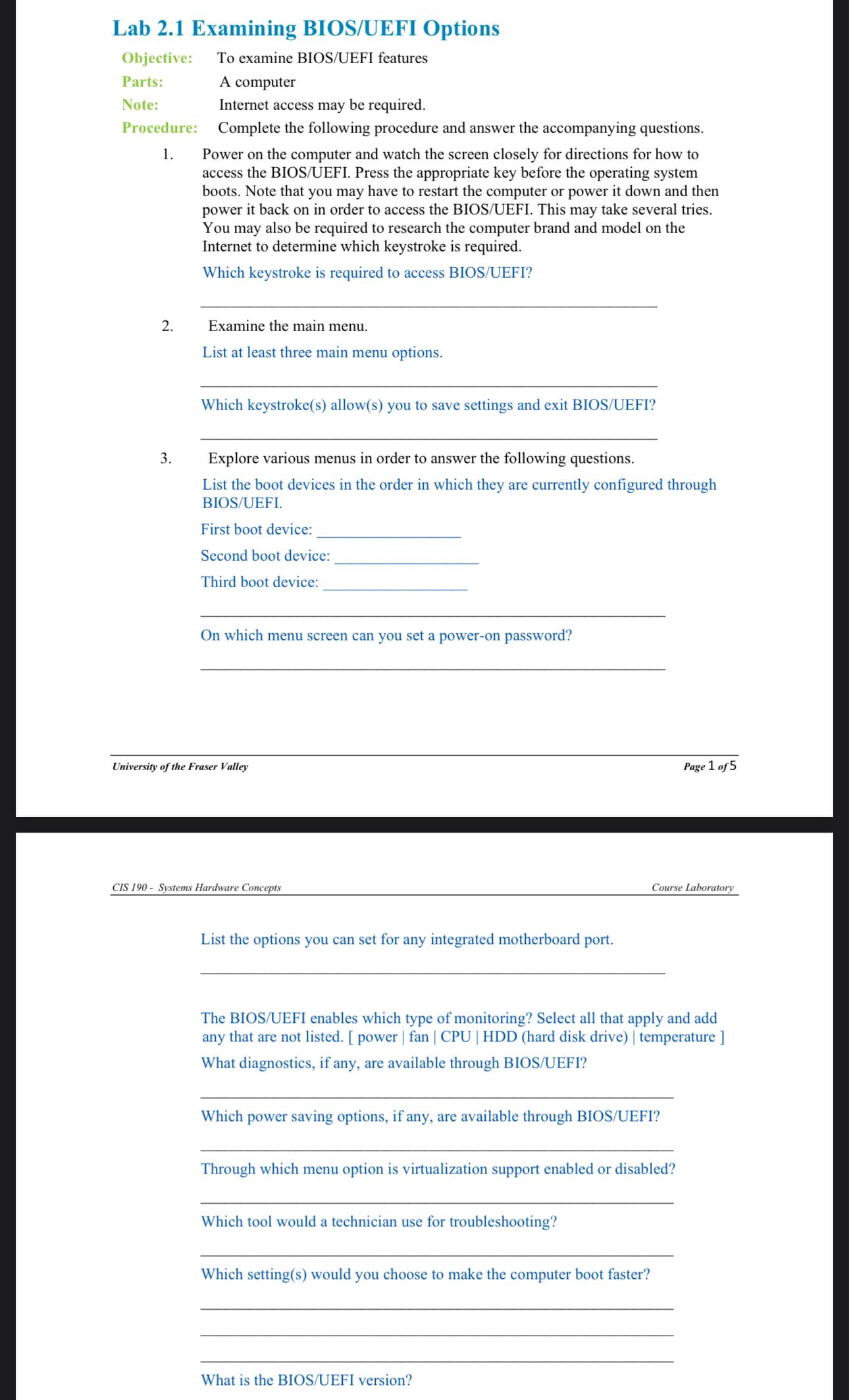
Question: Lab 2 . 1 Examining BIOS / UEFI Options Objective: To examine BIOS / UEFI features Parts: A computer Note: , Internet access may be
Lab Examining BIOSUEFI Options
Objective: To examine BIOSUEFI features
Parts: A computer
Note: Internet access may be required.
Procedure: Complete the following procedure and answer the accompanying questions.
Power on the computer and watch the screen closely for directions for how to access the BIOSUEFI Press the appropriate key before the operating system boots. Note that you may have to restart the computer or power it down and then power it back on in order to access the BIOSUEFI This may take several tries. You may also be required to research the computer brand and model on the Internet to determine which keystroke is required.
Which keystroke is required to access BIOSUEFI
Examine the main menu.
List at least three main menu options.
Which keystrokes allows you to save settings and exit BIOSUEFI
Explore various menus in order to answer the following questions.
List the boot devices in the order in which they are currently configured through BIOSUEFI
First boot device:
Second boot device
Third boot device:
On which menu screen can you set a poweron password?
University of the Fraser Valley
Page of
CIS Systems Hardware Concepts
Course Laboratory
List the options you can set for any integrated motherboard port.
The BIOSUEFI enables which type of monitoring? Select all that apply and add any that are not listed. power fan hard disk drive temperature What diagnostics, if any, are available through BIOSUEFI
Which power saving options, if any, are available through BIOSUEFI
Through which menu option is virtualization support enabled or disabled?
Which tool would a technician use for troubleshooting?
Which settings would you choose to make the computer boot faster?
What is the BIOSUEFI version?
Step by Step Solution
There are 3 Steps involved in it
1 Expert Approved Answer
Step: 1 Unlock

Question Has Been Solved by an Expert!
Get step-by-step solutions from verified subject matter experts
Step: 2 Unlock
Step: 3 Unlock
 Study Help