







Question: Lab #5 You work at the Computer Science 201L Library, and your boss just bought a bunch of new books for the library! All of
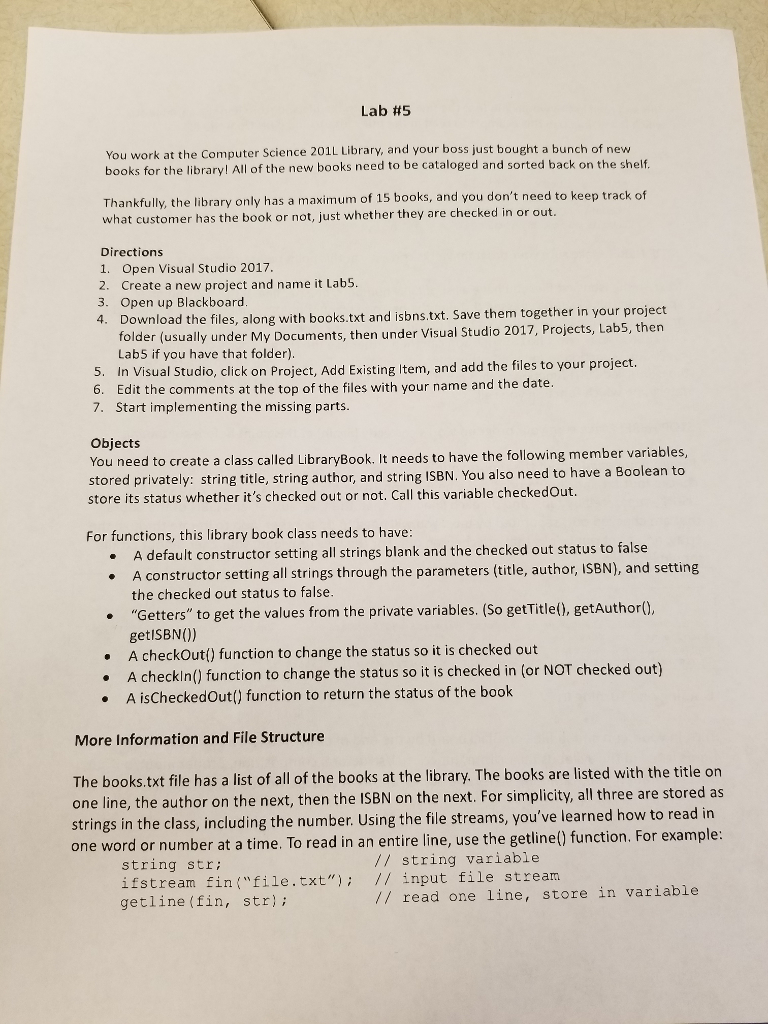
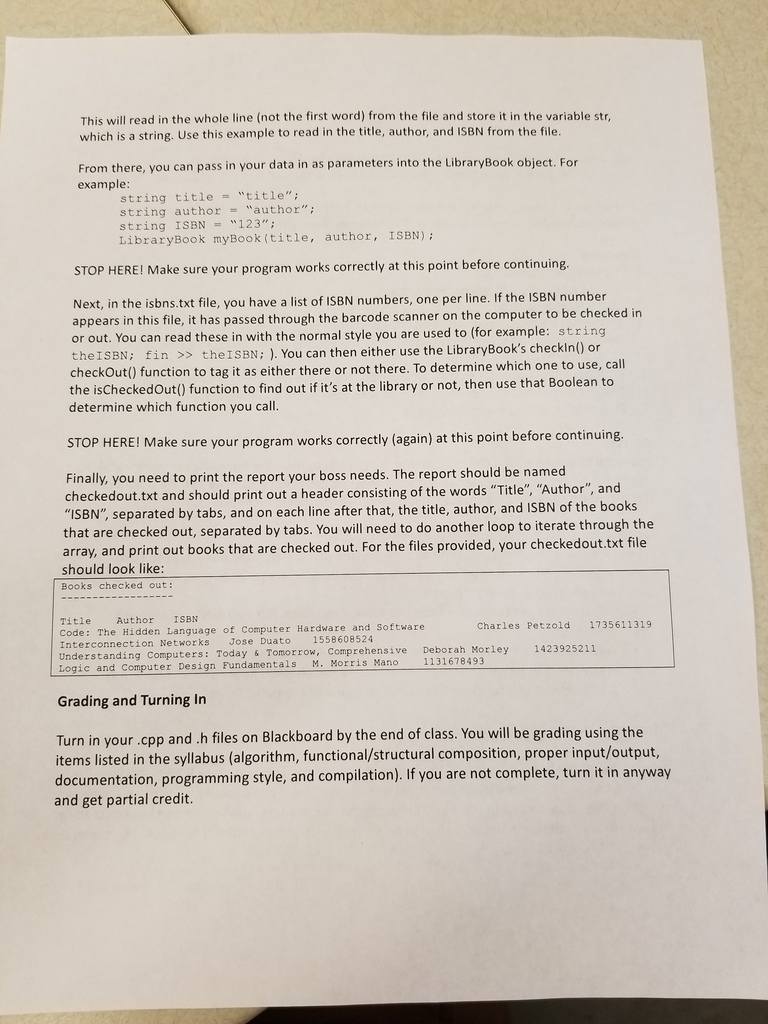
Lab #5 You work at the Computer Science 201L Library, and your boss just bought a bunch of new books for the library! All of the new books need to be cataloged and sorted back on the shel Thankfully, the library only has a maximum of 15 books, and you don't need to keep track of what customer has the book or not, just whether they are checked in or out Directions 1. Open Visual Studio 2017 2. Create a new project and name it Lab5 3. Open up Blackboard Download the files, along with books.txt and isbns.txt. Save them together in your project n under Visual Studio 2017, Projects, Lab5, then 4. folder (usually under My Documents, ther Lab5 if you have that folder) add the files to your project. 6. Edit the comments at the top of the files with your name and the date. 7. Start implementing the missing parts. Objects You need to create a class called LibraryBook. It needs to have the following member variables, stored privately: string title, string author, and string ISBN. You also need to have a Boolean to store its status whether it's checked out or not. Call this variable checkedOut For functions, this library book class needs to have A default constructor setting all strings blank and the checked out status to false constructor setting all strings through the parameters (title, author, ISBN), and setting the checked out status to false. "Getters" to get the values from the private variables. (So getTitle(), getAuthor) getISBN()) A .A checkOut) function to change the status so it is checked out A checkln() function to change the status so it is checked in (or NOT checked out) A isCheckedOut) function to return the status of the book More Information and File Structure The books.txt file has a list of all of the books at the library. The books are listed with the title on one line, the author on the next, then the ISBN on the next. For simplicity, all three are stored as strings in the class, including the number. Using the file streams, you've learned how to read in one word or number at a time. To read in an entire line, use the getline() function. For example: // string variable string str: ifstream fin("file.txt"); // input file stream getline (fin, str); // read one line, store in variable
Step by Step Solution
There are 3 Steps involved in it

Get step-by-step solutions from verified subject matter experts
 Study Help